.
.
.
PLAY
Current Selection
Robbie Williams
mp3 Angel
Not selected
2000
I will survive
Robbie Williams
To r n
Beautiful
Testify
PLAY
Current Selection
Not selected
/2000/
Mum and dad
2000
Eiffel Tower
Trocadero
Louvre1
Louvre2
Concorde
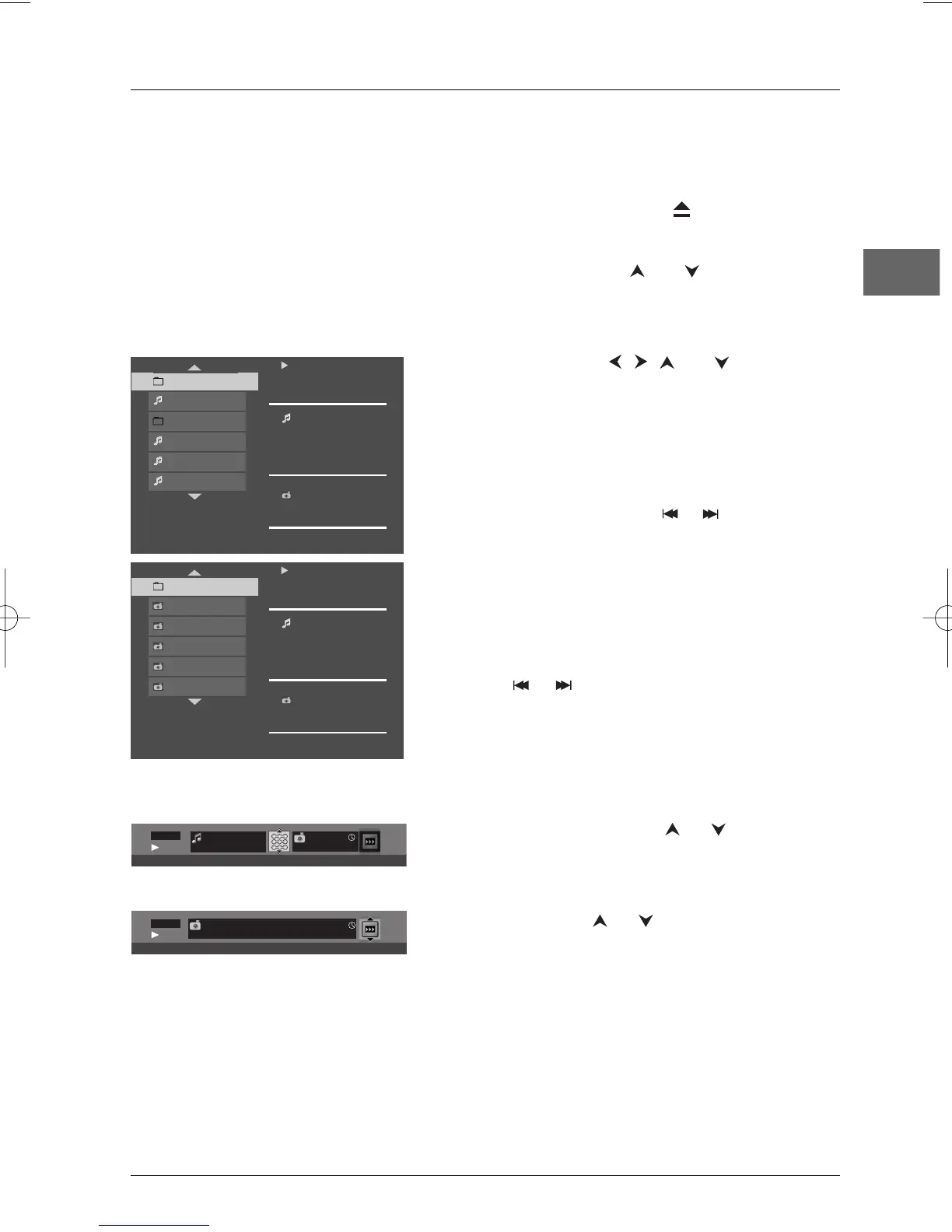
1. Open the tray by pressing the button.
2. Place the disc with the printed side facing up.
3. Select a folder using the and buttons on the
remote control, then press
OK to display the list of
files or press
PLAY to start playing all the files
contained in the folder.
4. Select a file using the , , and buttons, then
press
OK and then PLAY to start playback.
• mp3 and WMA file: the player begins by playing the
selected file, then all the files and subfolders
contained in the same folder.The player then plays
the contents of the folders at the same level as the
folder containing the file selected at the start.
Note:While listening you can use the or button to go
back to the previous track or go on to the next one.
• JPEG file: the player starts the slide show with the
JPEG file you have selected and proceeds to display
all the JPEG files in the same folder, then all the JPEG
files in the subfolders located in the same folder.
Notes: During the slide show you can use the ANGLE button
to rotate the picture 90°, the ZOOM button to magnify the
picture, the or button to go back to the previous
picture or go on to the next one and the STOP button to
interrupt the slide show and display the disc’s contents.
The Zoom function may not be available with some large JPEG files.
5. Press the INFO button to display the Info menu
during playback.
mp3 and WMA file: press the or button several
times to select a playback mode (Standard, Random,
Track repeat, Folder repeat, Disc repeat, Program),
and then press
OK.
JPEG file: press the or button to select a
projection speed.
6. When the player has played all the files the music or
slide show stops and the disc’s contents are displayed
again.
7. Press STOP to end playback.
Displaying JPEG files or playing mp3 or WMA files
Before inserting a disc, check that it is compatible with the player.



 To Next Page