Player menus
24
EN
Sound settings
You can adapt your player to other equipment and access
specific functions with the Sound menu.
1. Select the Sound option in the main menu using the
and buttons and press
OK to confirm.
2. Select an option using the and buttons, and
press
OK to confirm.
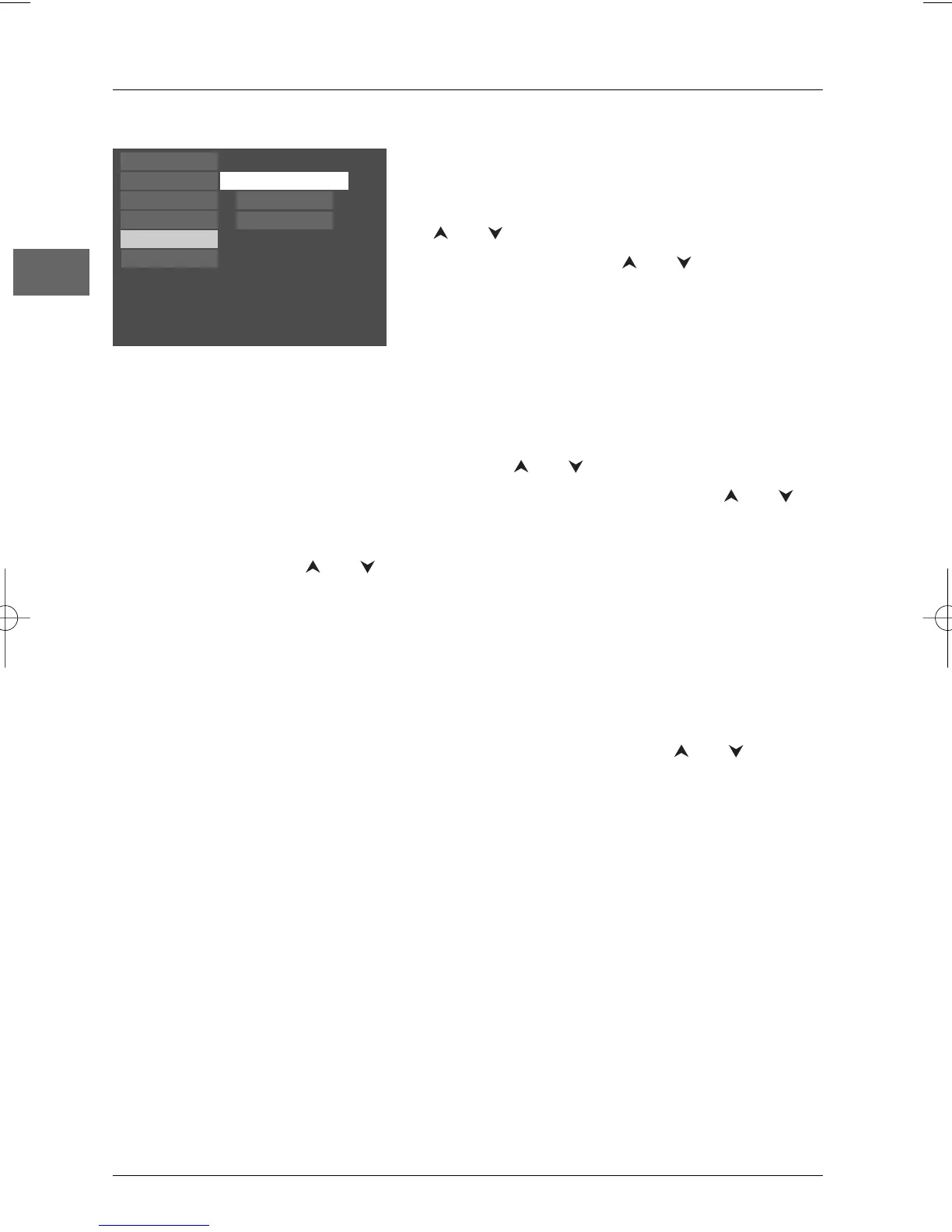
Play
Play Mode
Parental Control
Display
Sound
Languages
Distance
Test Tone
Night Mode
Night Mode
You can use this function to control the
different sound levels via dynamic compression.
It improves the quality of the sound track at a
low volume and quietens the loudest sounds.
Select an option using the and buttons:
Quiet, Moderate or Off.
Note:This function is available only on DVD discs
recorded in Dolby Digital.
Distance
All the basic settings have already been preset
for the speakers included in the box. However,
to make the surround sound more effective
and suit the acoustic conditions in the room
where you are listening, you may need to delay
the signal coming from some of the speakers.
Channel delay compensates for centre or
surround speakers that are closer to the
listening position than the front speakers.
1. Select Front, Center or Rear using the
and buttons and press
OK.
2. Adjust the distance using the and
buttons and press
OK.
Note:The receiver speaker distance default
settings are as follows:
Front speakers (L/R): 4.5 m
Centre speaker (Cch): 3 m
Rear speaker (SUR): 3 m
Test Tone
This function is used to test the speaker setting
and change the speaker level.A short noise
comes successively from each speaker.Adjust
the volume level using the and buttons.



 To Next Page