Player menus
22
EN
Parental Control settings
You can control access to the player and the type of discs
your family can watch with the lock function.There are
eight levels of parental control.
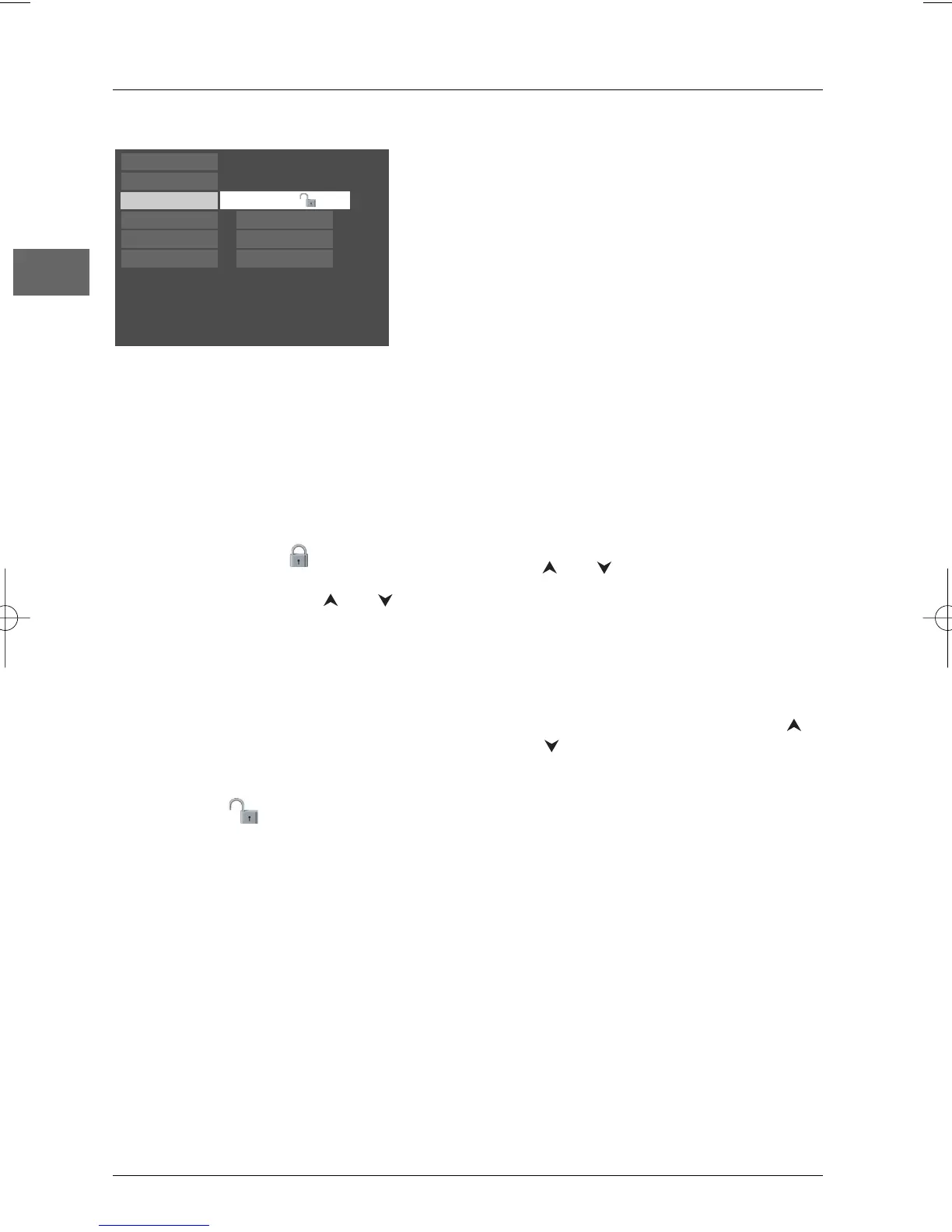
Select the Parental Control option from the main menu
and press
OK.The corresponding menu is displayed.
Free Access
Play
Play Mode
Parental Control
Display
Sound
Languages
Lock Player
Change Password
Rated Titles
Unrated Titles
Lock Player
This setting prevents the playback of DVDs
that may not be suitable for all audiences, by
using the rating level that may be encoded on
the disc. If the rating level on the disc is higher
than the preset level the playback function will
not be enabled unless the password is entered.
1. To activate locking ( ) according to your
preset rating limits, select the Lock
Player option using the and
buttons and press
OK to confirm.
2. You are asked for a new password. Enter
four digits using the numeric buttons and
press
OK to confirm.
You are asked for confirmation; repeat the
operation.
Note: Choose a password that is easy to
remember, or write it down.
3. To unlock ( ), select the Parental
Control option. Enter your password.
Select the Lock Player function and press
OK to confirm.
Change Password
1.
To change the password, select this option
and press
OK to confirm.
2. Enter the four digits of your new
password.
Rated Titles
The disc publisher is responsible for coding
scenes according to the rating limits. In Europe,
very few discs have coded scenes.
1. Select Rated Titles and press OK to
confirm.
2. For the rating limit, select the level using
the and buttons, then press
OK to
confirm.
Unrated Titles
1.
To set up password-only access to unrated
titles, select Unrated titles and press
OK
to confirm.
2. Select Password required using the
and buttons, and press
OK to confirm.
Note:Your selected rating limits will only be
applied if you then put the player into Lock mode
(see above).



 To Next Page