OUTDOOR 1080P IP WIFI CAMERA
EN
8
C - INSTALLATION
1 - INSTALLING THE CAMERA
Connection tests are recommended before tting the camera in its nal location.
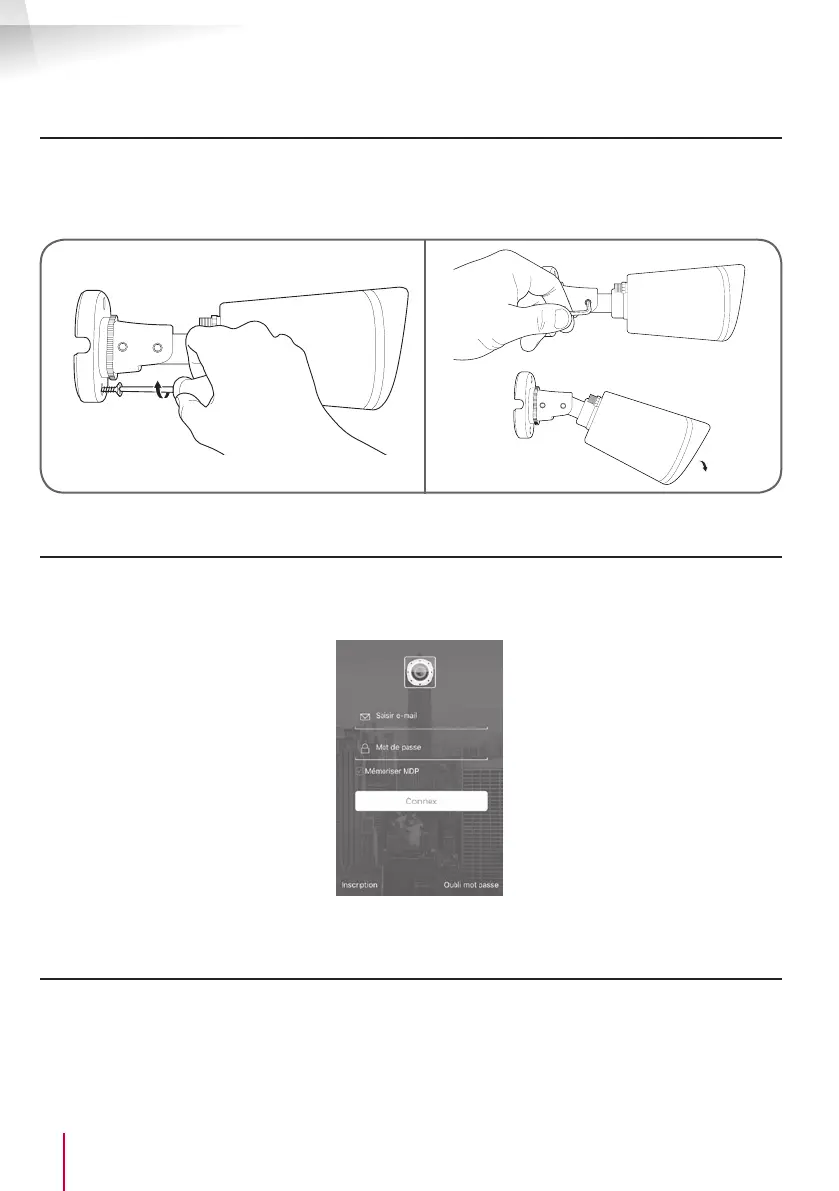
• Mount the camera using suitable screws and wall plugs for the type of surface (the screws and plugs
supplied are suitable for solid walls).
• Make sure the camera is properly secured to prevent it from falling.
2 - CONNECTING THE CAMERA
• Access from your camera to the network and to the Internet can be established using a wired connection
via a network cable or wireless WiFi connection.
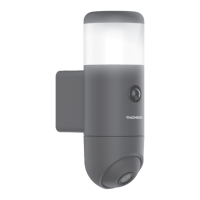
• Download then install the ThomView application on your smartphone or tablet.
• Create a user account by clicking on "Inscription" (Register). If you already have an account, please log
in to it.
2.1 - WIRELESS CONNECTION: EZLINK FUNCTION
• Your camera is tted with the EzLink function: if you have an Android or iOS smartphone or tablet, the
application can connect to the camera when it is shown which WiFi network to use.
Important: To be congured for the EzLink function, your camera must use the default user name and
password. Reset your camera if necessary by pressing the camera "Reset" button for at least 15 seconds,
using a thin tool.


 To Next Page