13
EN
EN
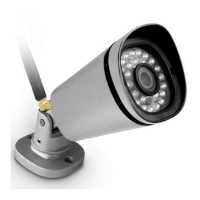
OUTDOOR 1080P IP WIFI CAMERA
D - CONFIGURATION AND USE
2
Model and MAC address of the camera
3
Camera time setting
4
Camera WiFi settings (if you set up the
camera using a wired connection and want
to switch to a wireless connection, you can
select and congure a WiFi network here)
5
Movement detection settings, sound
detection settings (compatible cameras only)
6
Allows playback of videos made on the
micro SD card (not supplied)
7
Not used
8
Display micro SD card information, if
installed: space used, free space and
formatting
9
Email conguration for sending messages
when there is detection
10
Set camera volume (compatible
cameras only)
11
Embed the name and time in the camera
image
12
Activation or deactivation of camera
indicator lights (compatible cameras only)
13
Programme the lighting ranges for night
vision, if you do not want to use the
automatic function
14
Enables you to modify the username or the
password for camera connection.
15
Delete camera from your user account.
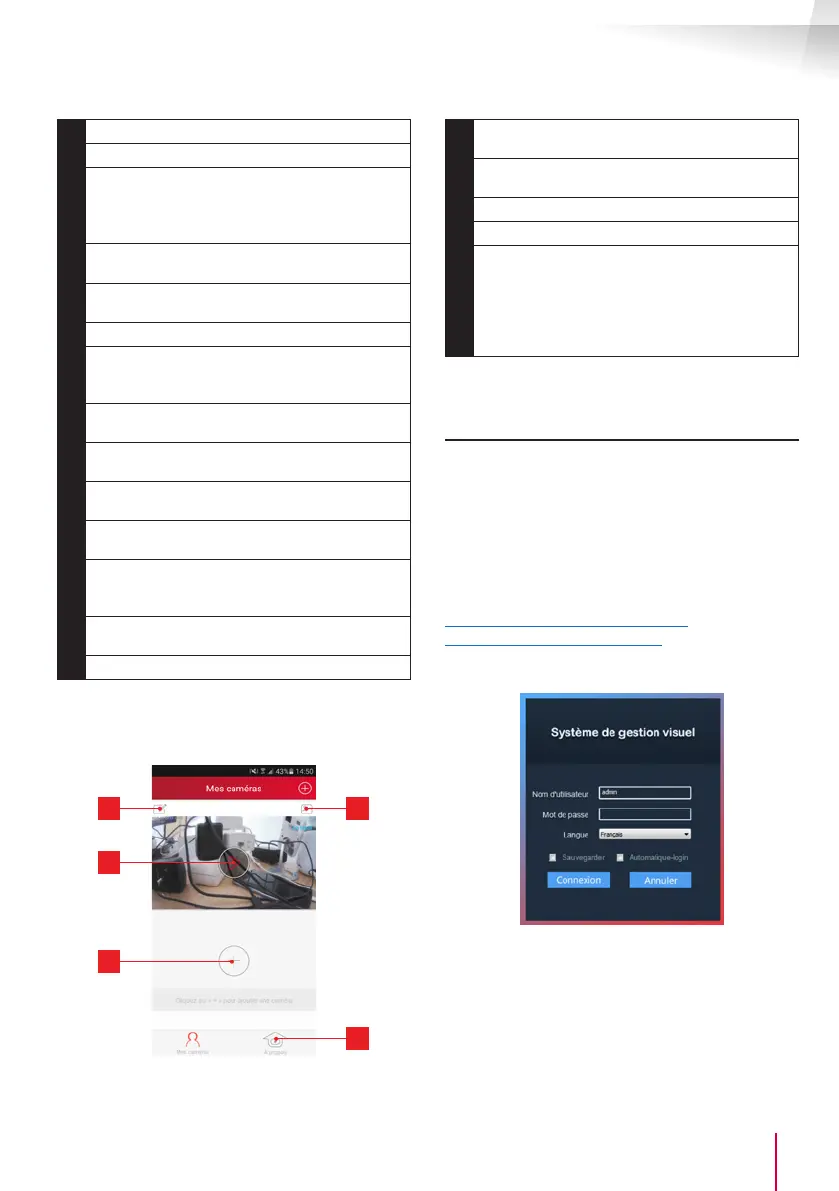
The list of cameras that appear when the app is
launched give you access to other settings:
4
5
1
2
3
1
Name under which the camera is registered
in the app
2
Photo of the camera image. The icon in the
centre shows the live image from the camera
3
Add another camera to the application
4
Access to photos and videos captured
5
- Information about your ThomView user
account.
- Authorisation to connect by 3G/4G or WiFi
only
- Management of Push notications camera
by camera (only for compatible models)
2 - CONFIGURATION USING THOMVIEW
SOFTWARE
The ThomView software is compatible with PC and
Mac OS and congures and manages one or more
cameras connected to the same local network. On
another network, it enables remote access to the
camera image.
ThomView software is available for downloading
from our website:
http://www.thomsonsecurity.eu/docs.
php?lang=FR&type=5&ref=512397
• Install then run the software on your computer:
The ThomView software asks you for a user name
and password to connect: the default user name is
"admin" and there is no password.


 To Next Page
 Loading...