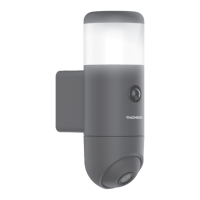
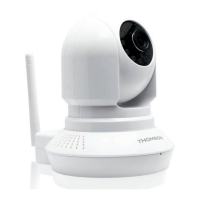
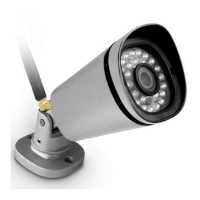
OUTDOOR 1080P IP WIFI CAMERA
EN
12
D - CONFIGURATION AND USE
1 - CONFIGURATION USING A SMARTPHONE OR
TABLET
When you connect your camera to the ThomView
app
for the rst time, you are immediately asked
to change the user name and password for camera
connection, for increased security:
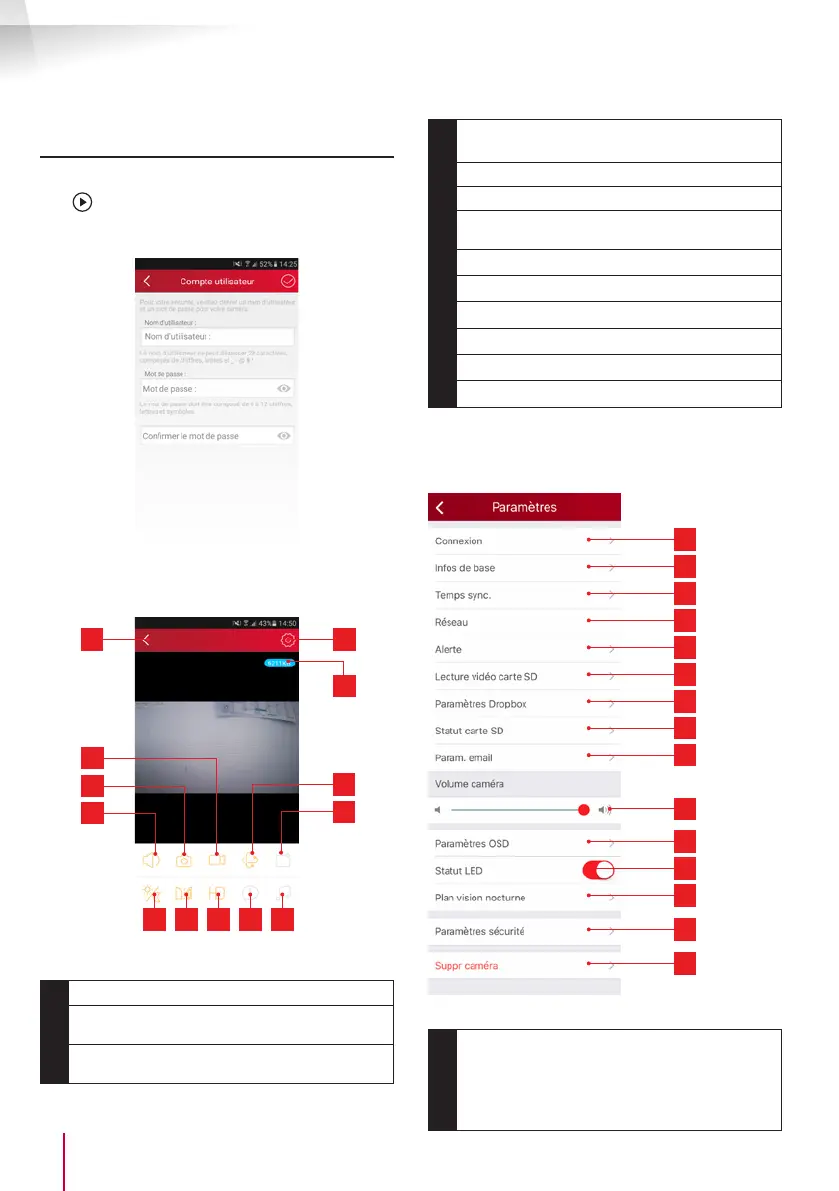
Once you have modied the user name and
password, the image on your camera displays:
1 5
9 10 11 12 13
4
8
3
7
2
6
1
Return to the list of saved cameras
2
Start/stop save (stored on the telephone or
tablet)
3
Take a photo (stored on the telephone
or tablet)
4
Activation of the camera microphone and/or
speaker (compatible cameras only)
5
Access to camera settings
6
Current ow rate
7
Access to motor, optical zoom and digital
zoom controls (compatible cameras only)
8
Launch a patrol (compatible cameras only)
9
Conguration and triggering of night vision)
10
Flipping/inverting the image
11
Image quality setting
12
Not used on this model
13
Not used on this model
The camera settings icon enables you to remotely
access the conguration of the camera:
1
2
3
4
5
6
7
8
9
10
11
12
13
14
15
1
Camera information: display and change
the name in the app, display the camera
UID, and display the user account used for
connection.


 To Next Page