OUTDOOR 1080P IP WIFI CAMERA
EN
20
D - CONFIGURATION AND USE
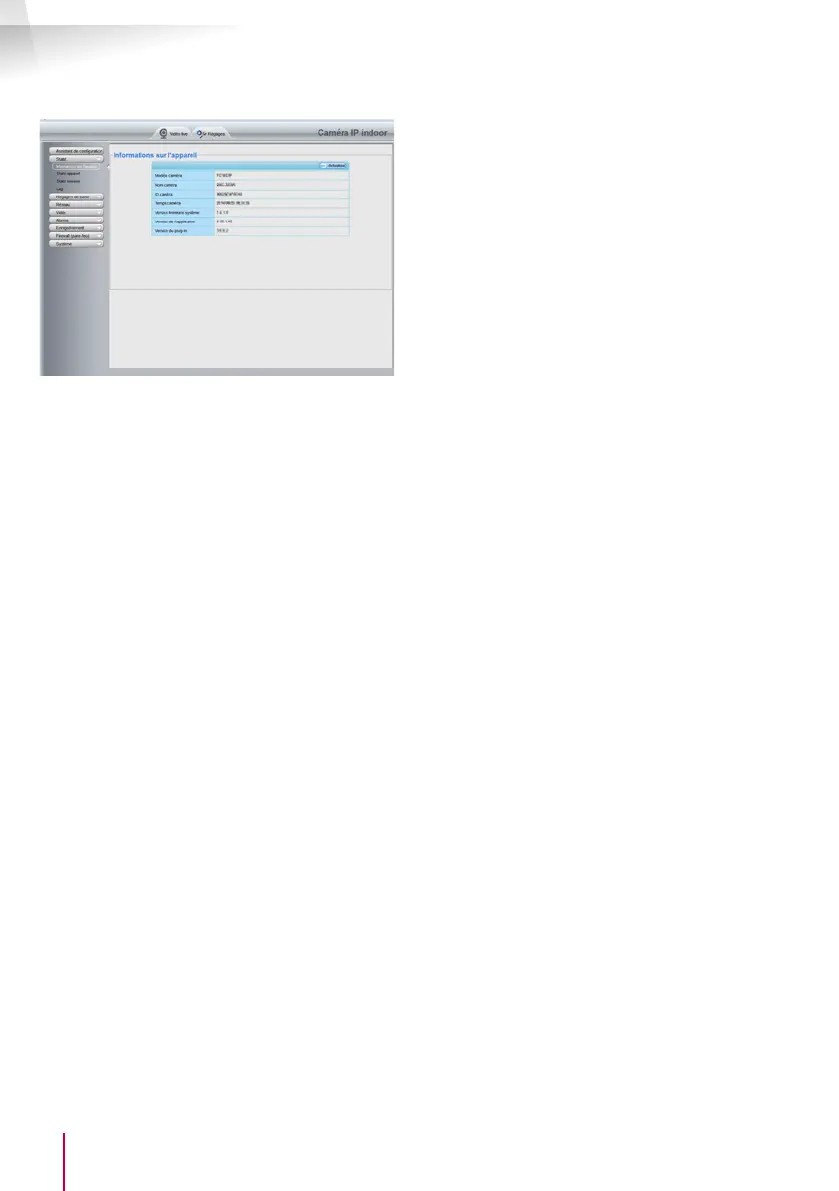
Here you will nd the same functions as those
accessible from the ThomView software. Refer to the
previous paragraph to see these functions.
NOTE: if you use your browser to switch your camera
from a wired to a wireless network, the connection
will be lost because the camera IP address will
change. You must restart the IP Camera Search Tool
to detect the camera again.


 To Next Page