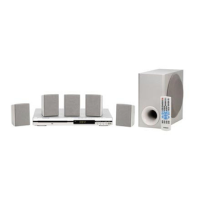
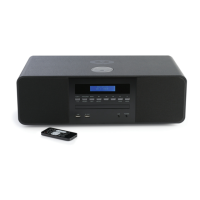
THOMSON DTH175EL Service Manual
Software Upgrade
You can upgrade DVD Player using the software we provide as following step:
― Creating a software upgrade CD
― Use only a new CD-R/CD-RW(not an erased one).
― Give the CD a name of your choice(e.g. version and unit name).
― Burn the unpacked documents on the CD-R/CD-RW.
― The root directory(uppermost level) of the software upgrade CD
Attention: If a failure should occur during the software upgrade (e.g. a mains failure), it
may happen that the units function and a restart of the upgrade function are no longer
possible. If this should be the case, you must replace the intergraded FLASH ICs with
preprogrammed ICs (see corresponding spare parts list).
─ Insert the upgrade CD (see corresponding spare parts list) and observe the hints on the
display and on the screen of the TV set.
─ Carry out an initialization of the set.


 To Next Page