EN
Radio
11
Listening to the Radio
1. Press RADIO ON/BAND to turn on the
radio.
2. Press RADIO ON/BAND again to
select FM/MW.
3. Press << REV or FWD >> repeatedly
to manually set to your desired
station. The frequency will decrease
or increase as you press the respective
buttons.
Tip:Tip:
Tip:Tip:
Tip:
Press and hold either
<< REV<< REV
<< REV<< REV
<< REV or
FWD >> FWD >>
FWD >> FWD >>
FWD >> for more than 1 second
and release. Automatic station
search starts and stops when
channel is found.
4. Adjust VOLUME - or + to your desired
listening level.
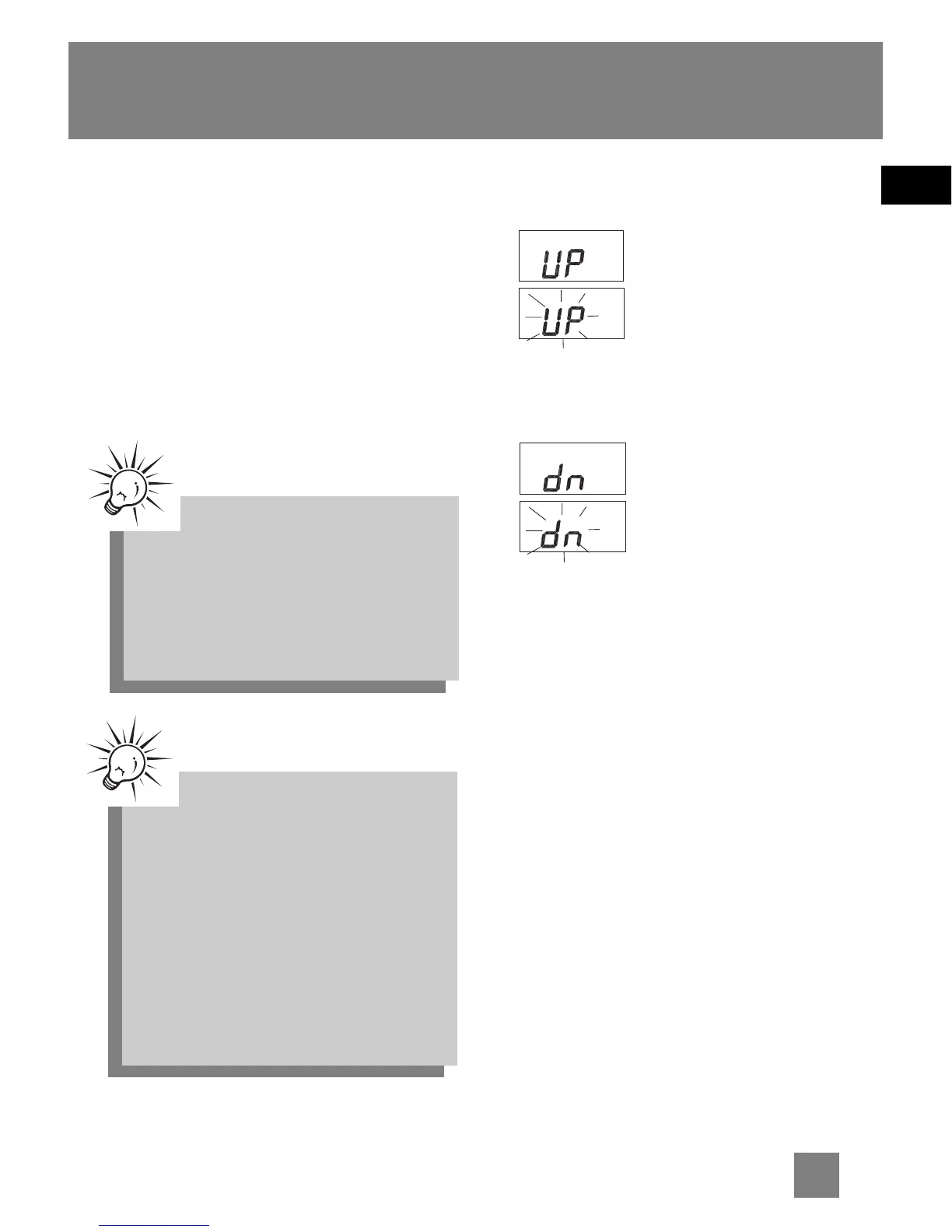
“UP” will show briefly
on the display when you
press VOLUME +. When
you press and hold
VOLUME + until the
maximum volume is
reached, ”UP” will flash
on the display.
“dn” will show briefly
on the display when you
press VOLUME -. When
you press and hold
VOLUME - until the
minimum volume is
reached, ”dn” will flash
on the display.
Turn Radio Off
Press OFF to turn the radio off.
Tip:Tip:
Tip:Tip:
Tip:
To improve reception, you may
try and:
1. Extend the FM pigtail antenna
for better FM reception.
2. Slide the
RADIO FM RADIO FM
RADIO FM RADIO FM
RADIO FM switch
on the back of the unit to
MONO for FM reception.
3. Move or rotate the unit for
MW reception.



 To Next Page