EN
General Controls
5
Display
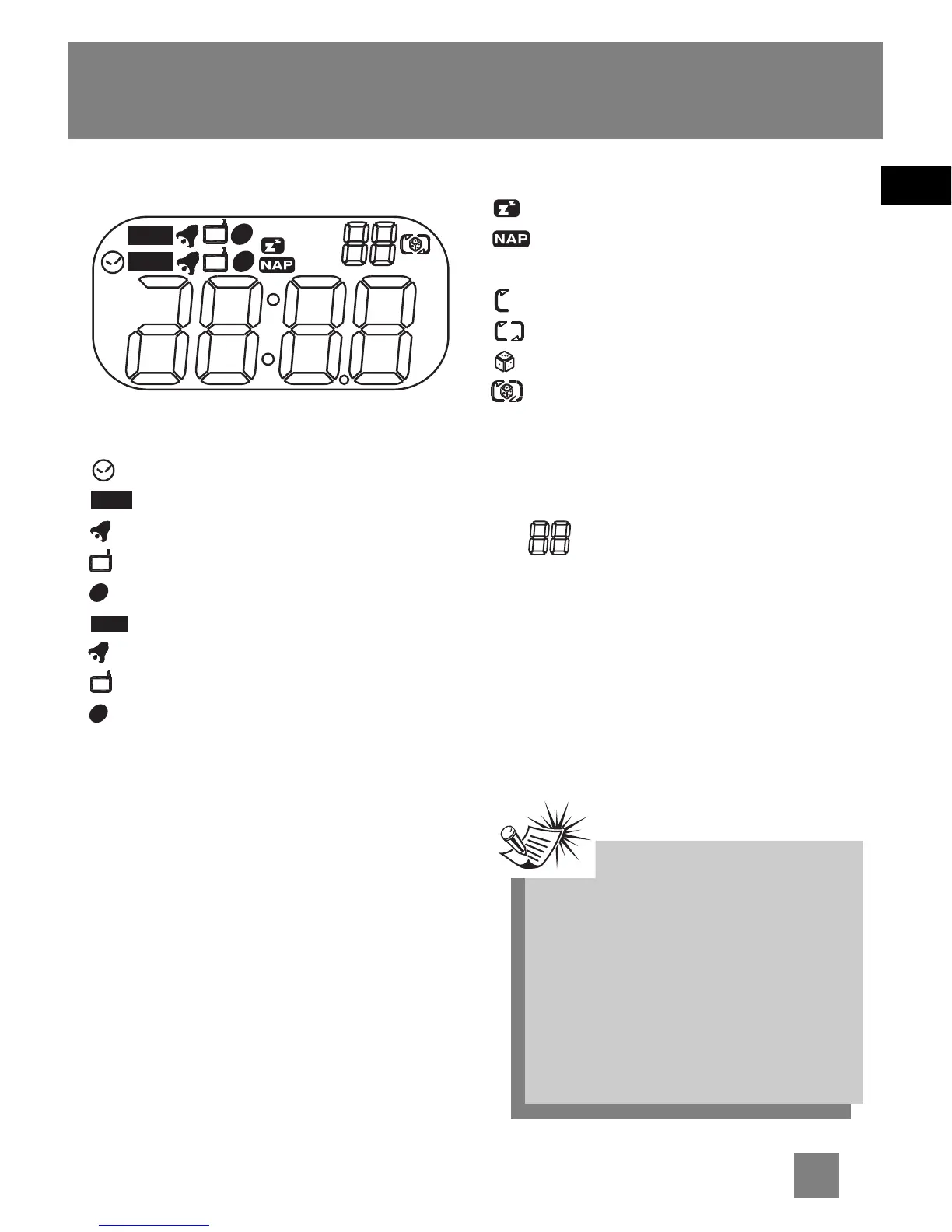
Clock Display
- In clock setting mode.
- In wake 1 setting mode.
- Wake 1 to alarm tone.
- Wake 1 to radio.
- Wake 1 to CD.
- In wake 2 setting mode.
- Wake 2 to alarm tone.
- Wake 2 to radio.
- Wake 2 to CD.
Adjusting Display Brightness
Slide the BRIGHTNESS switch on the
back of the unit to LO for dimmer display
light or set to HI for brighter display.
Selecting Display Colour
Press the MULTI COLOR button on the
back of the unit to select among display
colours.
STEREO - In FM stereo mode.
- Sleep activated.
- Nap activated.
CD - In CD mode.
- Repeats the current track.
- Repeats the whole disc.
- Plays tracks randomly.
- Plays random track repeatedly.
MW - In MW radio band.
FM - In FM radio band.
MHz / kHz - Radio frequency unit.
In CD mode, displays track number.
No disc detected.
In radio mode, displays memory recall
number.
MW
FM
1
2
1
2
1
2
WAKE 1
WAKE 2
STEREO
CD
TRACK
MEMO
MHz
kHz
WAKE 1
1
1
1
WAKE 2
2
2
2
CD
TRACK
MEMO
Note:Note:
Note:Note:
Note:
The display backlight colour will
be in red regardless of what you
have selected in the followng
situations:
1. In WAKE 1 or WAKE 2
setting mode;
2. When WAKE 1, WAKE 2 or nap
is activated.



 To Next Page