EN
4
General Controls
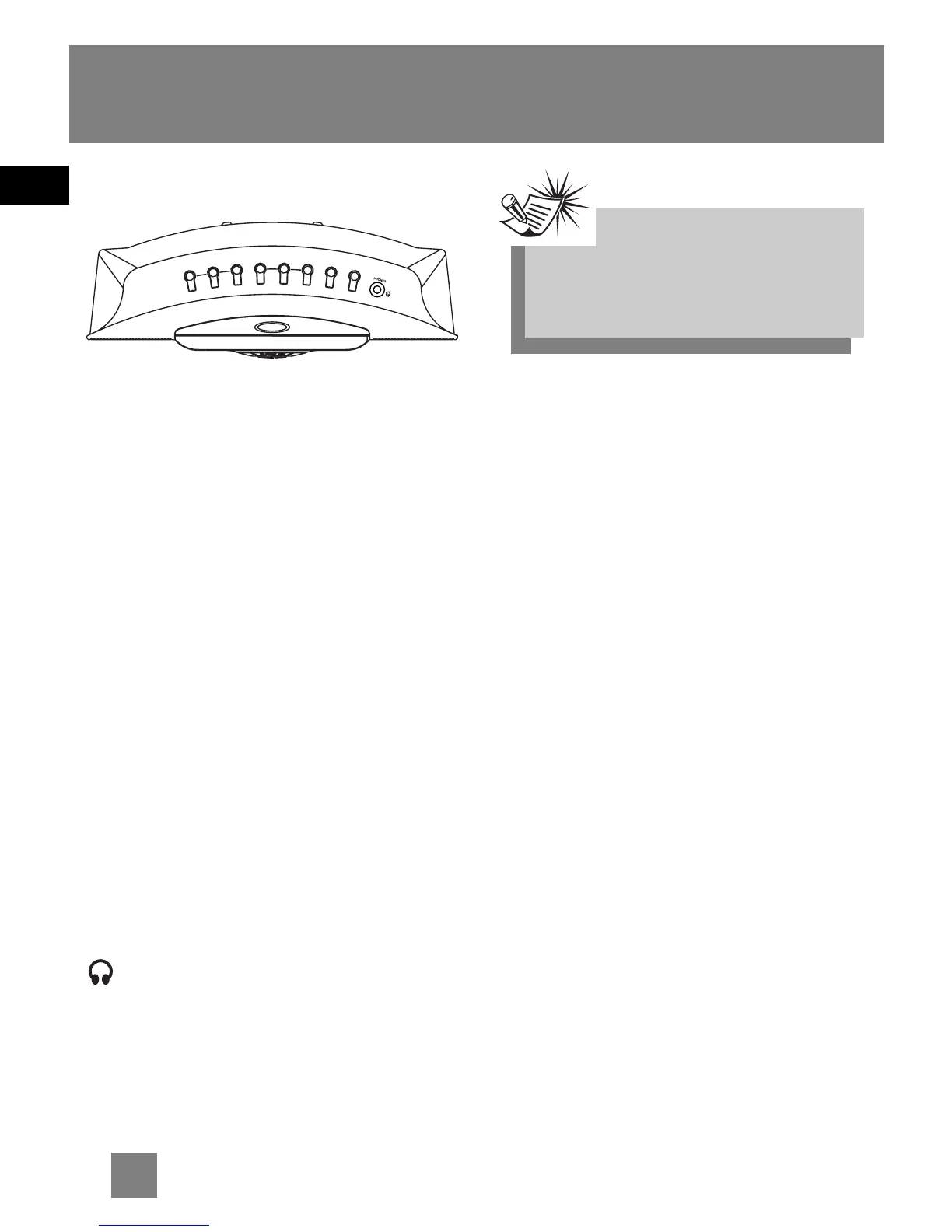
Top View
WAKE 1 - Activates Wake 1 settings
and change wake 1 mode.
WAKE 2 - Activates Wake 2 settings
and change wake 2 mode.
CANCEL - Cancels wake settings.
SLEEP - Activates sleep function.
<< REV - In clock and wake setting
mode, counts backwards for clock time.
In radio mode, tunes down radio
frequency.
FWD >> - In clock and wake setting
mode, moves forward for clock time.
In radio mode, tunes up radio
frequency.
SET CLOCK/ WAKE - Enters clock and
wake setting mode.
NAP - Activates nap function.
SLEEP - Activates sleep function.
Headphones - Insert headphones
here.
Back View
RADIO FM MONO / STEREO - In radio
mode, selects between mono and stereo
sound.
MULTICOLOR - Selects among display
colours.
BRIGHTNESS LO / HI - Adjusts display
light brightness.
Note:Note:
Note:Note:
Note:
Speakers will still sound when any
wake mode is activated even if
headphone is plugged in.
W
A
K
E
1
C
A
N
C
E
L
W
A
K
E
2
R
E
V
C
L
O
C
K
/W
A
K
E
F
W
D
N
A
S
L
E
E
P
<
<
S
E
T
>
>
OPEN
P
CLOSE



 To Next Page