10
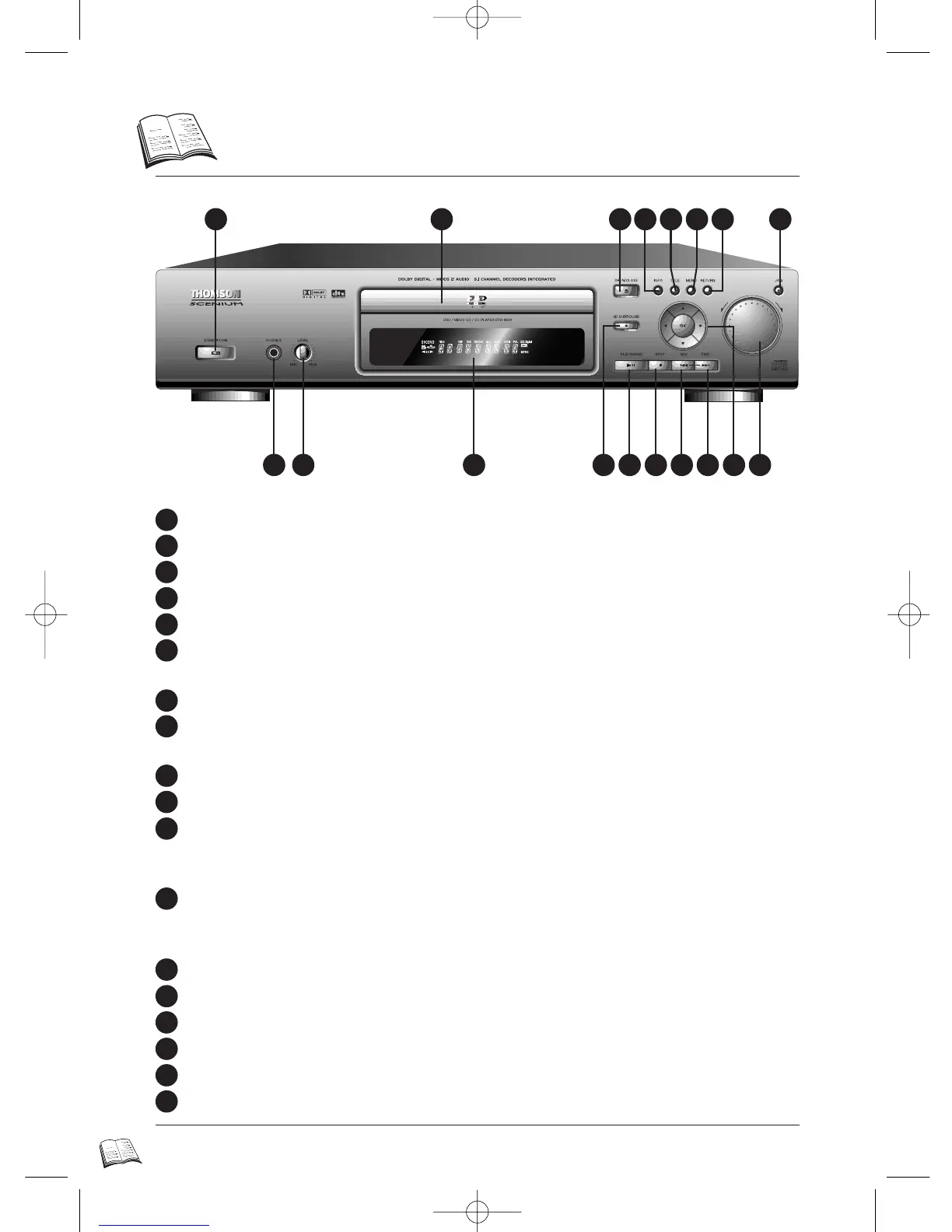
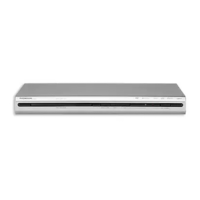
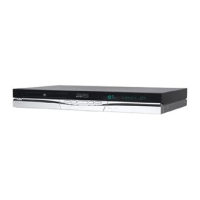
Front…
STANDBY/ON: Use to turn the power on and off.
DISC TRAY
OPEN/CLOSE: Press to open and close the disc tray.
INFO: Displays the information banner for the disc that is currently playing (p. 9).
TITLE: Use to access the disc guide (if available). Introscan for CD Audio/CD video (p. 7).
MENU: Use to access the disc menu (if the disc is playing) or the player menu (if disc is
stopped) (p. 8).
RETURN: Return to the previous menu screen.
JOG: Use to access certain features of Shuttle: when JOG is pressed indicator lights up (frame
advance/CD track selection) (p. 23-24).
Shuttle: Use during DVD and CD play to fast forward or reverse (p. 23-24).
Arrows and OK: To select and confirm the current menu setting.
FWD: Allows you to move to the beginning of the next title, chapter, or track on a disc
(in effect, “skipping” the title, chapter, or track). Press and hold to forward through the
DVD or CD; each subsequent press and hold increases the forward speed (p. 24).
REV: Allows you to move to the beginning of the preceding title, chapter, or track on a disc (in
effect, “skipping” the title, chapter, or track). Press and hold to reverse through the DVD
or CD; each subsequent press and hold increases the reverse speed (p. 24).
STOP: Stops disc play.
PLAY / PAUSE: Begins disc play (and closes disc tray if open), or pauses disc play.
3-D SURROUND: Allows you to turn the 3-D Virtual Surround feature on and off (p. 26).
Front Panel Display: (See following page for details).
PHONE LEVEL: Sets the volume level of the headphones.
Headphone jack: Attach headphones here for private listening.
1
1
2
3
4
5
6
7
8
9
10
11
12
13
14
15
16
17
18
2 3 654 7 8
11 10 912131415161718
DTH4500-GB 7/09/00 13:33 Page 10



 To Next Page