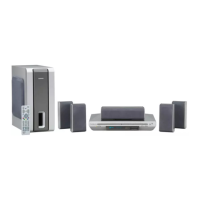
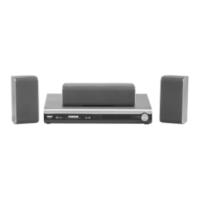
Amplifier
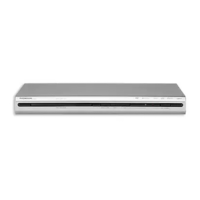
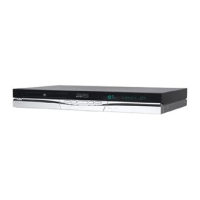
DVD Player
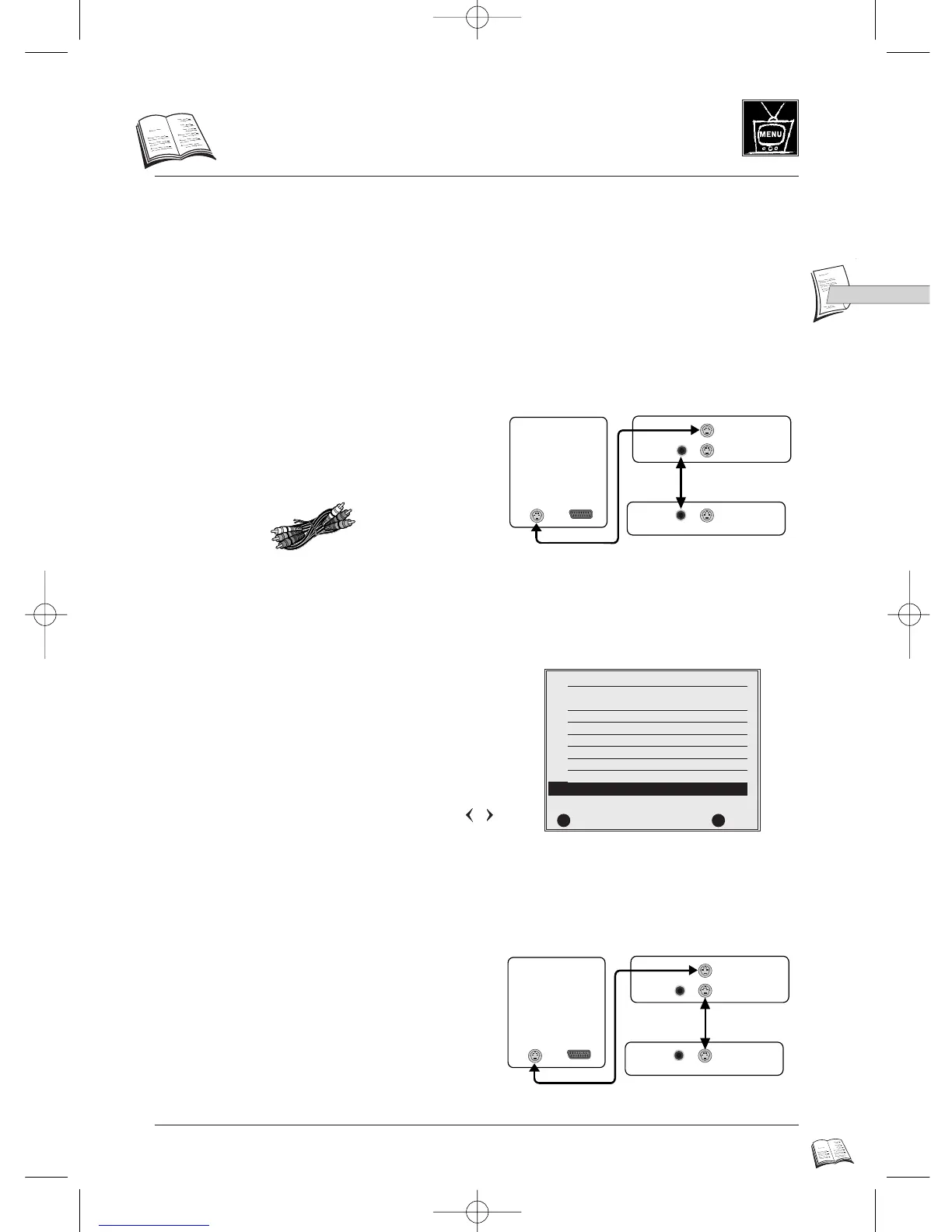
S-Video link between the DVD player and an amplifier
In order to link your DVD player up to an S-Video compatible Home Cinema system, you will need
to enable S-Video output through the Scart and S-Video (Hosiden) sockets, and change the factory
settings of the Scart output of your DVD player from RGB to S-Video, by following steps 1 to 7
below in the Display Options menu.
Connecting the unit
Configuring the DVD player to S-Video
Final connections
1 - Connect the DVD player (video out) to the
amplifier (video in) via the twin yellow plugs of
the Audio/Video Cinch/Cinch cable supplied with
the DVD player.
2 - Call up the MAIN MENU with the menu key
(19) on the remote control.
3 - Select Display Options by pressing 7 (24).
4 - Select SCART Output by pressing 7 (24).
5 - Select S-Video using the arrow keys
(18, 16).
6 - Press return (20) twice to leave the menus.
7 - Unplug the Cinch-Cinch cable (see Step 1 above)
and connect the DVD player to the amplifier by
means of an S-Video cable (not supplied).
DISPLAY OPTIONS
1 Screen Format 4x3 PS
2 Still State Auto
3 On Screen Messages On
4 Display Brightness Auto Dim
5 Black Level Normal
6 NTSC disc Output PAL 60Hz
7 SCART Output
CCBB
Video
RETURN OK
im
RR
✔
DTH4500-GB 7/09/00 13:34 Page 21



 To Next Page