17
E-DOC-CTC-20051017-0147 v1.0
Chapter 2
Local Network Setup
2.2 Wireless Ethernet
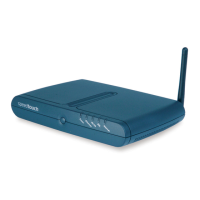
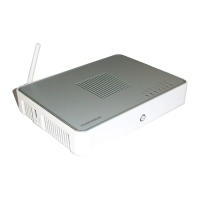
Introduction The SpeedTouch™ Wi-Fi® certified IEEE 802.11g compliant wireless access point
allows multiple computers to connect wirelessly to your local network over the
SpeedTouch™ Wireless LAN environment. The SpeedTouch™ is backward
compatible with IEEE 802.11b, which means 802.11b and 802.11g devices can
coexist in the same wireless network.
The Wireless Distribution System (WDS) on your SpeedTouch™ allows you to
extend the range of your wireless network. To be able to use WDS, you will need to
introduce an additional WDS-enabled access point into your wireless network.
To be able to connect the computers, make sure that a wireless client adapter
(WLAN client) is installed on each computer you want to connect via the WLAN.
Wireless client
requirements
All wireless client adapters compliant to 802.11g and/or 802.11b can communicate
with the SpeedTouch™ and other members of the SpeedTouch™ (W)LAN
environment. However, be aware that only 802.11g compliant wireless clients are
able to gain full profit of the 54 Mb/s (Max) bandwidth delivered by the
SpeedTouch™.
It is highly recommended to use only wireless client adapters that are Wi-Fi™
certified to ensure smooth interoperability with the SpeedTouch™’s WLAN.







 To Next Page