78
E-DOC-CTC-20051017-0147 v1.0
Chapter 4
SpeedTouch™ Web Interface
4.5.15 Change Default User
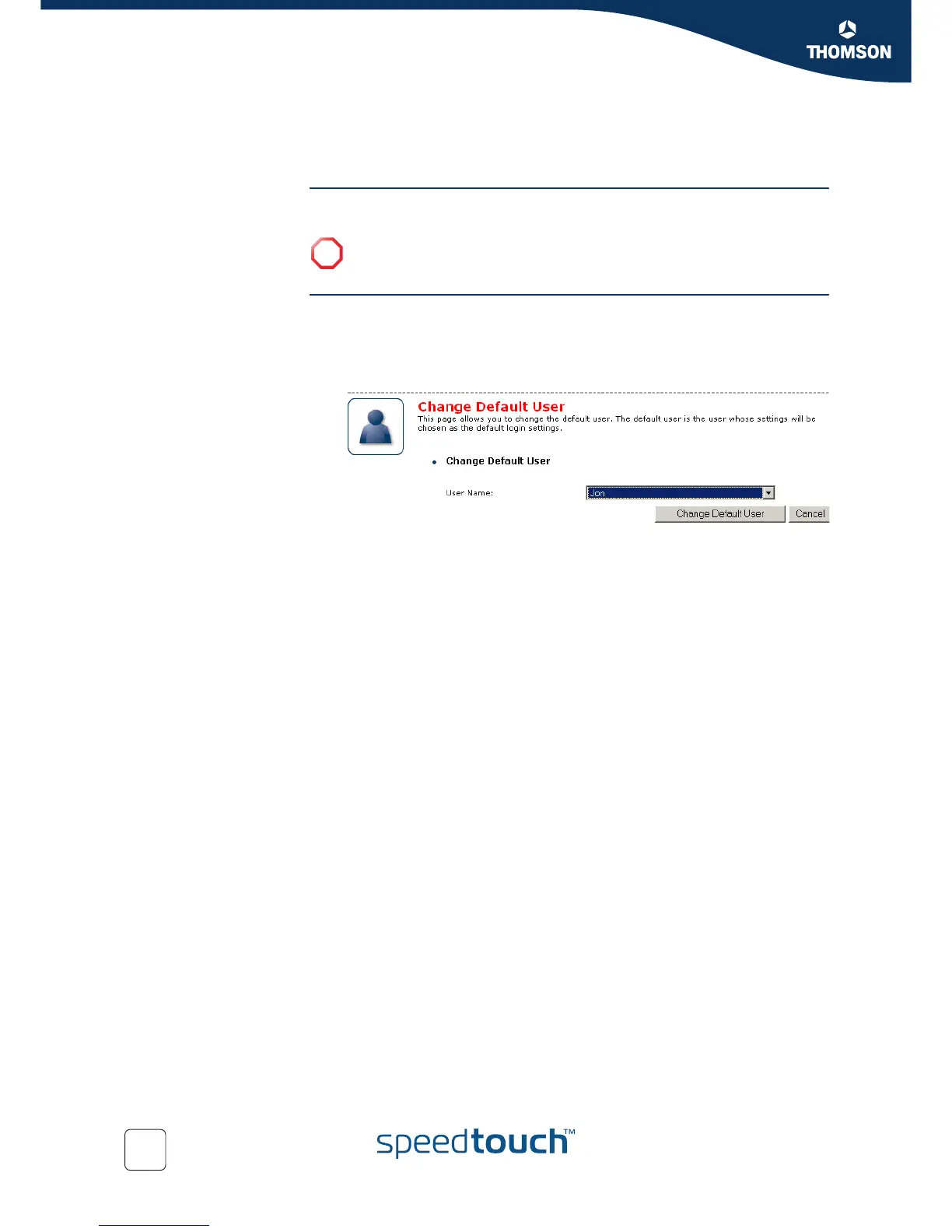
The Default User page On this page you can change the default user. If users browse to the SpeedTouch™
Web pages, they will be automatically logged on with this account.
Changing the default
user
Proceed as follows:
1 In the Toolbox menu, click User Management.
2 In the Pick a task list, click Set the default user.
3 The Change Default User page appears.
4 In the User Name list, click the name of the new default user.
5 Click Change Default User to confirm your choice.
!
To allow users to automatically log on under this account, this default user
account must be configured with a blank password.















 To Next Page