55
E-DOC-CTC-20051017-0147 v1.0
Chapter 4
SpeedTouch™ Web Interface
4.4.4 Internet Service Settings
Accessing the Internet
Service Settings page
Proceed as follows:
1 In the Broadband Connection menu, click Internet Services.
2 Click the View more link of the Internet service you want to view.
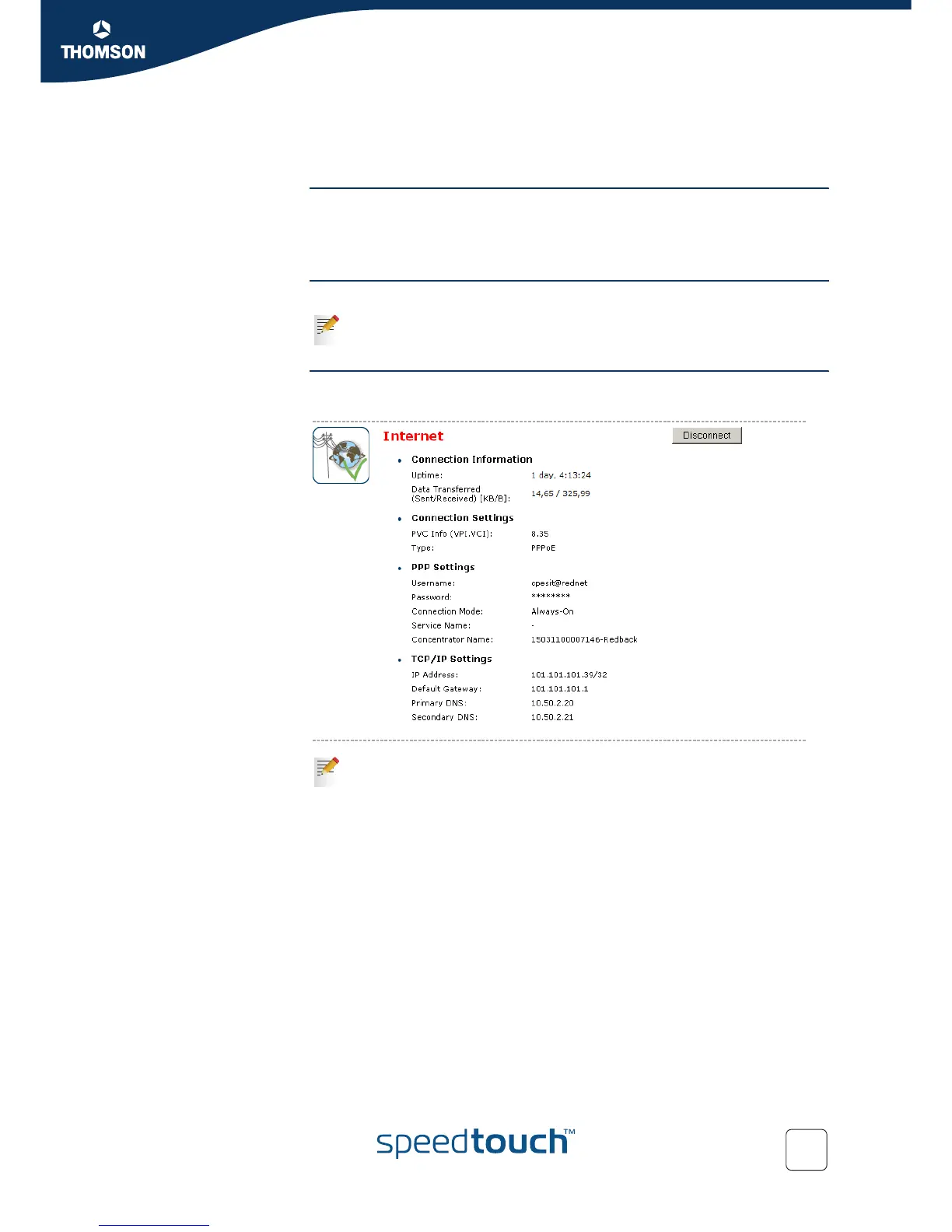
Overview The Overview page gives you basic information on the selected Internet Service.
Details The Details page gives you more detailed information on the selected Internet
Service.
If you configured a connection you can establish/terminate the connection
by clicking Connect/Disconnect.
If you configured a dial-up connection you can establish/terminate the
connection by clicking Connect/Disconnect.















 To Next Page