79
E-DOC-CTC-20051017-0147 v1.0
Chapter 4
SpeedTouch™ Web Interface
4.5.16 Add User
Adding users Proceed as follows:
1 In the Toolbox menu, click User Management.
2 In the Pick a task list, click Add new user.
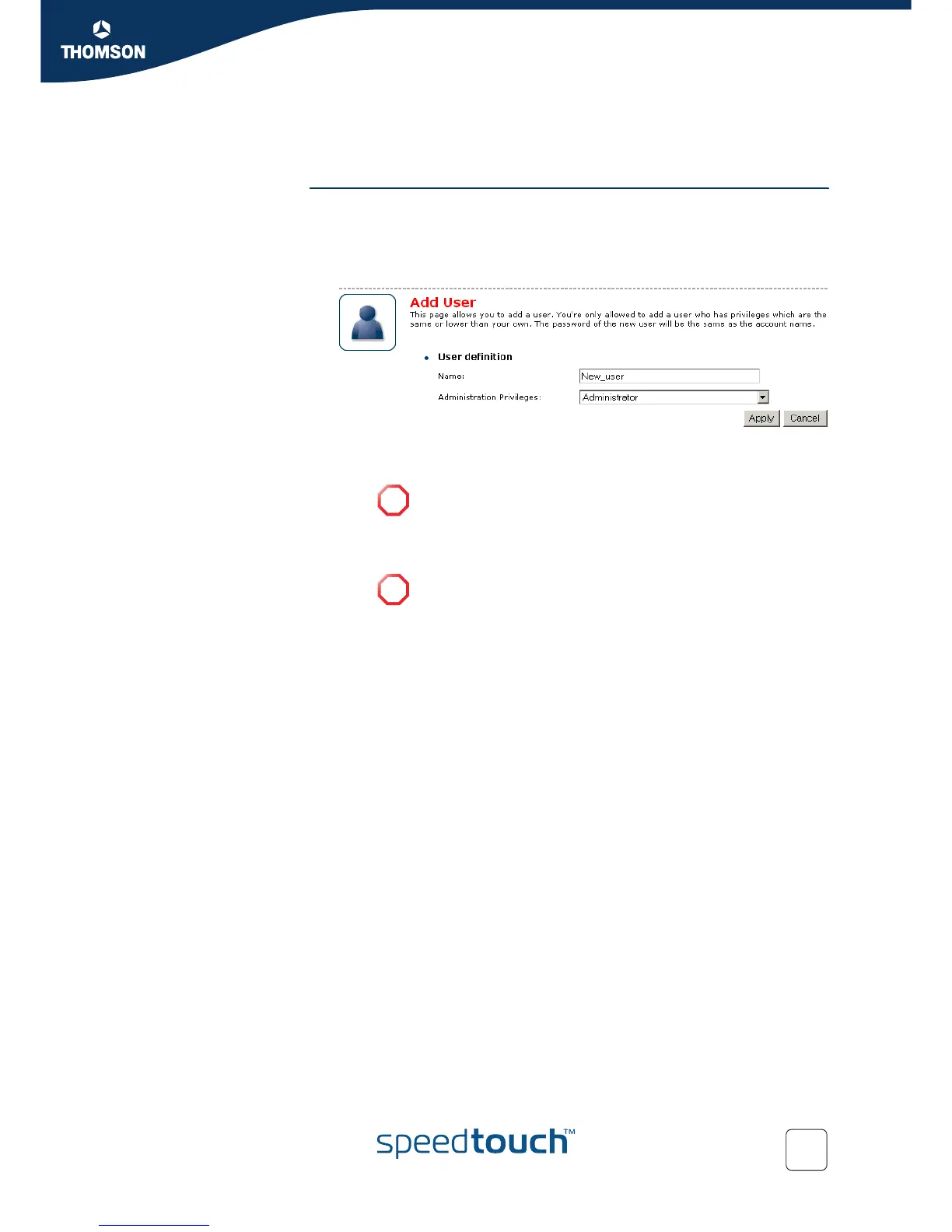
3 The Add User page appears.
4 Under User definition you can configure:
The name of the new user.
The administration rights of the new user.
!
The password of the new user will be equal to the user name; for
example if the user name is John Doe, the password will be
John Doe. Also when resetting a user, the password will be
changed into the user name.
!
You can only add users with less than or equal administration
rights as yourself.















 To Next Page