Chapter 1: Connections and Setup
20
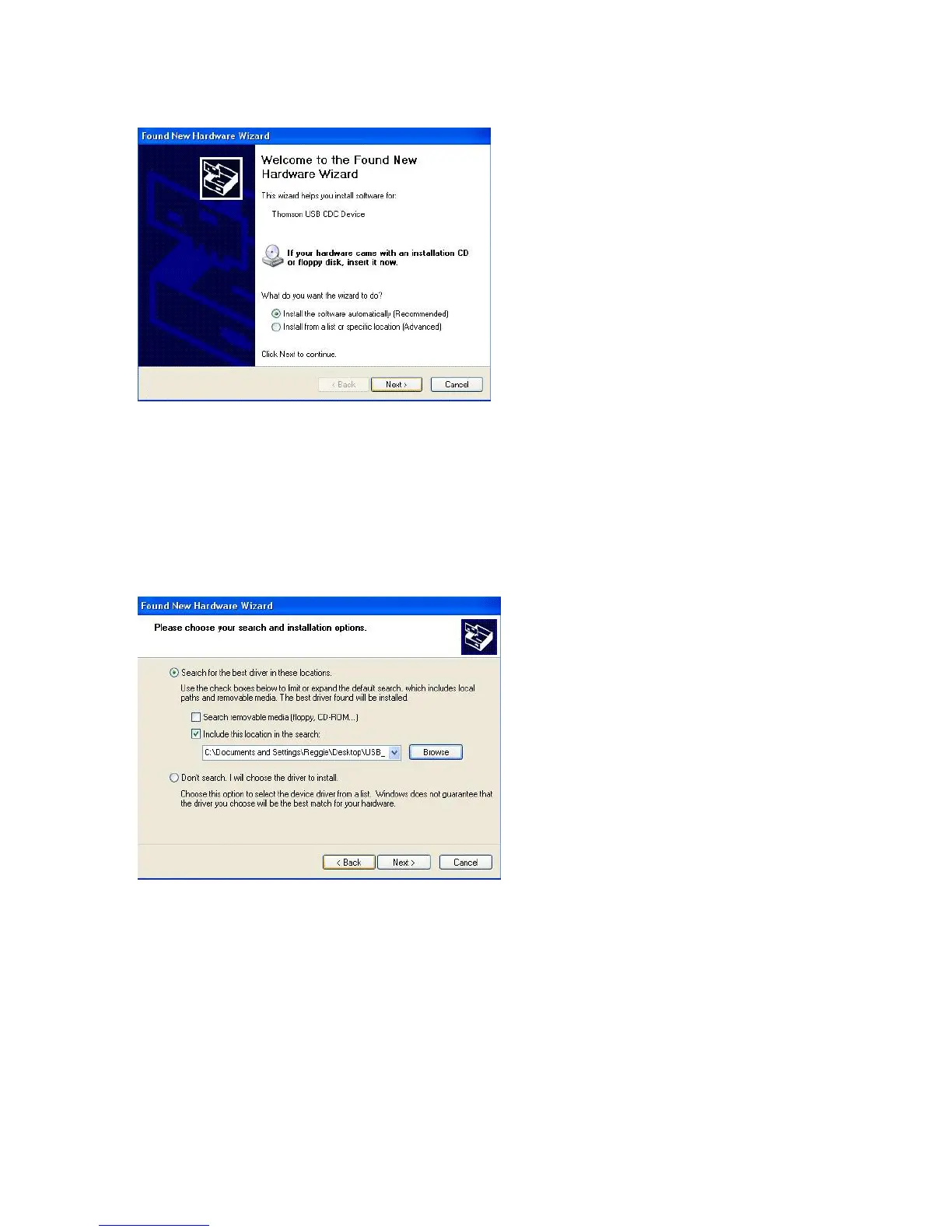
Note: If Windows XP does not recognize the Voice Over IP Cable Modem’s presence, i.e., the
“Welcome to the New Hardware Wizard” did not automatically appear, your BIOS settings may
not permit USB and/or Plug-and-Play devices. Please contact your computer’s customer service
department.
7. Your computer will install the drivers for the “RCA or Thomson USB Cable Modem”. Click on
“Next” to complete the process.
8. When the “Completing the Found New Hardware Wizard” window appears, click “Finish” to
complete the process.



 To Next Page