Chapter 1: Connections and Setup
Illustrations contained in this document are for representation only.
21
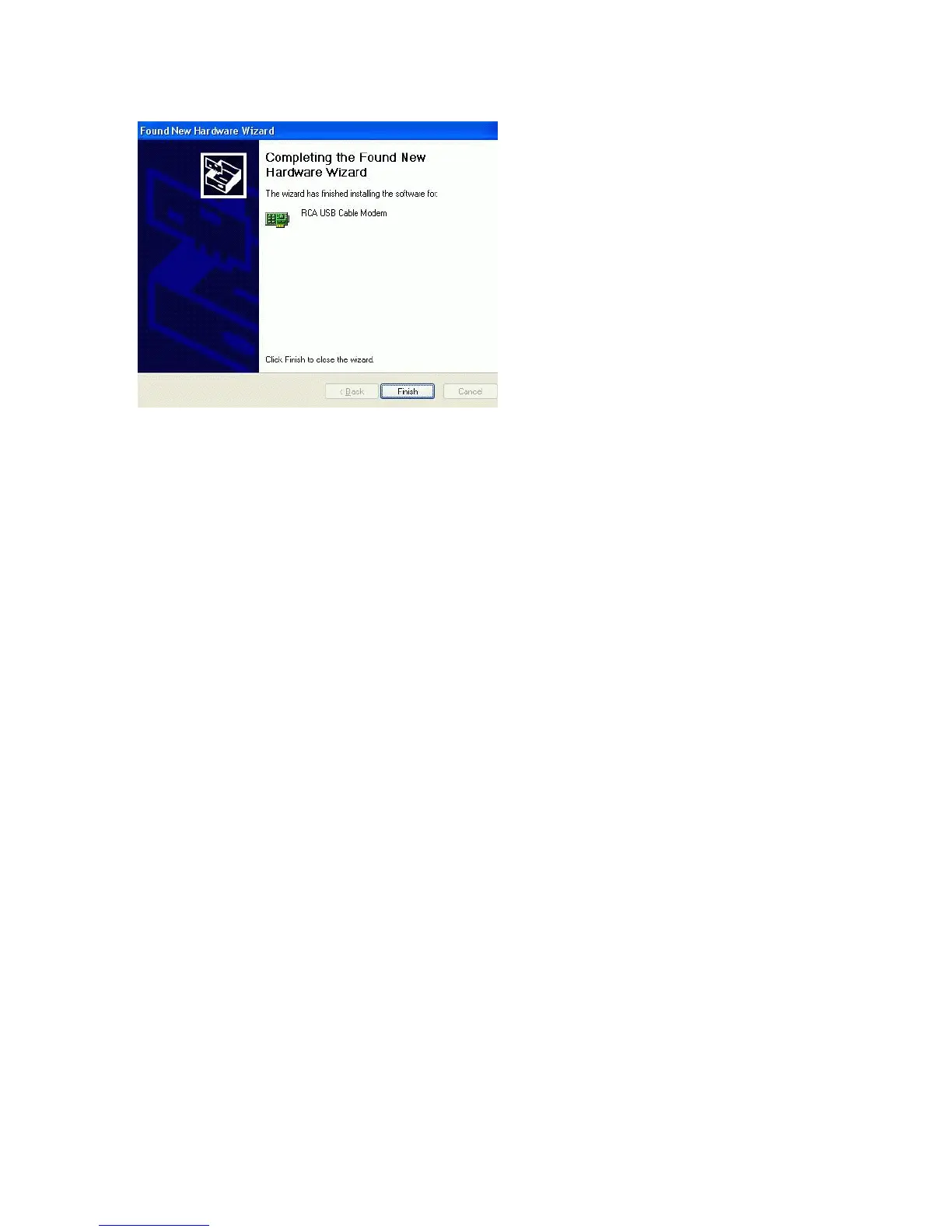
9. The Voice Over IP Cable Modem installation is now complete. To validate a proper
installation, perform the following instructions:
A. Click on the “Start” icon in the lower left-hand corner of your screen.
B. Select “Settings,” followed by “Control Panel.” The “Control Panel” window will appear.
C. Double-click on the “System” icon, and select the “Device Manager.”
D. Scroll down the list until you come to “Network Adapters.” Double-click on “Network
Adapters.”
E. The “RCA or Thomson USB Cable Modem” should exist. If “RCA or Thomson USB Cable
Modem” does not exist, the Voice Over IP Cable Modem was NOT installed correctly.



 To Next Page