EasyManua.ls Logo

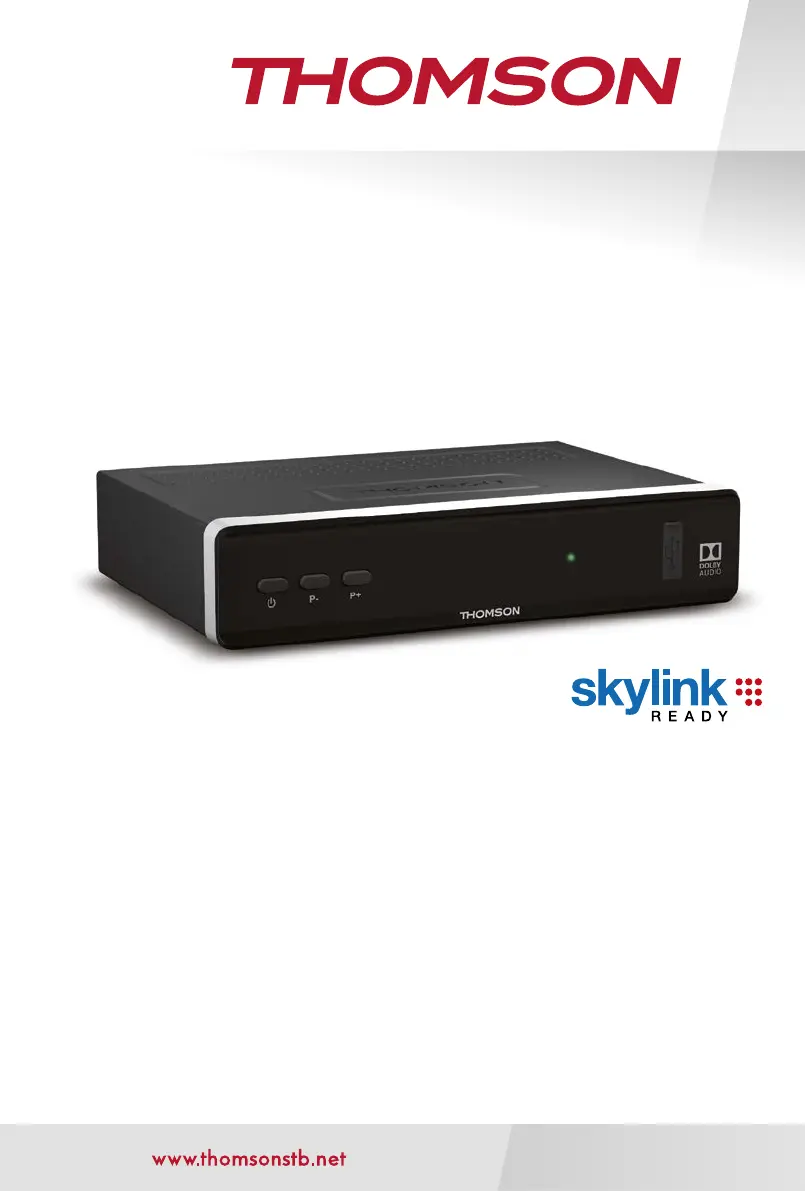
THOMSON THS815 - User Manual

THOMSON THS815
29 pages
Print Icon
To Next Page IconTo Next Page
Loading...
Digitální HD Satelitní Přijímač
Návod k obsluze
Používateľská príručka
User Manual
THS815

Questions and Answers

  • L
    Laurie BrooksAug 16, 2025
    What to do if my THOMSON THS815 says 'No signal'?
    • M
      Mariah EllisAug 16, 2025
      If your THOMSON Receiver displays 'No signal', it could be due to several reasons. First, very bad weather might be temporarily blocking the satellite signals. Second, the satellite dish could be misaligned or distorted. Check the antenna cable for damage, try replacing it, or ensure it's tightly connected to the receiver. Also, verify in the menu that you have good signal and quality levels. Make sure there are no trees obstructing the line of sight between the dish and the satellite. If the issue persists, check the tuner parameters in the menu Installation > Antenna Setup/Channel Search. You can find helpful information on websites like http://de.kingofsat.net/ and http://www.lyngsat.com/.
  • E
    Edwin LongAug 19, 2025
    Why is my THOMSON THS815 Receiver remote control not working?
    • J
      Juan LopezAug 19, 2025
      If your THOMSON Receiver remote control isn't working, start by checking the batteries. Ensure they are correctly inserted and not exhausted; replace them if needed. Fluorescent lamps can interfere with the remote's IR signal, so try switching them off. Also, make sure you are within a reasonable distance and angle from the receiver.
  • C
    Carol LeblancAug 22, 2025
    What causes macroblocking on THOMSON THS815 Receiver?
    • M
      Maurice JenkinsAug 22, 2025
      If you're experiencing macroblocking or audio/video interruptions on your THOMSON Receiver, it's likely due to interference from nearby devices. Common culprits include microwaves, mobile phones, and other radiating devices. Try switching off any suspected devices or moving them further away from the receiver.
  • J
    jennifer97Aug 25, 2025
    Why I have no picture, sound, or menu on my THOMSON Receiver?
    • B
      Benjamin NorrisAug 26, 2025
      If you're not getting any picture, sound, or menu on your THOMSON Receiver, there are a couple of things to check. First, make sure the correct TV input is selected, as HDMI inputs often don't switch automatically. Also, ensure that all connectors are fully and properly inserted into both the TV and the receiver. Finally, confirm that the TV is powered on.
  • D
    David SummersAug 27, 2025
    How to unmute the THOMSON THS815 Receiver?
    • E
      erikagarciaAug 28, 2025
      If you're not getting any sound from your THOMSON Receiver, it's possible that the audio is muted on either the TV or the receiver. Try pressing the mute button or the volume up button on both the TV and the receiver remote controls.
  • D
    David McdonaldAug 31, 2025
    What to do if there is no picture on THOMSON THS815?
    • A
      Aaron JohnsonAug 31, 2025
      If your THOMSON Receiver displays no picture, it might be because the HDMI resolution is too high for your TV screen. To fix this, temporarily connect your receiver with a SCART cable to access the menu. Then, change the HDMI resolution to a lower value.
  • J
    Jacqueline MartinezSep 3, 2025
    Why does my THOMSON Receiver switch to standby automatically?
    • M
      melissa90Sep 3, 2025
      If your THOMSON Receiver switches to standby automatically, it's likely because the Auto Standby function is activated and has reached its set time (default is 3 hours). You can adjust the Auto Standby time or disable it completely in the System menu.
  • A
    Alyssa KellySep 6, 2025
    Why is my USB storage device not working with my THOMSON THS815 Receiver?
    • S
      Scott HamiltonSep 6, 2025
      If your USB storage device isn't working properly with your THOMSON Receiver, it could be due to incorrect formatting, too many folders or partitions on the HDD, or a USB 1.1 connection. Try formatting the USB device using the receiver's menu under Storage > Storage Device setup. Note that HDDs larger than 500GB or with multiple partitions may take longer to be detected, and the receiver might not guarantee functionality with all USB devices.
  • J
    Jerry HayesSep 9, 2025
    Why I have no access to scrambled services on my THOMSON THS815 Receiver?
    • V
      vandersonSep 9, 2025
      If you can't access scrambled services on your THOMSON Receiver, it could be due to an expired subscription, a smartcard awaiting authorization, or no subscription for the selected channel. Check your subscription status with your service provider in Conditional Access > Irdeto CA System > Service Status. If the receiver was off or disconnected for a while, it may take 1-2 hours for the card to reactivate; try switching to another channel. Also, make sure the smartcard is inserted correctly with the golden chip facing down and forwards into the reader slot. Finally, ensure you're using the correct smartcard type and check with your operator if the smartcard married function is enabled.
  • W
    Walter ReedSep 12, 2025
    How to turn on THOMSON THS815 if the status LED does not light up?
    • H
      Heather TapiaSep 12, 2025
      Check that the power adapter is properly plugged into the wall outlet.

Summary

1.0 INTRODUCTION

1.1 Safety Instructions

Important safety precautions for installation, usage, and handling of the receiver.

1.3 Equipment Set-up

Recommendations and steps for setting up the satellite receiver and associated equipment.

3.0 CONNECTIONS

3.1 Basic connection via HDMI or SCART

Guide to establishing basic connections using HDMI or SCART cables.

4.0 STARTING UP FOR THE FIRST TIME

4.1 Language (Step 1)

Initial setup step for selecting the on-screen display language.

4.2 Audio and Subtitle Setup (Step 2)

Configuration of audio and subtitle preferences during initial setup.

4.4 Channel List Selection (Step 4)

Choosing a preferred channel list for installation during the initial setup.

4.5 Satellite DiSEqC Selection (Step 5)

Automatic scan for satellites and LNB configuration during initial setup.

4.6 Programme Search (Step 6)

Final step of initial setup involving automatic channel scanning.

5.0 QUICK GUIDE TO USING YOUR RECEIVER

6.0 OPERATION

6.8 Recording

Instructions for recording live television programs onto a USB device.

6.9 Timeshift

Functionality to pause and resume live broadcasts (Timeshift).

6.10 Playback of recording

How to play back recorded programs from a connected USB storage device.

7.0 MAIN MENU

7.1 Installation

Menu for configuring satellite settings and performing channel searches.

7.3 Settings

General settings for receiver functions, including audio, video, and display.

7.1 Installation

7.1.2 Dish Settings

Configuring satellite dish and LNB settings.

7.1.4 Channel Search

Performing automatic, network, or manual channel searches.

7.1.5 Manual Search

Manually searching for channels by entering transponder data.

7.2 Channels and Timer Manager

7.3 Settings

7.2 Tools

7.2.2 Factory Default Reset

Restoring the receiver to its original factory settings.

8.0 TROUBLESHOOTING

THOMSON THS815 Specifications

General IconGeneral
BrandTHOMSON
ModelTHS815
CategoryReceiver
LanguageEnglish

Related product manuals