EasyManua.ls Logo

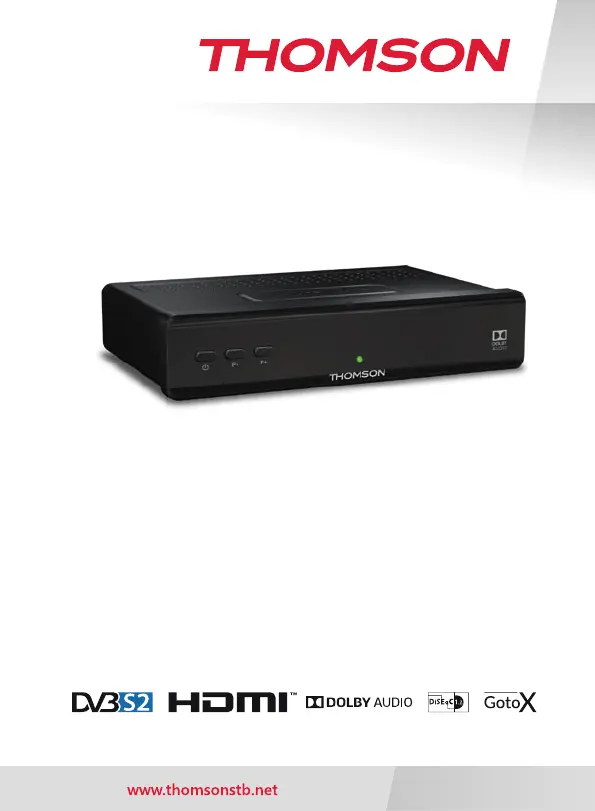
THOMSON THS210 - User Manual

THOMSON THS210
35 pages
Print Icon
To Next Page IconTo Next Page
Loading...
Digital HD Satellite Receiver
User Manual
Inhaltsverzeichnis
Table des matières
Indice
Índice
Manual do Utilizador
Uživatelská příručka
Používateľská príručka
Instrukcja obsługi
Upute za korištenje
Felhasználói kézikönyv
Kullanıcı Kılavuzu
Руководство пользователя
Посібник користувача
THS210

Questions and Answers

  • M
    Mrs. Julie White MDJul 29, 2025
    What to do if my THOMSON Receiver has no picture?
    • E
      Eileen RodriguezJul 29, 2025
      If your THOMSON Receiver displays no picture, there could be several reasons: * The receiver isn't getting a signal. Ensure the antenna cable is properly connected, try replacing it, or tighten the connection to the receiver. * The tuner parameters might be incorrect. Adjust them correctly in the Installation menu. * The dish direction could be off. Verify the signal strength and adjust the dish accordingly. * The TV input might be wrong. Switch to the correct input on your TV. * There may be a bad cable connection or the TV isn't powered. Check the mains lead and ensure all cables between the receiver and TV are firmly plugged in. * Audio might be muted. Press the ! button to unmute.
  • J
    Jacqueline ButlerAug 3, 2025
    Why is my THOMSON Receiver not responding to the remote control?
    • G
      gabriela38Aug 3, 2025
      If your THOMSON Receiver isn't responding to the remote control, here are a few things to check: * Make sure the receiver is plugged in and turned on. * Ensure you're aiming the remote directly at the IR sensor on the receiver. * Check for any obstructions blocking the IR sensor. * Try replacing the batteries in the remote control.
  • G
    Gregory GreenAug 7, 2025
    How to stop my THOMSON THS210 Receiver from automatically switching to standby?
    • D
      dean59Aug 7, 2025
      If your THOMSON Receiver switches to standby automatically, it's likely because the Auto Standby function is activated and has reached its set time (default is 3 hours). To resolve this, either set a new power down time or disable the Auto Standby function in the System Auto Standby menu.
  • Y
    yvasquezAug 13, 2025
    Why doesn't the standby indicator light up on my THOMSON THS210?
    • S
      Sarah JacksonAug 13, 2025
      If the standby indicator on your THOMSON Receiver doesn't light up, it could be due to the mains lead being unplugged or the multipoint connector being switched off. Ensure the mains lead is properly plugged in and switch the multipoint connector on.
  • J
    jenniferwilsonAug 18, 2025
    What does 'scrambled channel message' mean on my THOMSON THS210?
    • C
      Christopher BlanchardAug 18, 2025
      If you see a scrambled channel message on your THOMSON Receiver, it means the channel you're trying to watch is scrambled. Select an alternative channel.
  • B
    Brandon BowersAug 23, 2025
    What to do if the external USB HDD does not start on my THOMSON Receiver?
    • C
      chelsea01Aug 23, 2025
      If your external USB HDD does not start with your THOMSON Receiver, it might be due to high power consumption. Try connecting an extra power supply adapter to your USB HDD device.

Summary

Instruction and Safety

Safety Instructions

Read all instructions before operating, follow safety guidelines for fire, electric shock, and hearing protection.

Equipment Set-up Guide

Guidance for setting up the receiver, including antenna and TV connections.

Connections and Setup

Basic HDMI Connection

Guide for connecting the receiver to a TV using an HDMI cable.

Basic Scart Connection

Guide for connecting the receiver to a TV using a SCART cable.

Initial Installation

Dish Setup

Step-by-step guide for setting up the satellite dish and selecting satellites.

Satellite Selection

How to select satellites for scanning, including multi-feed antenna and DiSEqC configuration.

Main Menu Functions

Channel Search Procedures

Performing channel searches, including dish setup, satellite scan, and transponder scan.

Advanced Configuration

Dish and LNB Setup

Detailed guide for setting up the satellite dish, including LNB types and motor control.

DiSEqC Protocol Configuration

Configuration of DiSEqC 1.0, 1.1, 1.2, and 1.3 (GotoX) for antenna control and multi-LNB setups.

Channel Scanning Methods

Procedures for automatic, blind, and transponder scans to find channels.

USB Multimedia Features

Multimedia Playback

Playing music, photos, and movies from a connected USB storage device.

Recording and Timeshift

Using instant recording, Timeshift, and timer recording functions.

Troubleshooting and Specifications

Troubleshooting Common Issues

Common problems and their solutions for receiver operation.

Technical Specifications

Technical details of the receiver, including demodulator, video decoder, tuner, and connectors.

THOMSON THS210 Specifications

General IconGeneral
Aspect ratio4:3, 16:9
Signal sourceSatellite
Supported video modes480i, 480p, 576i, 576p, 720p, 1080i, 1080p
Analog signal format systemNTSC, PAL
Digital signal format systemDVB-S2
TimerYes
Tuner typeAnalog & digital
Product colorBlack
Audio decodersDolby Digital, Dolby Digital Plus
Interactive TV-
Number of tuners1 tuner(s)
Channels quantity4000 channels
Audio output channels2.0 channels
Favorite list TV programs8
Digital Satellite Equipment Control (DiSEqC)1.0, 1.1, 1.2
AC input voltage100 - 240 V
AC input frequency50 - 60 Hz
Power consumption (standby)0.5 W
Power consumption (typical)18 W
Built-in HDDNo
USB 2.0 ports quantityUSB 2.0 ports have a data transmission speed of 480 Mbps, and are backwards compatible with USB 1.1 ports. You can connect all kinds of peripheral devices to them.
USB 3.2 Gen 1 (3.1 Gen 1) Type-A ports quantity0
Video formats supportedH.264, MPEG4
CertificationCE
Weight and Dimensions IconWeight and Dimensions
Depth126 mm
Width173 mm
Height42 mm
Weight300 g

Related product manuals