EasyManua.ls Logo

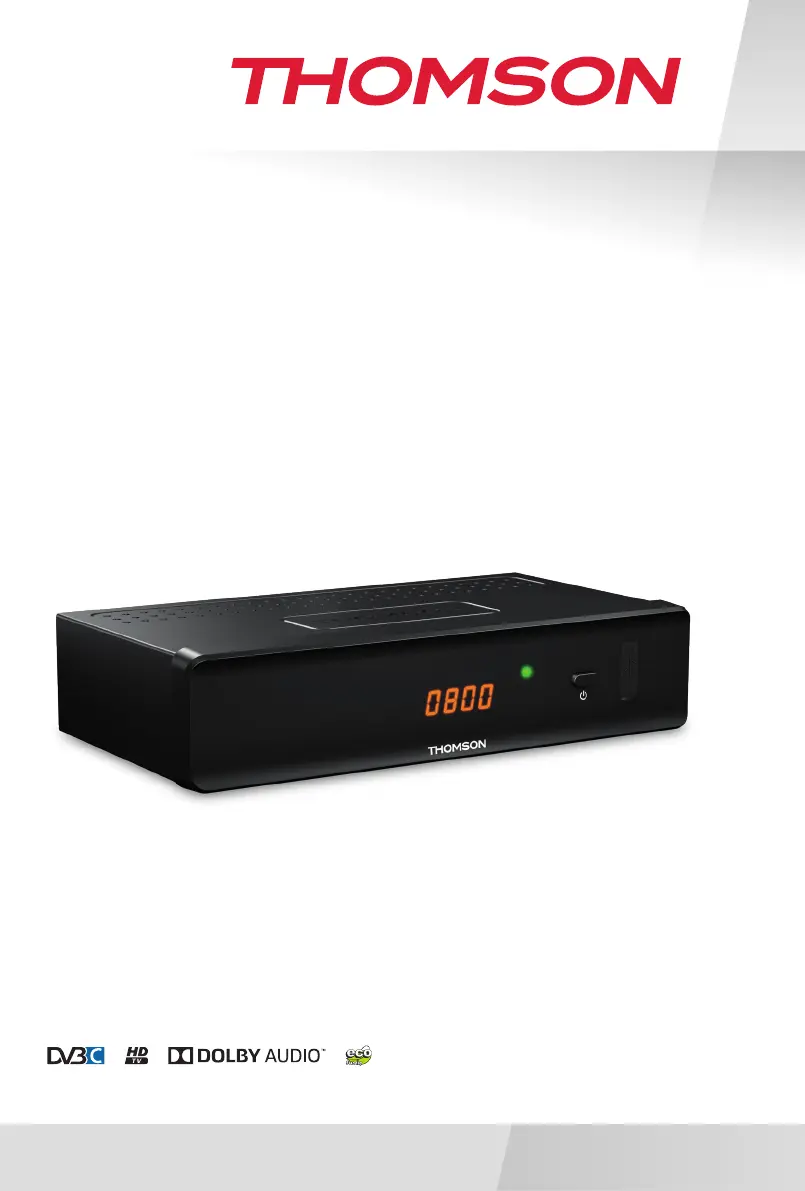
THOMSON THC301 - User Manual

THOMSON THC301
24 pages
Print Icon
To Next Page IconTo Next Page
Loading...
www.thomsonstb.net
Digital HD
Cable Receiver
User Manual
Bedienungsanleitung
Uživatelská příručka
Používateľská príručka
Használati útmutató
Ръководство за употреба
THC301

Questions and Answers

  • C
    Carrie HunterAug 11, 2025
    What to do if there is no picture or sound on my THOMSON Receiver?
    • Q
      qsmithAug 11, 2025
      If you're experiencing no picture or sound on your TV or amplifier when using your THOMSON Receiver, there are a few potential causes. First, ensure that the correct HDMI or SCART input is selected on your TV or amplifier. Also, verify that your TV or amplifier is switched on. The receiver might be set to a higher resolution than your TV supports, so select a lower resolution on the receiver. If you are using S/PDIF connection, check it.
  • R
    Robert AcostaAug 20, 2025
    Why does my THOMSON THC301 Receiver say 'No signal found'?
    • M
      Michael FlynnAug 20, 2025
      If your THOMSON Receiver displays 'No signal found', the cable input might be disconnected. Check the cable lead to ensure it is properly connected. If the problem persists, check with your dealer.
  • J
    Jacqueline SloanAug 30, 2025
    How to fix a THOMSON THC301 with LED indicator not lit?
    • E
      Eric SaundersAug 30, 2025
      If the LED indicator on your THOMSON Receiver is not lit, it could be due to the mains lead being unplugged. Check the mains plug to ensure it is properly connected to a power source.

THOMSON THC301 Specifications

Video IconVideo
video resolution480i, 480p, 576i, 576p, 720p, 1080p
decoding & video outPAL
aspect ratio4:3, 16:9
Audio IconAudio
audio decoderMPEG-1 LAYER 1&2, Dolby Digital, Dolby Digital Plus
audio supportAC3+/PCM/Dolby® Digital Plus
Multimedia IconMultimedia
video playbackMPEG encoded (mpg), VOB, TS, M2T, M2TS, MPEG-4 and MOV
audio playbackMP3 and OGG
picture viewBMP and JPEG
Connectors IconConnectors
cable inIEC Female
cable outIEC Male (Loop through)
usb 2.0 portDC 5 V, 500 mA (max.) supported
Power IconPower
supply voltage100 - 240 V AC (SMPS), 50/60 Hz
power consumption4 W (typ.) 6 W (max.)
power consumption in standbymax. 1.0 W
Operating Environment IconOperating Environment
operating temperature0 ~ +40 °C
storage temperature-10 ~ +70 °C
operating humidity range10 ~ 95%, RH, Non-condensing
Weight and Dimensions IconWeight and Dimensions
size168 x 107 x 42 mm
weight0.28 kg

Related product manuals