© 2019 Thorlabs
4 Operating Instruction
11
Note
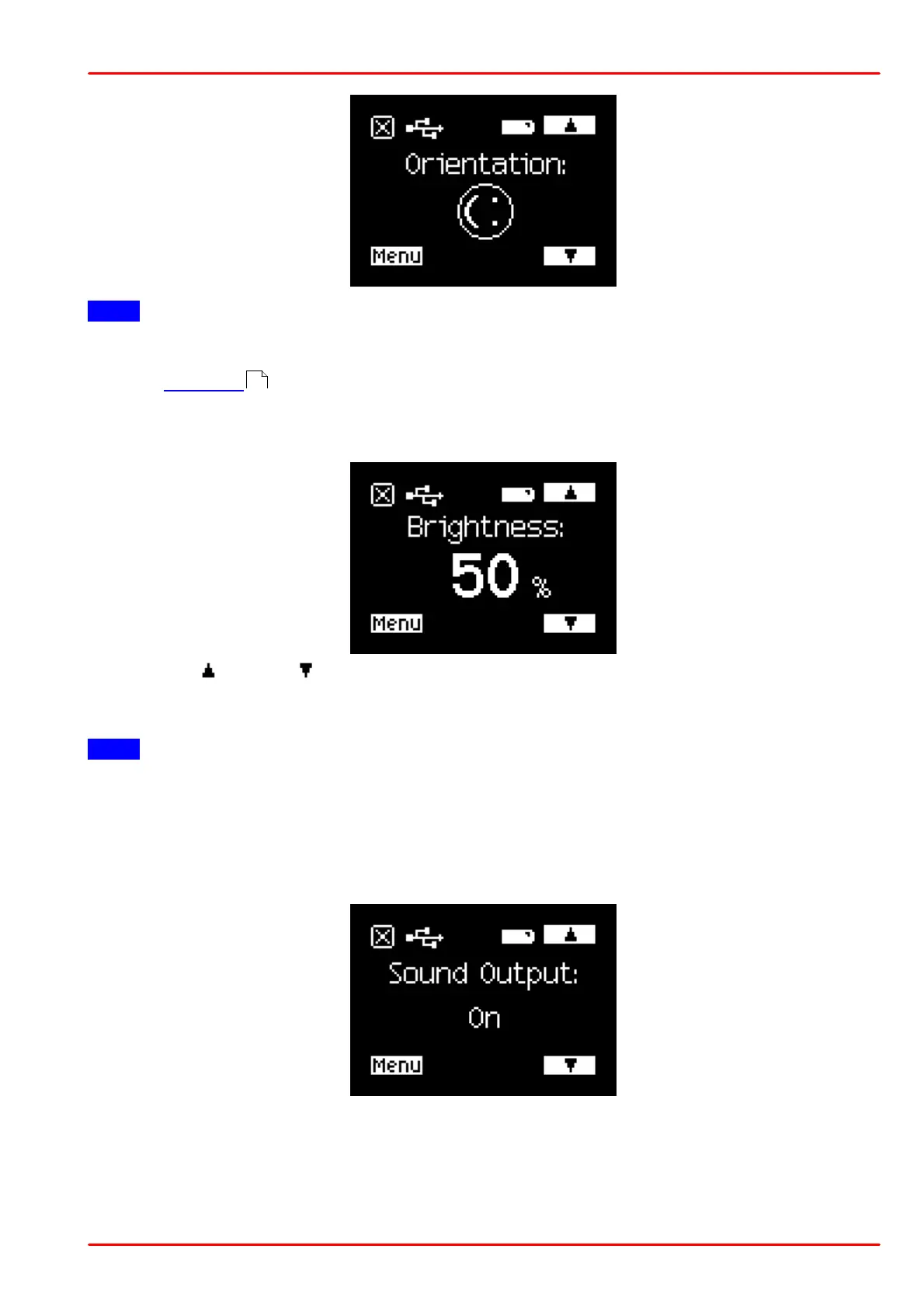
The control buttons are soft keys. When changing the display orientation, the soft keys, includ-
ing the switch off button, rotate with the display orientation. Switch the PM160x on again by
pressing button (8) .
Menu "Brightness"
Using the up or down button, the display brightness can be adjusted. When pressing any
button, the brightness will be set to max. for 7 sec.
The value "Min." is the minimum readable brightness in local mode.
Note
If the PM160x is operated remotely via USB or Bluetooth and the brightness is set to "Min.", the
display will be switched off 7 sec after a button was pressed. Wake it up by pressing any but-
ton.
Menu "Sound Output"
Enable or disable the sound output.
4



 To Next Page