© 2019 Thorlabs
5 Appendix
17
5.3 Energy Saving
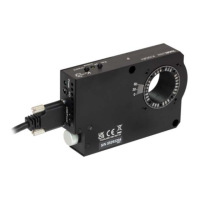
The PM160x features display dimming and an automatic shut down in order to save battery and
the lifetime of the OLED display.
Display Dimming
When a button is pressed, the display brightness is set to 100%. 7 sec after a button was
pressed last time, the display is dimmed to the brightness that can be adjusted in the menu
"Brightness ", between a "Min" value and 100%.
Note
The "Min" value is 1% in local operation mode (Interface: "Local Only ") and 0% in remote
mode (USB or Bluetooth interface enabled and remote connection established). This is a con-
venient feature when using the PM160x remotely in a dark room: The stray light from the OLED
display is eliminated.
Auto Shut Down
During battery charging via the USB cable, the auto shut down is disabled, but after a certain
time the display is switched off ("Stand-by").
The table below illustrates all possible states:
11
10


 To Next Page