© 2019 Thorlabs10
PM160x
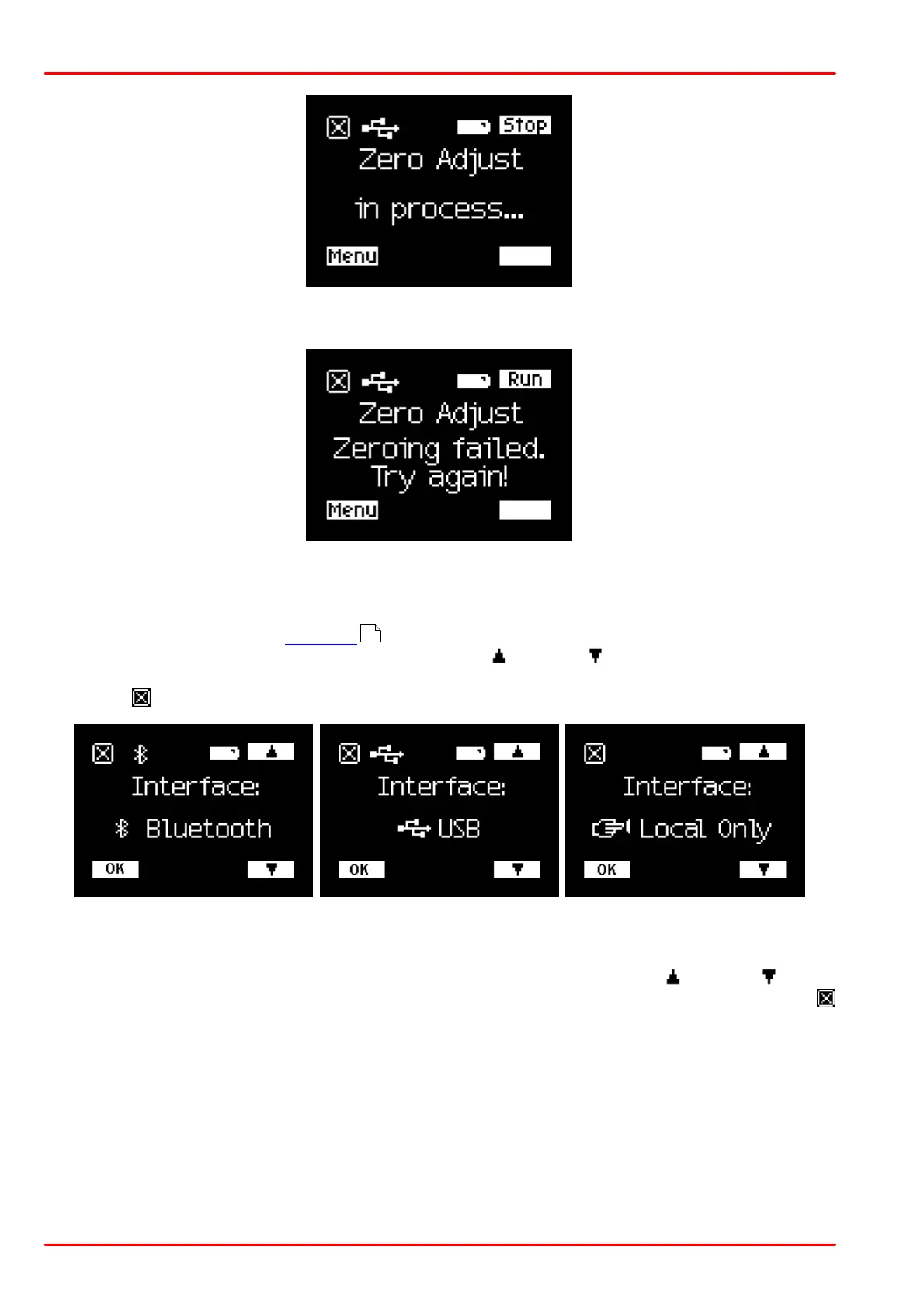
If zeroing was successfully carried out, the PM160x returns to normal operation, else the error
screen appears:
Menu "Interface"
To operate the PM160x remotely (see sections "Operation via USB" and/or "Operation via
Bluetooth" ), the appropriate interface needs to be selected. Press the menu button until the
"Interface" menu appears. Use the buttons next to up or down icons to select Bluetooth or
USB interface or to disable the interface ("Local Only"). Push the button next to the OK icon to
confirm or to cancel.
Menu "Orientation"
The display can be rotated in 90° steps for convenient reading. Use the up or down button
to select the desired orientation, shown by the smiley, then press the OK button to confirm or
to cancel:
10



 To Next Page