© 2019 Thorlabs8
PM160x
4 Operating Instruction
The PM160x can be operated locally as a stand-alone device or remotely , via USB or
wireless (Bluetooth). Choose the operation mode directly on the device, using the inter-
face menu. In any operating mode, the internal battery can be charged by connecting the
PM160x to a PC or to a USB charger using the supplied USB cable.
For remote operation (USB and Bluetooth), download and install the software Optical Power
Monitor on the steering device (PC, laptop or tablet with Windows
®
operating system). For
more information see chapter Remote Operation .
For Apple® MAC® or iPod® devices (iPad®, iPod® and iPhone®), a bluetooth remote con-
trol for PM160x is available in the AppStore. For more information see chapter Bluetooth Re-
mote Operation (iOS®) .
4.1 Local Operation
· To switch on the PM160x, push the "ON/OFF" button (8) on the side of the device.
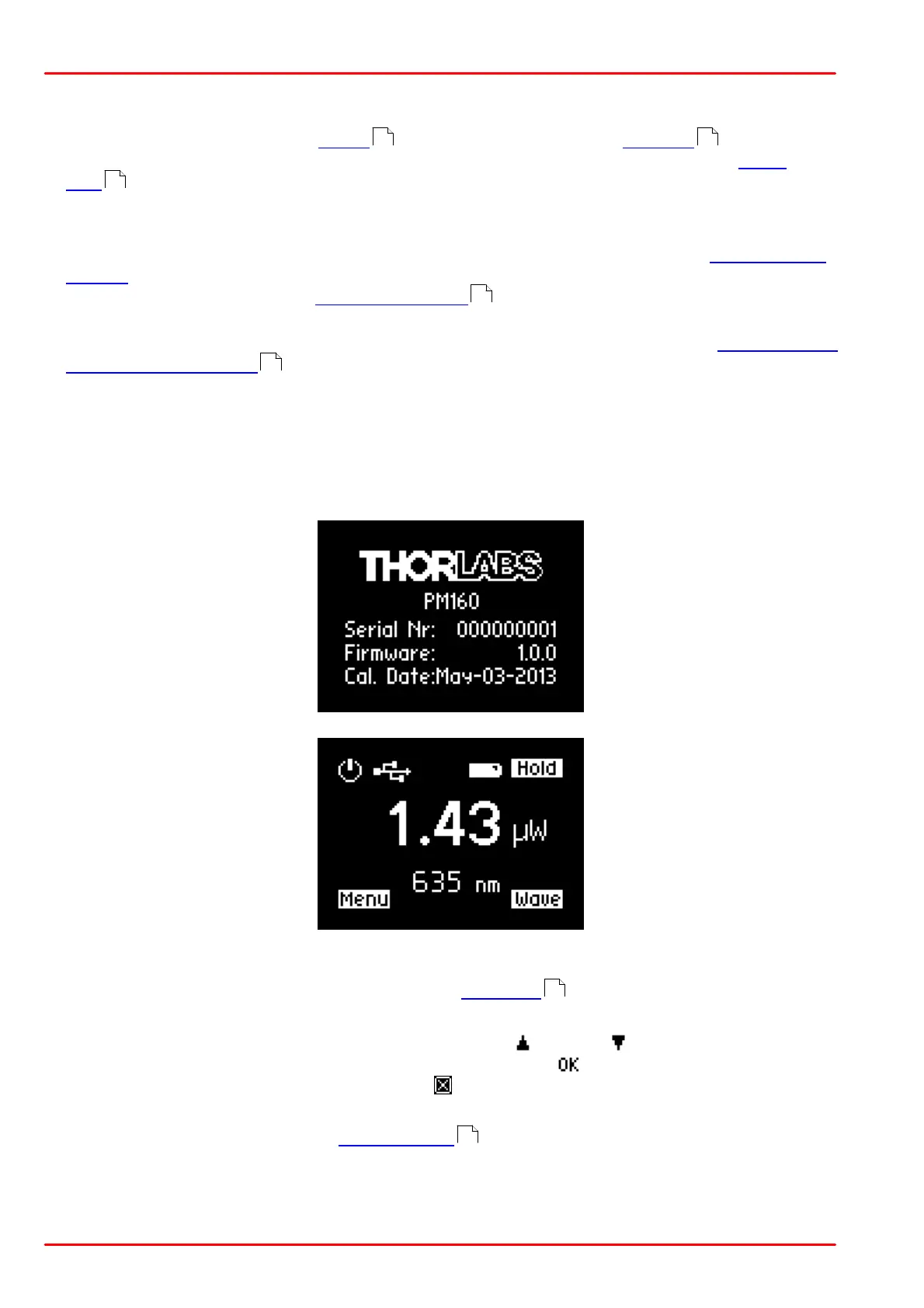
· A start-up screen is displayed for a moment, followed by the standard measurement dis-
play.
· In the header, the connection type (USB or Bluetooth) and the battery status are shown.
Select the Local Only mode from the menu (button 9) on the device.
· Battery: The PM160x automatically starts charging the battery when connected via USB.
· Adjust settings directly on the device. Use the up or down button to select settings.
Confirm the selection by pressing the button next to the icon or cancel the entry by
pressing the button next to the ESC icon .
· Turning off the PM160x in Local Only mode: The PM160x shuts down 20 sec after the
last button was pressed. The energy saving feature automatically dims the display.
8 12
10
12
12
7
17



 To Next Page