18
Chapter 5 WEB Instruction
5.1 System Requirement
The IP speed dome web settings support Windows XP, Win7 system, please make sure right
installation and setup of following items:
(1) Display resolution: 1024 * 768 or higher, color: High Color (32-bit).
(2) Please make sure the Windows system install the necessary character style.
5.2 Built-in Web Instruction
When using the network video products for the first time, an ActiveX control is needed. Note: please
use IE browser of windows and make sure the version above 6.0. Do not use any other browser
except Firefox, Google.
(1) Login IP address and enter to ActiveX download interface.
(2)Download ActiveX and click 【Run】to install
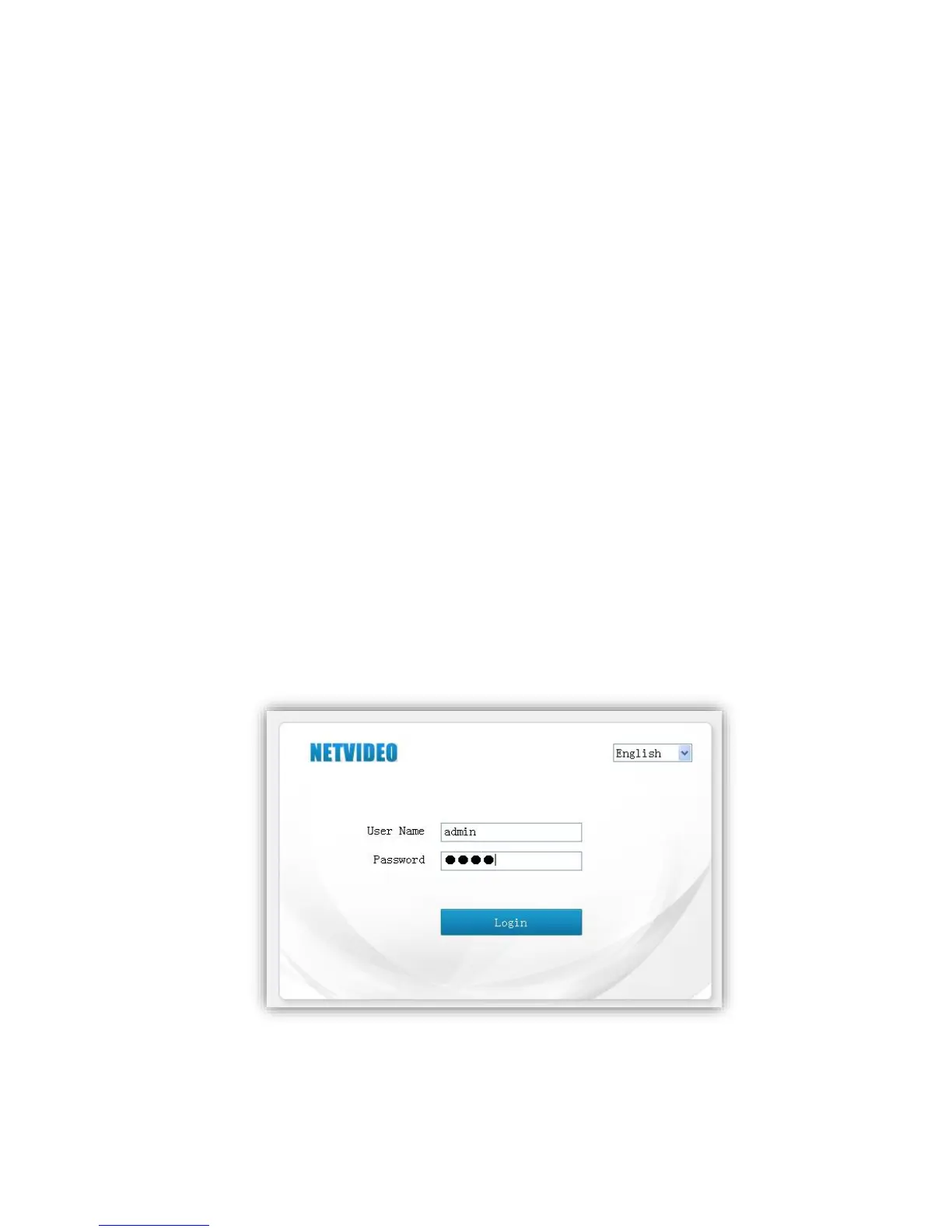
5.3 Log in
Camera default IP address is:192.168.1.2,please make sure computer and IP camera in the
same IP address area.
You need to download Active X plug when first time to use.



 To Next Page