21
5.4.4 Preset position
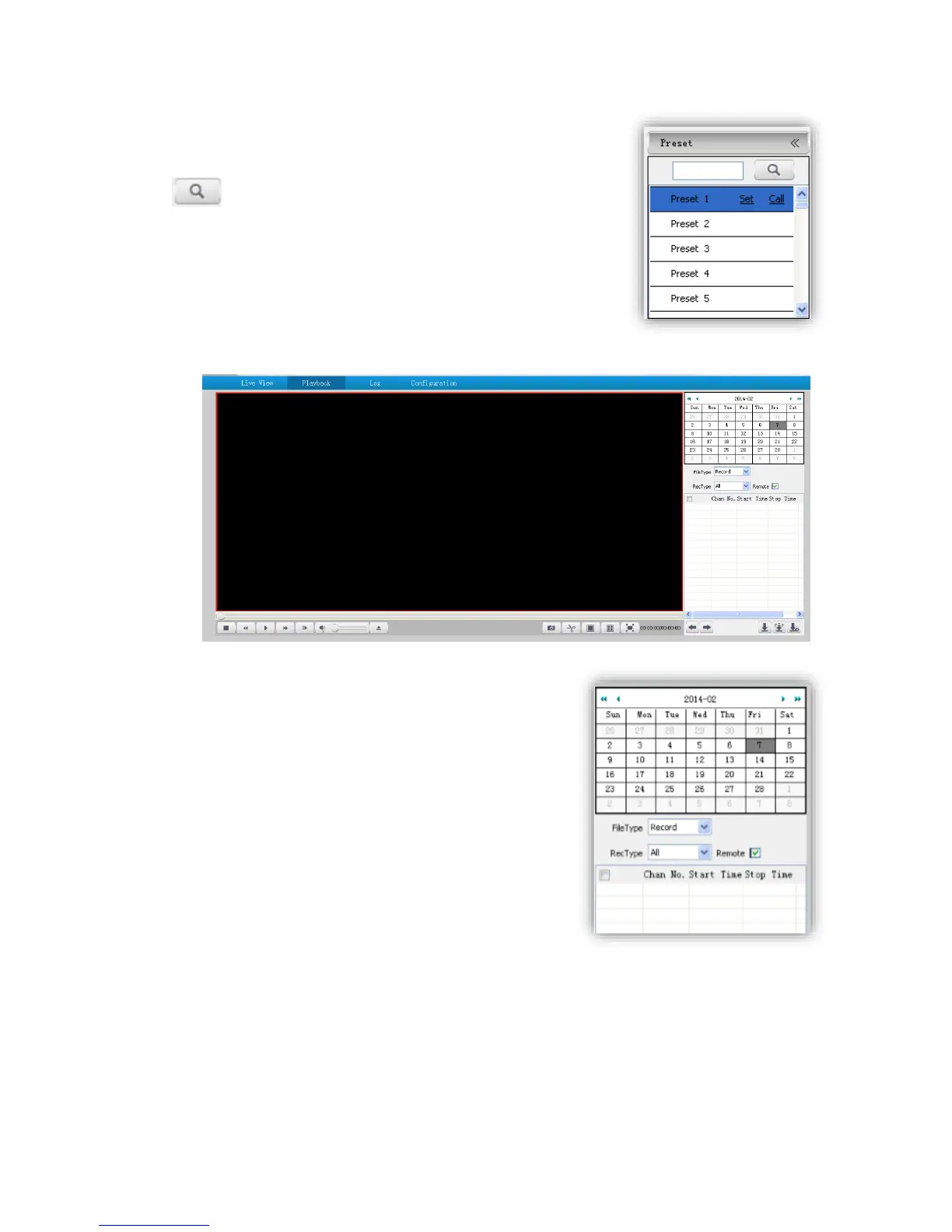
Search the target preset number
<Set> Setup preset position
<Call>Call the preset position
5.5 Playback
5.5.1 Search recording files
(1)Select date in the calendar
(2) <File Type> select <Record> or <Picture>
(3)<Rec Type> Select targeted file type video/picture.



 To Next Page