23
Chapter 6 Configuration
Attention: All settings will be enabled in 3 seconds after <save>.
6.1 Audio Video Set
6.1.1 Video Parameter
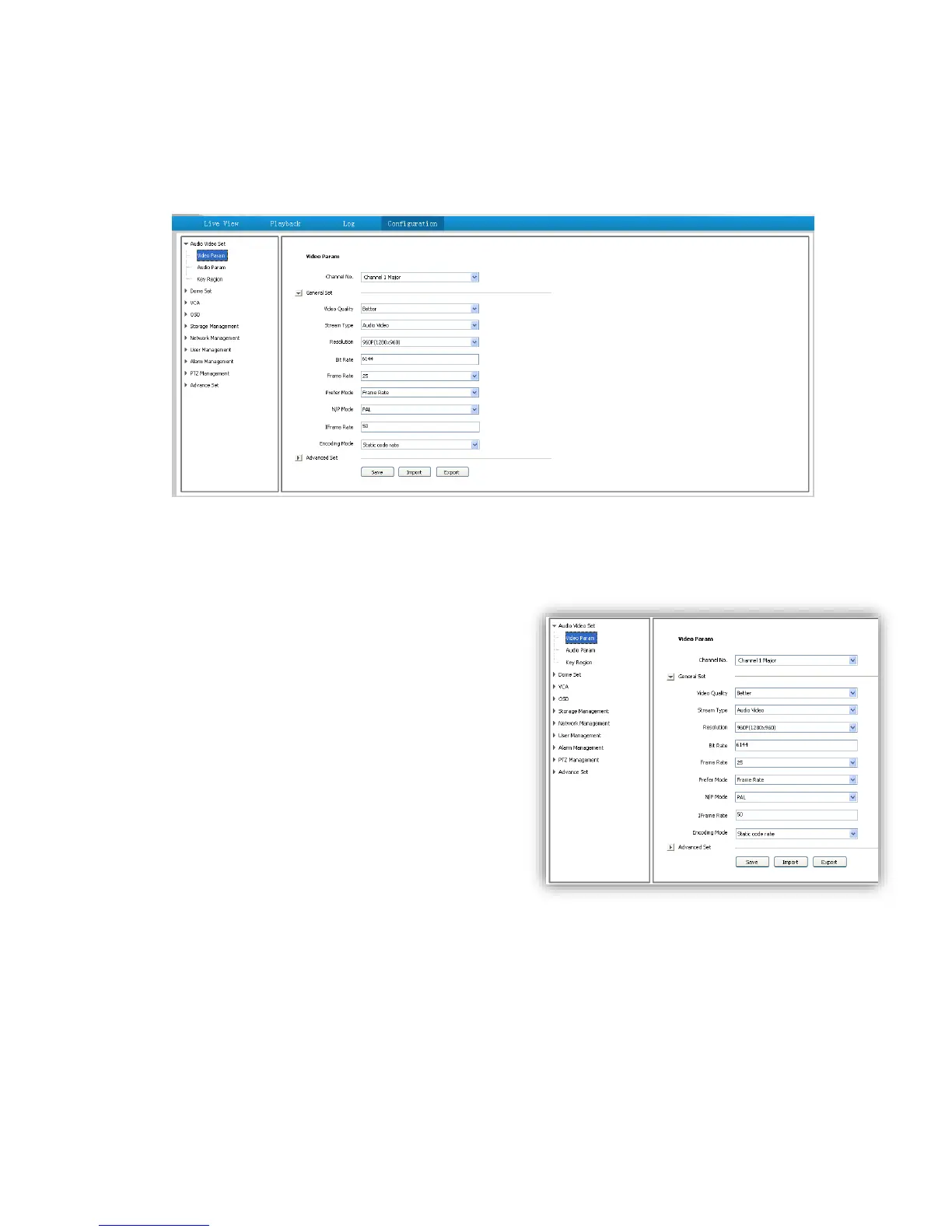
<Channel No.>Select the target channel
General Set
(1)<Stream Type><Audio Video>/<Pure Video>
(2)<Encoding Mode>
<Static code rate> Fix stream and bandwidth
occupation.
<Dynamic code rate> Stream will be varied to the
change of video, take up less bandwidth when there is
no change on video.
(3)<Video Quality>only be activated when choose
<Dynamic code rate> in <Encoding Mode>.
<Video
Quality><Best>,<Better>,<Good>,<Fair>,<Poor>
The better quality the more stream and bandwidth occupation.
(4)<Bit Rate> show stream rate for the video, unit is Kbps. When choose<Static code rate>, <Bit
Rate>stand for actual rate of the stream. When choose<Dynamic code rate>,<Bit Rate>show
the max stream rate, range from 32 ~ 8000Kbps.
(5)<Frame Rate> 1/5/10/15/25/30fps optional.
(6)<I Frame Rate> To set the interval time for each two I frame. (I frame is the key frame in the
video stream)
(7)<Prefer Mode>



 To Next Page