24
<Frame Rate> Fluency first
<Quality> Video quality first
(8)<Resolution> 4CIF/VGA/720P/960P/1080P.
(9)<N/P Mode> Select <PAL> or<NTSC>.
Advance Set
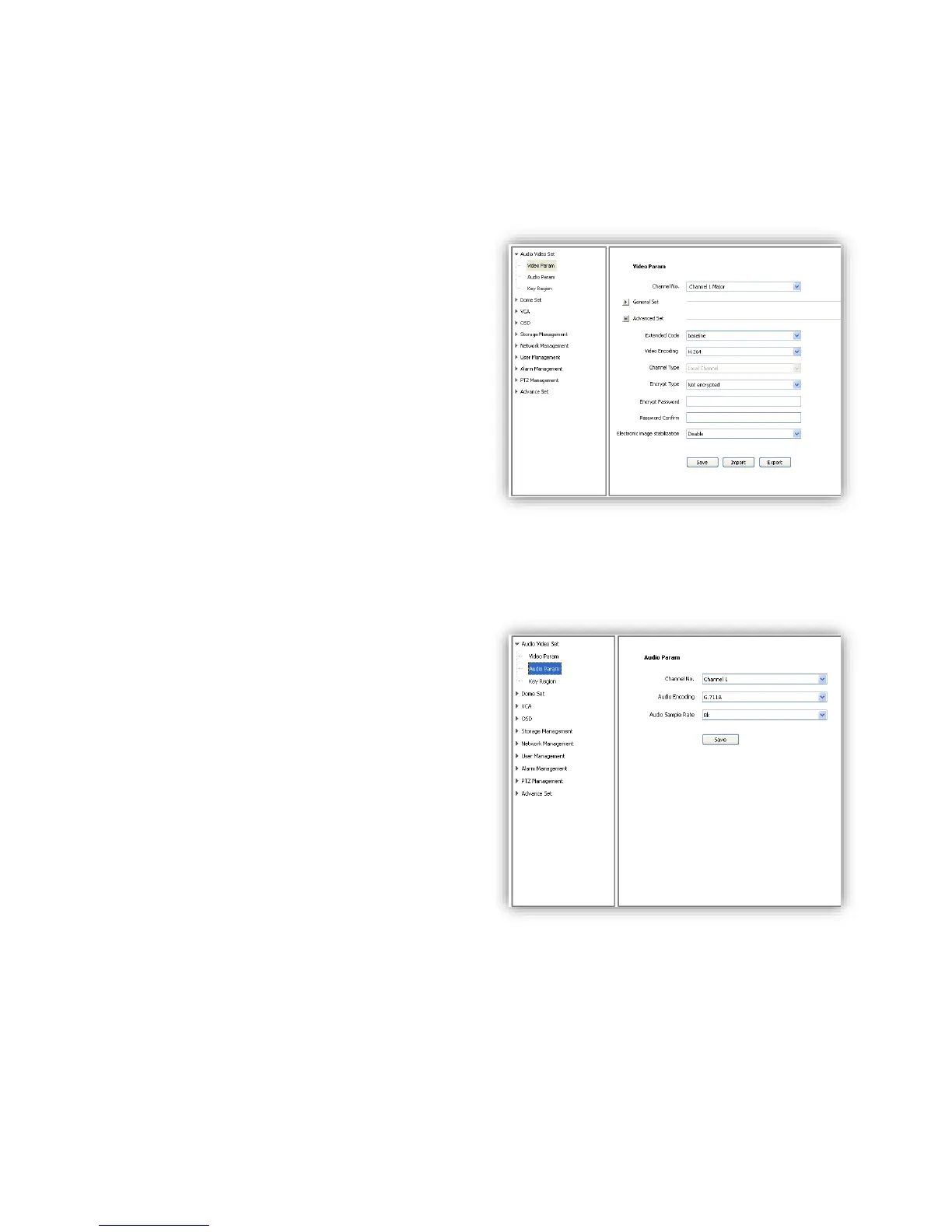
(1)<Video Encoding>
<H.264> and <Motion JPEG>
(2)<Extended Code>
Available when selected <H.264>, there are
<baseline>, <main profile>, <high profile> for
selection.
(3)<Encrypt Type> Add password for the
channel.
<Encrypt Password> Enter password.
<Password Confirm> Confirm the password.
Click<Save>to enable.
Video Parameter-Export
<Export> backup the configuration file, save to
D\NetVideoBrowser\VideoParam.dat as default.
Video Parameter-Import
<Import> import the backup file for parameter configuration.
Audio Parameter
(1)<Channel No.>select target audio channel.
(2)<Audio Encoding> select audio compression
type.
(3)<Audio Sample Rate>
<8k>,<32k>,<64k> optional.
(4)<Save> save and enable the setting.
Note: some models need reboot after saving the
setting.



 To Next Page