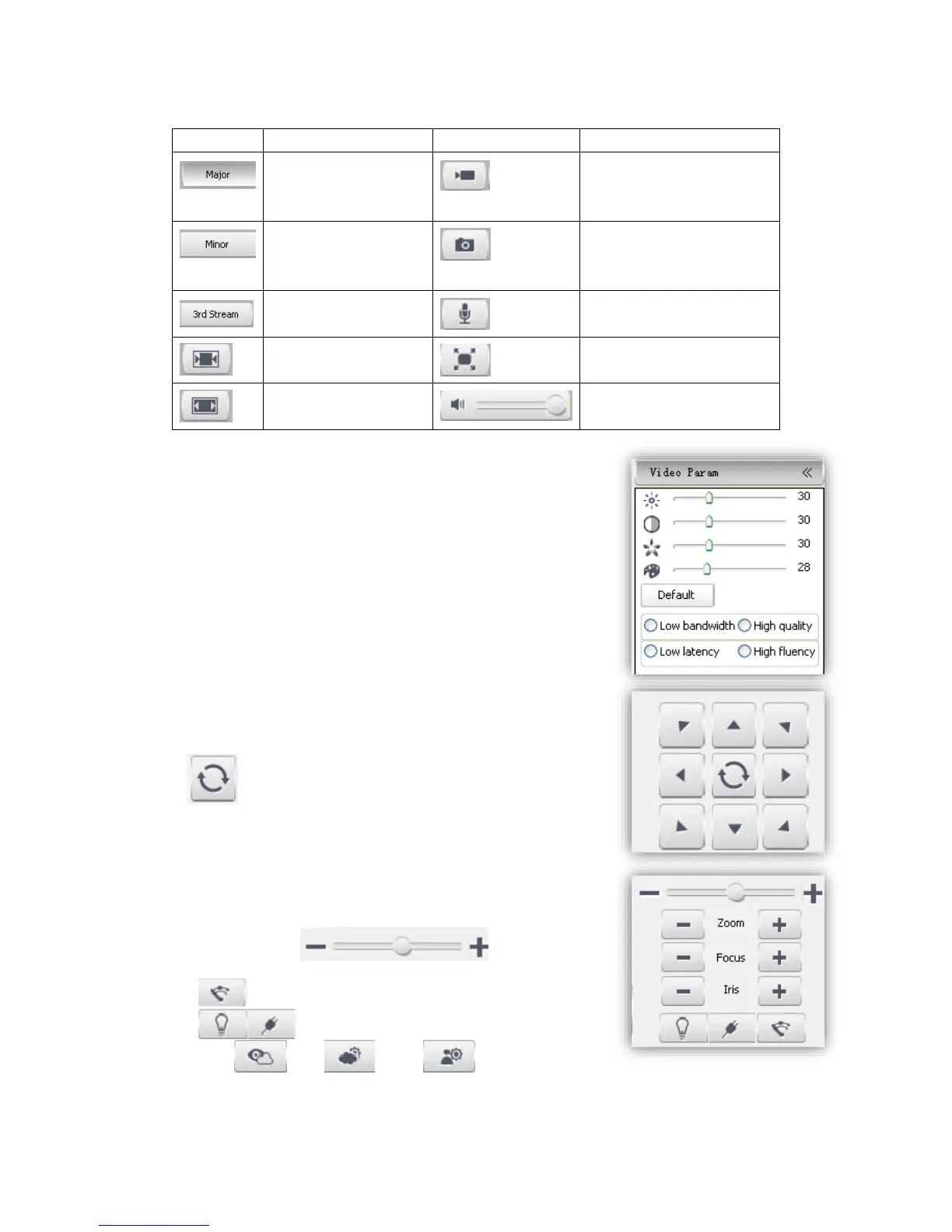
Manual recording on / off,
and default storage path is
D\NetVideoBrowser\
Note When stream type is【Pure Video】,audio preview is invalid.
5.4.2 Video parameter
(1)<Default> to resume the default settings.
(2)According to network situation you can choose preview mode
from <Low bandwidth>, <Low latency> to <High quality>,
<High fluency>
5.4.3 PTZ control
(1)Select rotation direction of speed dome,
enable auto scan.
(2)<Zoom>Zoom in /Zoom out
(3)<Focus> Manual Focus.
(4)<Iris>Manually adjust iris.
(5) set PTZ speed
(6) Wipper
(7) Preserved for future functions
(8) Defog: , HLC: , WDR:



 To Next Page