47
6.10.3 System Maintenance
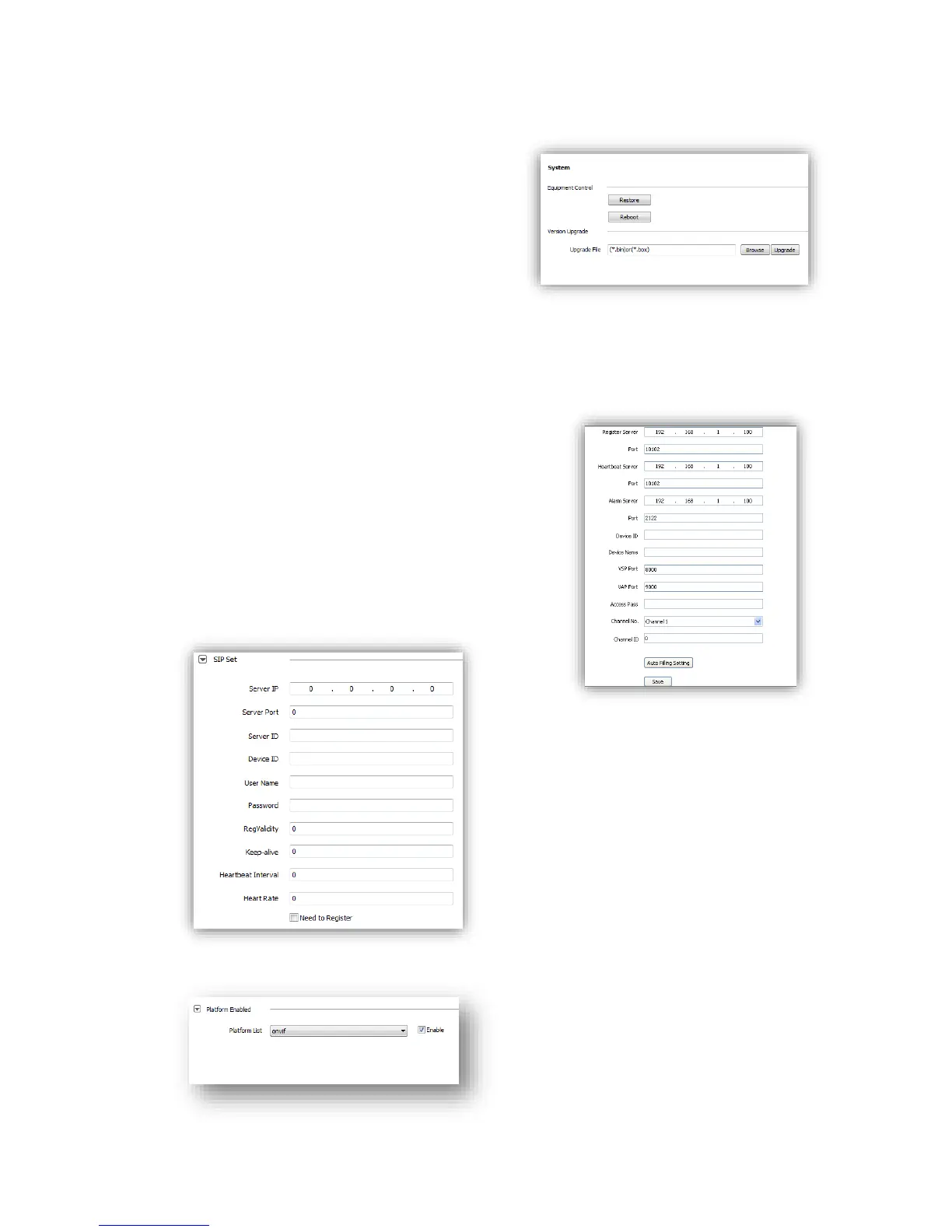
System maintenance includes <Equipment
Control>and <Version Upgrade>.
(1)<Equipment Control>
<Restore> Reset to factory default.
<Reboot> Reboot the device.
(2)<Version Upgrade> upgrade new firmware.
(firmware format: .box/.bin) Upgrade process
normally needs a few minutes until indication for
completion.
Caution: Please strictly follow the instruction by technical specialist for firmware upgrade.
6.10.4 Access Platform
PU set user can set the IP address and port number
of<Register Server>,<Heartbeat Server>,<Alarm
Server>and VSP’s port number and VAP’s port number.
<Channel No. >support<Auto Filling Setting>function.
PU set support 【SIP】protocol setting.
IP cameras support onvif V10, user can choose “enable”.



 To Next Page