12
Tilgin HG2300 series Quick Guide
5 Troubleshooting Tips
If the home gateway is not working as expected, please try out the following
troubleshooting tips.
• Check the cable connections.
• Check if the power LED is lit. If not switch the ON/OFF button to ON.
Check that the power cord is attached in both ends.
• If the power LED not lights stable green within 30 minutes reboot (push
power ON/OFF)
• If the power LED still not lit stable green after reboot contact your
service operator.
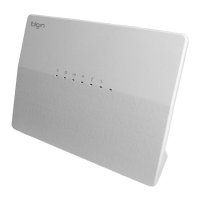
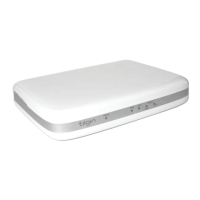
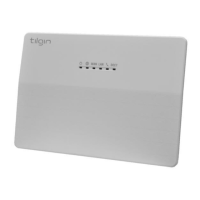
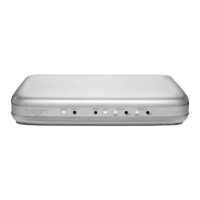
• If the WAN indicator does not lit green (www) (front of home gateway),
check that the Ethernet cable is properly connected.
• Verify that the LEDs lights according to the table in LEDs front panel
page.
• Verify that you can hear a dial tone after hooking off the Telephone
receiver. If not check that the Telephone line cord from the Telephone
is connected to one of the phone ports.
• When there is slow, or no connection over WLAN, push the ECO mode
button (WLAN OFF). Now press the ECO mode button again (WLAN
ON). The Auto channel feature then searches for the best channel and
select it.
• If your operator provides Web GUI access, status information is
available via a computer login to the home gateway. Please see
information provided by your operator.
If these actions still do not solve the problem, contact your operator or the
vendor that supplied your home gateway.


 To Next Page