6
Tilgin HG2300 series Quick Guide
3.3. LEDs Front Panel
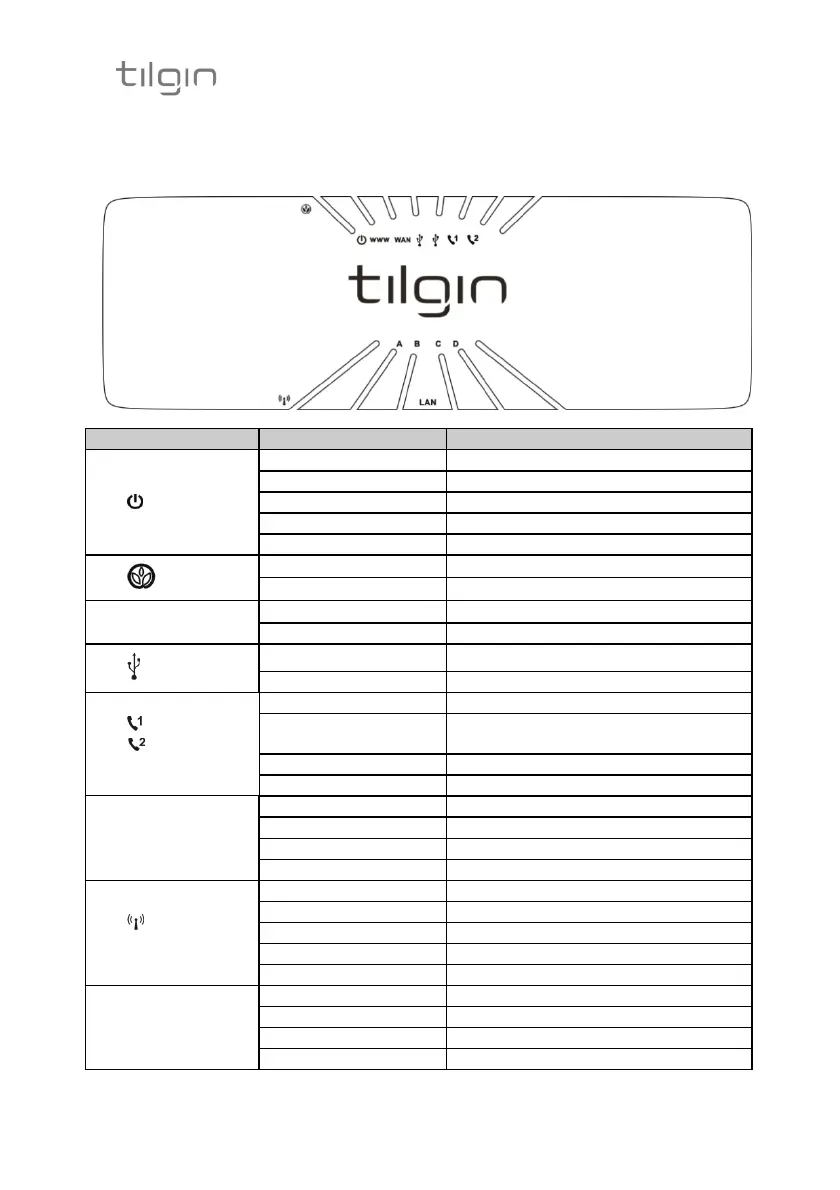
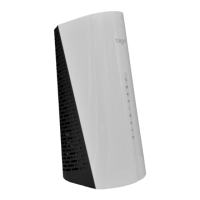
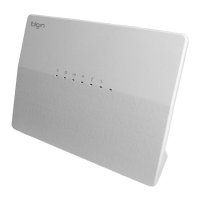
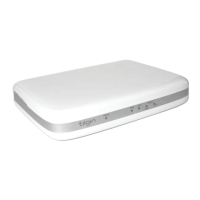
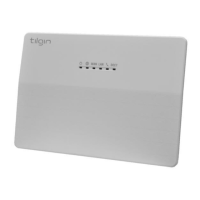
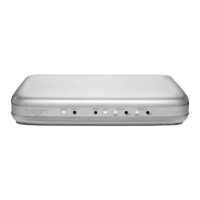
Front panel LEDs indicates the home gateway and its connection status
(Picture shows HG2301)
LED Signaling Indication
power
OFF No power
RED, Stable Not ready, boot in progress
RED, Slow flash Connection to operator failed/
RED, Rapid flash Upgrading or connecting
GREEN, Stable Normal operation.
ECO
OFF Normal mode
GREEN, Slow flash ECO mode (low power mode)
www Internet
RED, Stable No internet connection obtained
GREEN, Stable Connection to internet established
USB
OFF Not connected
GREEN, Stable Connection established
Phone 1
Phone 2
OFF No telephone services configured
GREEN, Rapid flash One or more telephone services
failed
GREEN Short flash Message waiting
GREEN, Stable The telephone service is available
WAN
OFF No link
GREEN, Rapid flash Traffic activity
GREEN, Stable Link 10/100M
YELLOW, Stable Link 1000M
Wireless
OFF Wireless function disabled
GREEN Wireless function enabled.
GREEN, Slow flash WPS in progress
GREEN, Rapid flash WPS failed
GREEN Short flash WPS succeeded
LAN
A,B,C,D
OFF No link
GREEN, Rapid flash Traffic activity
GREEN, Stable Link 10/100M
YELLOW, Stable Link 1000M


 To Next Page