19
Tilgin HG2300 series Quick Guide
14 How to Mount the Home Gateway
14.1 Desk Top Mount
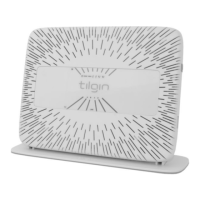
If you want to have the home gateway standing on a level surface
1. Connect the cables.
2. Arrange the cables and fix them under the hooks
3. Put the foot stand/wall bracket on a level surface
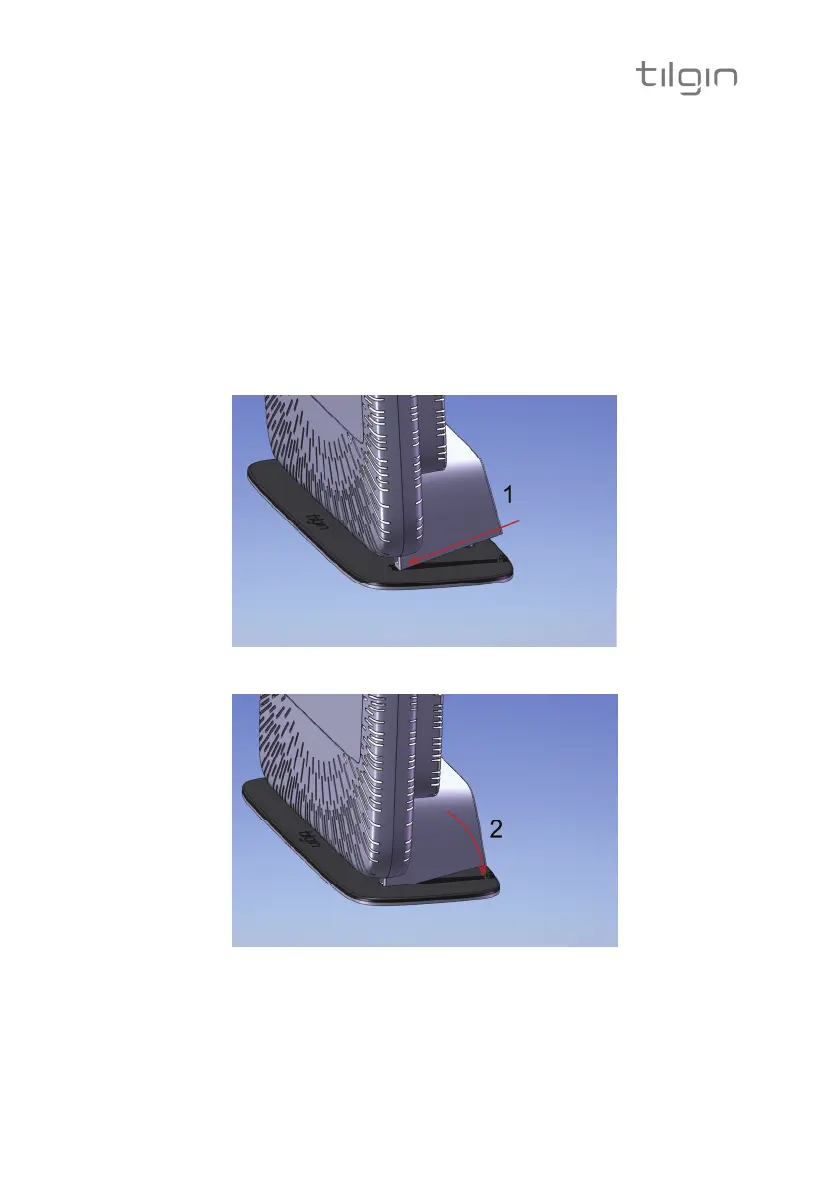
4. Place the device on the foot stand/wall bracket on the slot Fig 1
5. Snap the home gateway in the slots Fig 2
Fig. 1
Fig. 2


 To Next Page