20
Tilgin HG2300 series Quick Guide
14.2 Wall Mount
If you want to mount your product on a wall
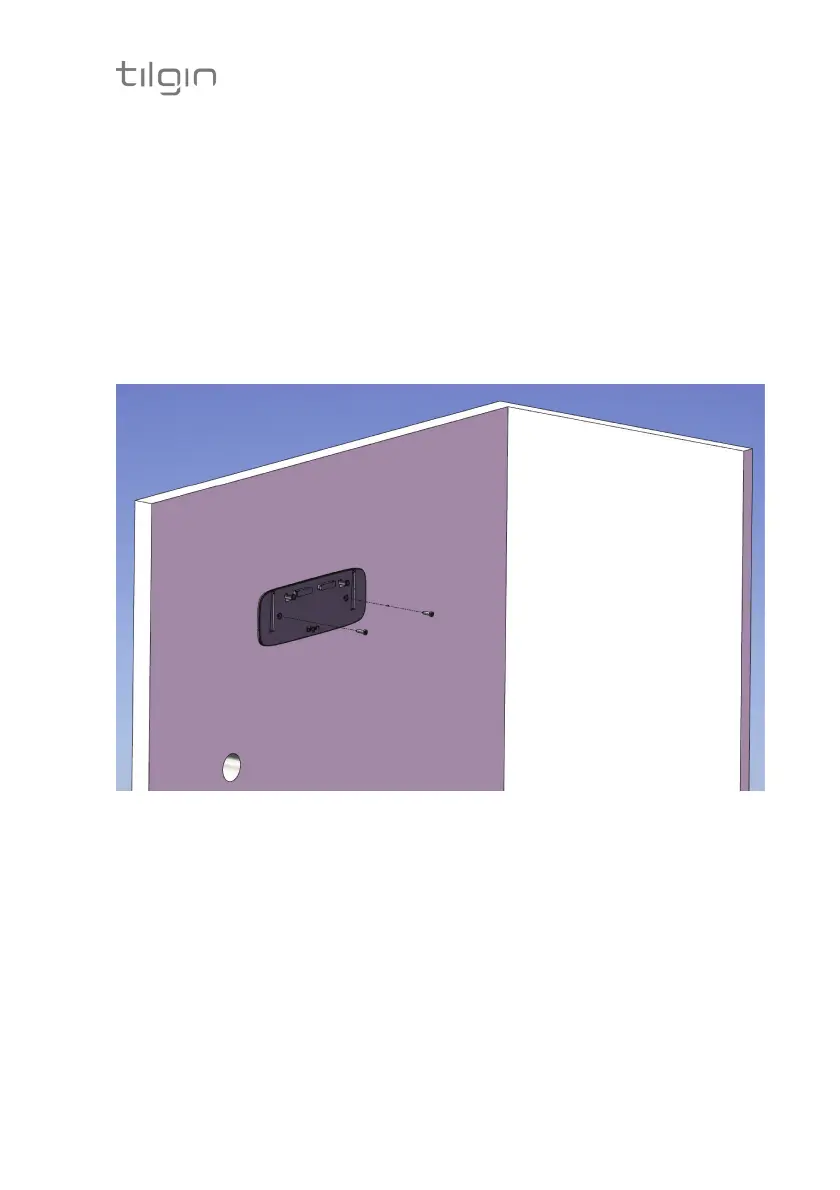
1. Use the foot stand/wall bracket to mark the drill holes. Fig 3.
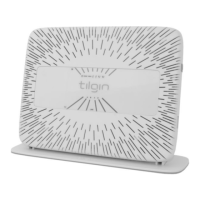
The wall bracket is used both for wall mounting and as a foot stand.
2. When you have marked the drill locations on your wall, drill two holes
and mount the wall bracket with two suitable screws. Fig 3
3. Connect the cables to the ports on the rear panel. Fig 4
4. Hang the device on the foot stand/wall bracket hooks. Fig 5 and Fig 6
Fig. 3


 To Next Page