2 TimePilot me and a endance systems TimePilot me and a endance systems 3
Introduc on
Congratula ons and thank you for purchasing a TimePilot me and a endance system. We’ve
worked hard to make it a thorough and easy-to-use system, and we’re sure it will cut your
payroll processing me by hours and virtually eliminate mistakes.
TimePilot off ers three diff erent me and a endance systems, each designed for a diff erent
environment:
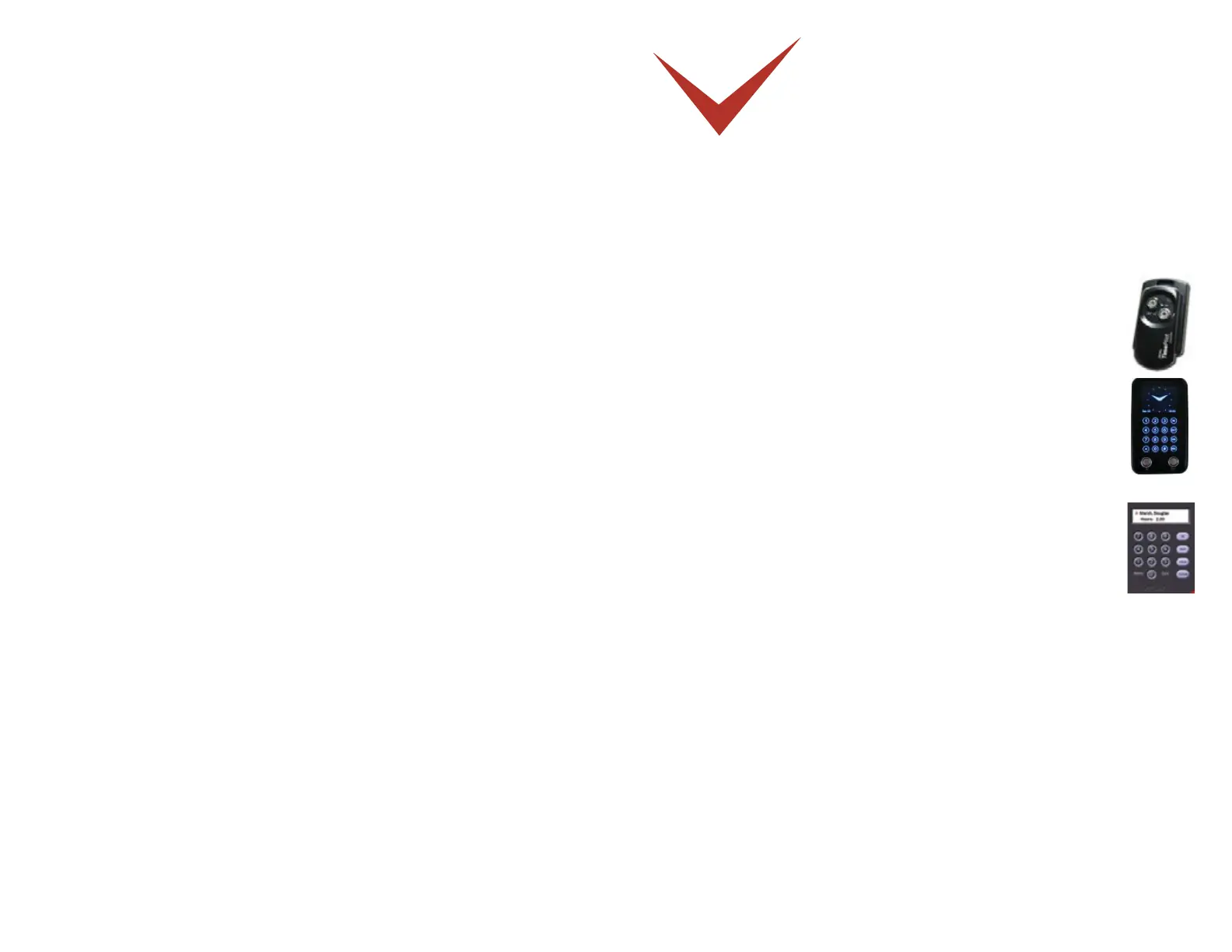
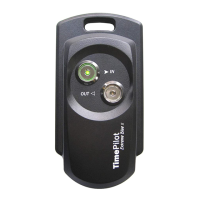
TimePilot Extreme.• Our weatherproof, ba ery-powered system
is designed for outdoor use, although it can be used inside, too. It
commonly would be used at construc on sites, where the clock is
exposed to the elements. The clock is locked down to prevent the , but
can be moved easily to another site when necessary.
TimePilot Vetro.• This system is intended to replace old-fashioned punch
clocks. It consists of a elegant, wall-mounted meclock and keeps
employee clock-ins and clock-outs in memory un l they are downloaded
on the TimePilot USB drive and imported into the TimePilot so ware.
TimePilot PC.• This is our completely so ware-based me and a endance
system. Employees click on the image of a me clock on their computer
screens to clock in and out. The basic so ware package includes licenses
that allow the program to be installed on up to fi ve computers. (Just
like its big brothers, TimePilot Extreme and Vetro, TimePilot PC can
accommodate up to 2,000 users.) TimePilot PC gives a company lots
of op ons: It could have all of its employees clock in at any of the fi ve
PCs running the so ware; or it could—with the purchase of addi onal inexpensive
licenses—have hundreds of employees clock in at the PCs on their desks.
All three systems use the same core so ware: TimePilot Central. This means that you can
combine our products to create the perfect system for your business—for instance, TimePilot
Extremes at your worksites, TimePilot Vetro in your shop and TimePilot PC in your offi ce—and
if you have a network, all of them will work together seamlessly.
No ma er which system(s) you use, the principle behind them remains the same:
Employee clock-in and clock-out data, also known as transac ons, from all systems 1.
are collected in the TimePilot so ware’s database, which can be located on a network
server or on a PC’s hard drive.
At the end of the pay period, the transac ons are “extracted” from that database and 2.
placed in a separate database, where they are checked and corrected (if necessary) by
supervisors.
Supervisors use that informa on to create reports that indicate the exact number of 3.


 To Next Page