of the screen to snooze the alarm for 10 minutes.
More
More brings you to a submenu of 4 additional items – Compass, Timer, Countdown and Find Mobile
Compass / Air Pressure / Altitude
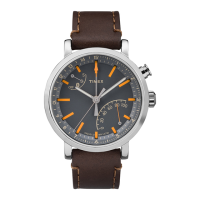
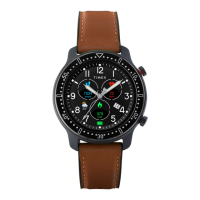
Your TIMEX® Metropolitan R has a compass and an air pressure sensor. When you select this mode you
will enter the compass page. If calibration is necessary the watch will prompt you to walk in a figure 8 to
perform the calibration. Once it finishes calibrating it will vibrate and then will show you the compass
display with your current heading and a pointer to north.
Swiping up on the compass page brings you to the air pressure page. Swiping up a second time brings you
to the altitude page. Both of these modes require initial calibration using the GPS. To perform the GPS
calibration for the pressure sensor, swipe to the altitude screen and go outdoors where there is a clear
view of the sky. The GPS animation at the bottom of the screen will change from incrementing orange
bars to stationary green bars when the GPS calibration is complete. Once complete your altitude and
coordinates will be shown and you can swipe down to move to the air pressure page.






 To Next Page
