Message Waiting Indication
19
e
n
g
Activation
Set rear-switch to “SR” position and go off hook once to activate.
Adjusting timing of SR signal
After activating SR function set the timing in on-hook mode.
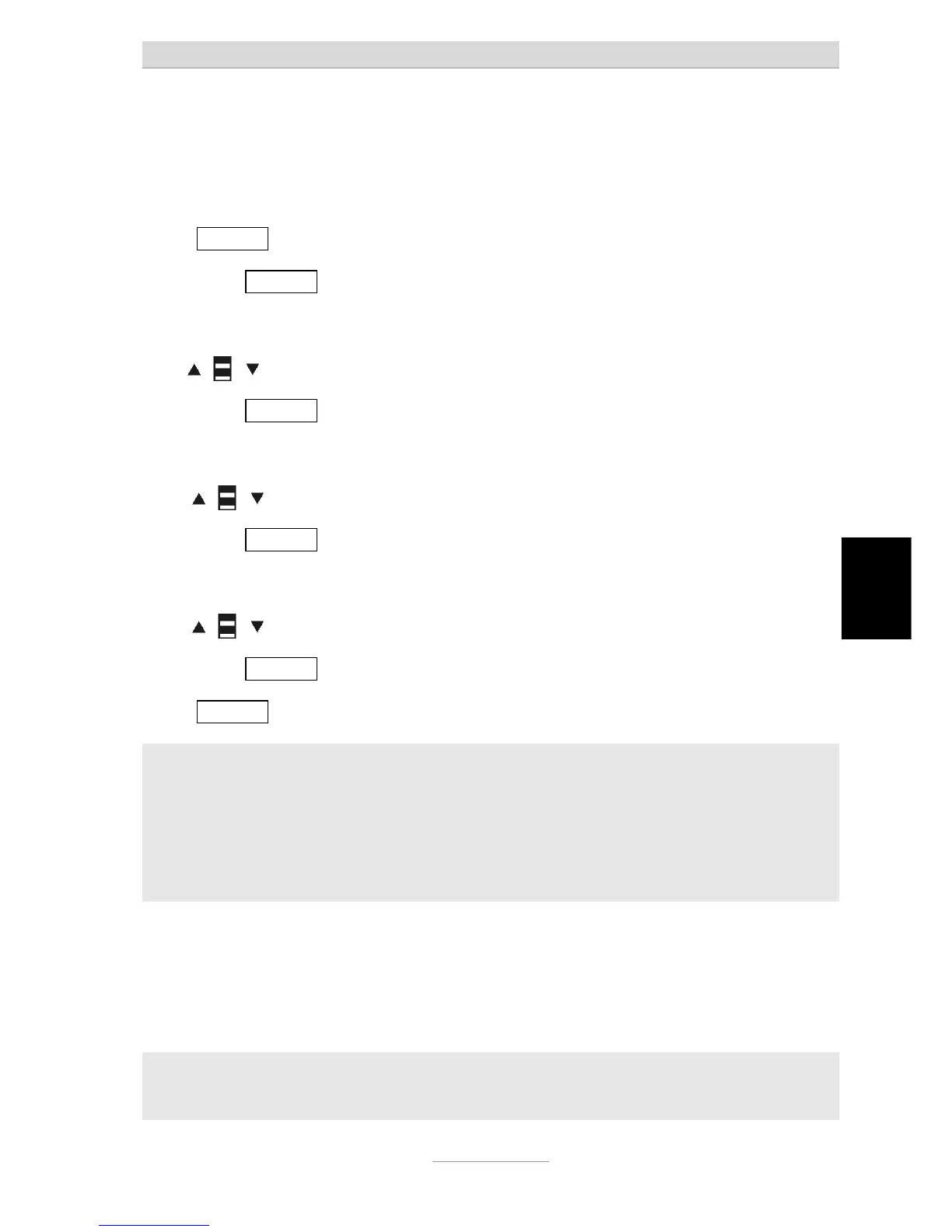
Press X/MENU for a minimum of 3 seconds to enter the function menu.
Short press X/MENU several times to bypass other settings till LCD shows
(T1= 6.6 * 006 ms).
Use
to adjust timing according to PABX in use.
Short press X/MENU to save T1.
The LCD shows (T2 = 6.6 * 017 ms) ,
Use
to adjust timing according to PABX in use.
Short press X/MENU to save T2.
The LCD shows (T3 = 6.6 * 006 ms) ,
Use
to adjust timing according to PABX in use.
Short press X/MENU to save T3.
Press X/MENU several times until you are back to standby mode.
Note:
Signal recognition tolerates ± 46 ms in timing.
Example:
For the initial timing of T1—T2 – T3 = 150 – 330 – 150ms manual setting shows
(T1= 6.6 * 022 ms) (T2 = 6.6 * 050 ms) (T3 = 6.6 *0 22 ms) which mean SR-timing
tolerates
(T1= 150 ± 46 ms) (T2 = 350 ± 46 ms) (T3= 150 ± 46 ms)
Both Siemens HighPath 3550 and 3750 support this type of MWI.
Supposed setting for Siemens PABX: T1=006, T2=017, T3=006.
Supposed setting for NEC PABX: T1=022, T2=050, T3=022.
However, we strongly recommend checking the settings with your PABX installer.
Note:
The Message Waiting Switch is good for operating the phone behind a PABX.
Switch position has to be PR1 or PR 2 for operation on a public line.



 To Next Page