Appendix
22
e
n
g
Troubleshooting
If you have difficulties on your phone’s operation, the suggestions below
should solve the problems:
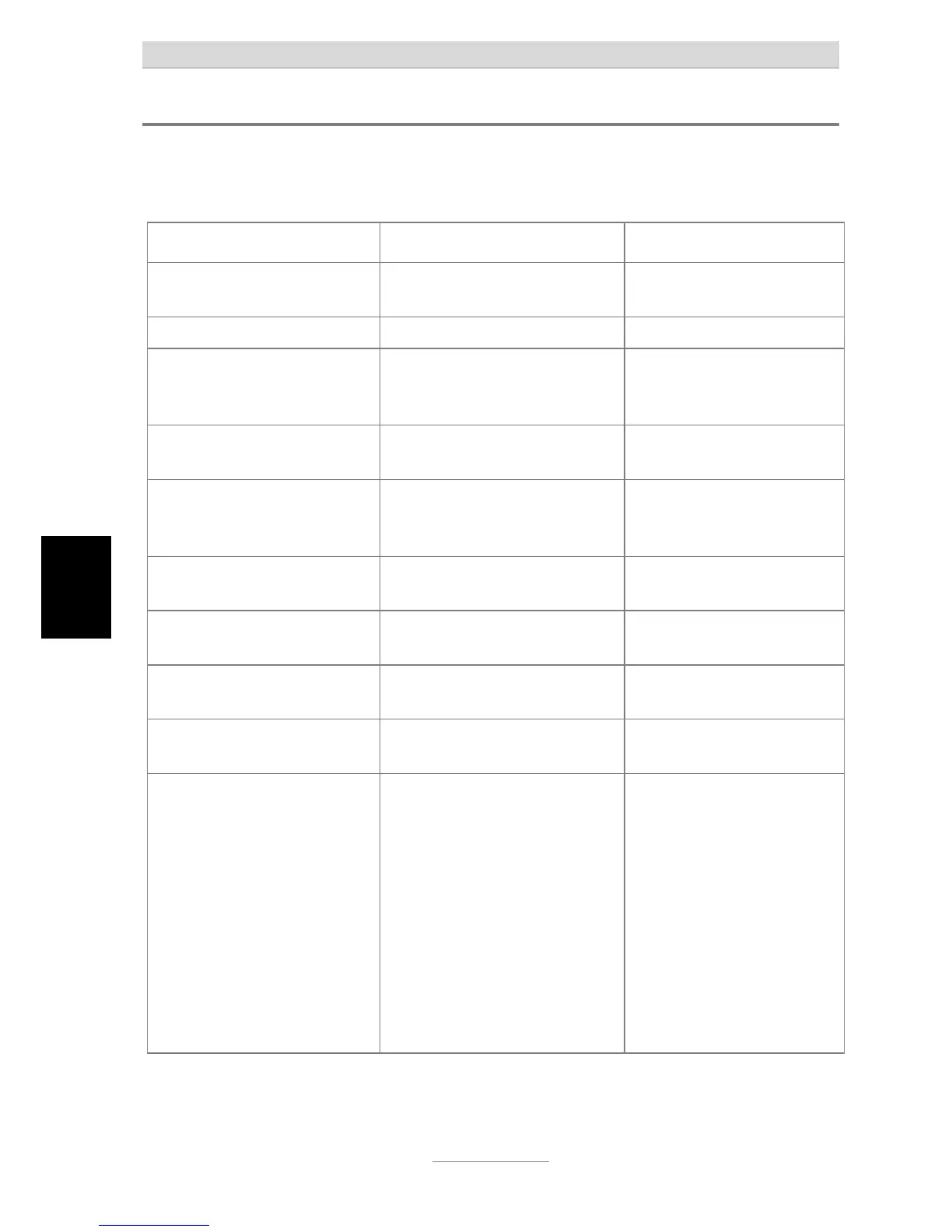
Problem Possible cause Remedy/Recommendation
No display when going off-
hook.
No contact with telephone
socket.
Check all cables and plugs. If
necessary try another plug.
Display too weak or dark. Contrast set incorrectly. Set contrast.
Display shows wrong year, but
date and time is OK.
Network operator or PABX sends
out date and time but no year
information.
Set year manually. There is
no protocoll to send the year
as well. This is not a fault.
MWI lamp is on all the time. Wrong setting of MWI-switch.
Wrong telephone line polarity.
Change MWI-switch from
PR1 to PR2 or vice versa.
Phone does not ring.
No sound.
No contact with telephone
socket. Ring tone set to silent.
Check all cables and plugs. If
necessary try another plug.
Set ring tone volume.
Phone does not ring in PABX. No ringing signal assigned to the
extension.
Check PABX programming.
Buzzing or other interference
on loudspeaker.
Interference from cordless
telephone, monitor etc.
Chang installation location.
Phone receives calls but can
not make calls.
Dial mode is wrong. Change to appropriate dial
mode.
Incorrect or no connection
when dialling from PABX.
The prefix for the public network
has not been entered.
Enter prefix.
No call number displayed
when a call is received
Network operator or PABX does
not support the function or
function is not authorised.
The caller has suppressed his
call number or has a secret
number.
The call comes from a public
telephone.
The called is made via a
telephone network that does not
support transferring call
numbers.
Check with network operator
or PABX as to whether
function is supported or
needs to be authorised.


 To Next Page
 Loading...




