25
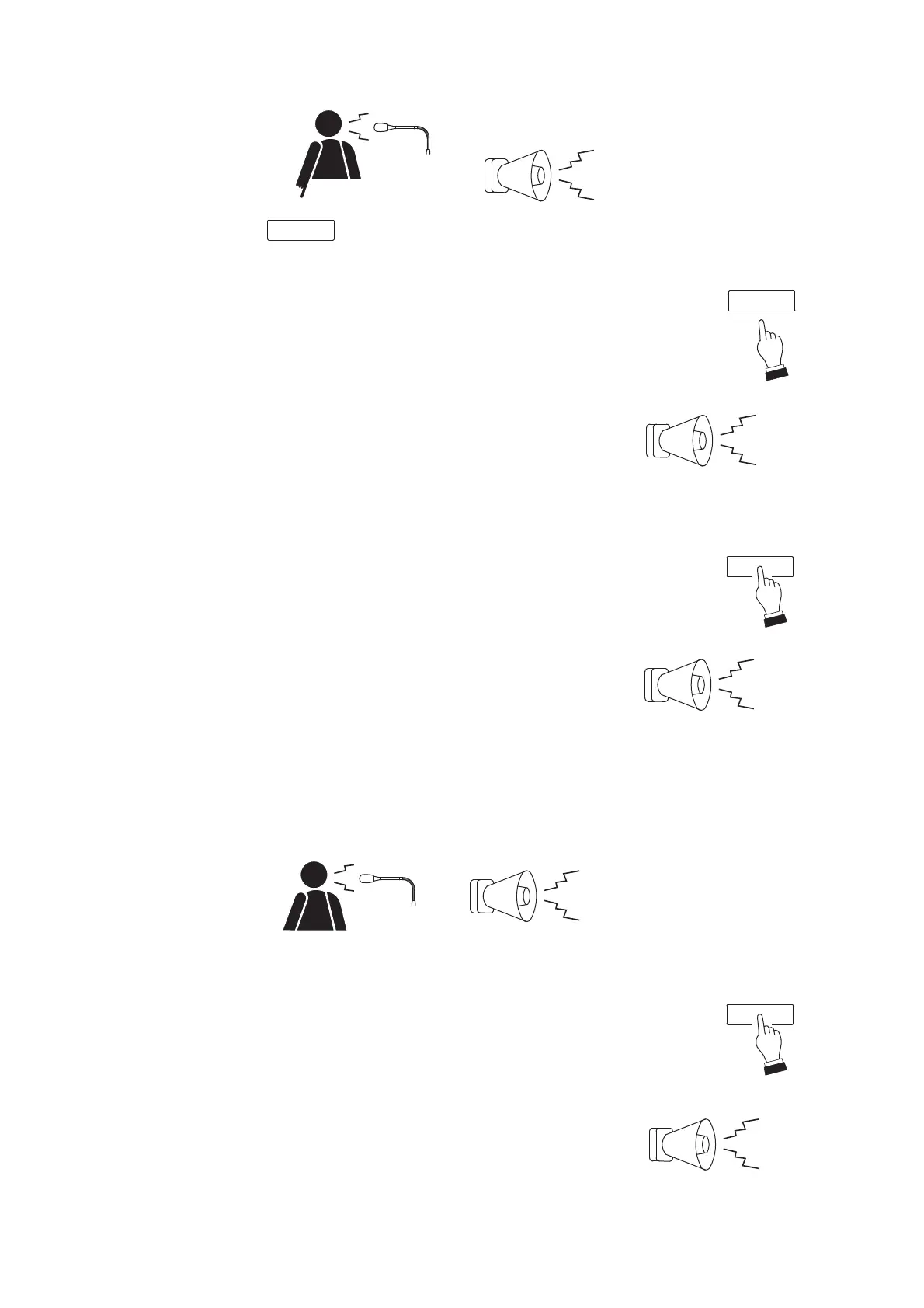
3-2. After chime play completion, make an announcement using the microphone.
Step 4. End of broadcast
Releasing the Talk key will sound an end chime tone (only when the
Up/Down 4-tone chime function is employed by the unit), terminating
the broadcast.
The In-use indicator goes out.
[Lock operation]
Step 3. Start of broadcast
3-1. One-touch press the TALK key.
A start chime tone will be sounded over the broadcast zone.*
(If the chime function is disabled, the microphone announcement can
be made upon depression of the TALK key.)
The In-use indicator will light green.
* The unit is preset for one of 5 different types of chime tones. It is also possible to disable the chime
function. (For details, see p. 29 "CHIME FUNCTION.")
3-2. After the chime play is finished, make an announcement at the microphone.
Step 4. End of broadcast
One-touch pressing the TALK key again will sound an end chime
tone (only when the Up/Down 4-tone chime function is employed by
the unit) and terminate the broadcast.
The In-use indicator goes out.



 To Next Page