30
12.2.3. Independent chime activation (remote control)
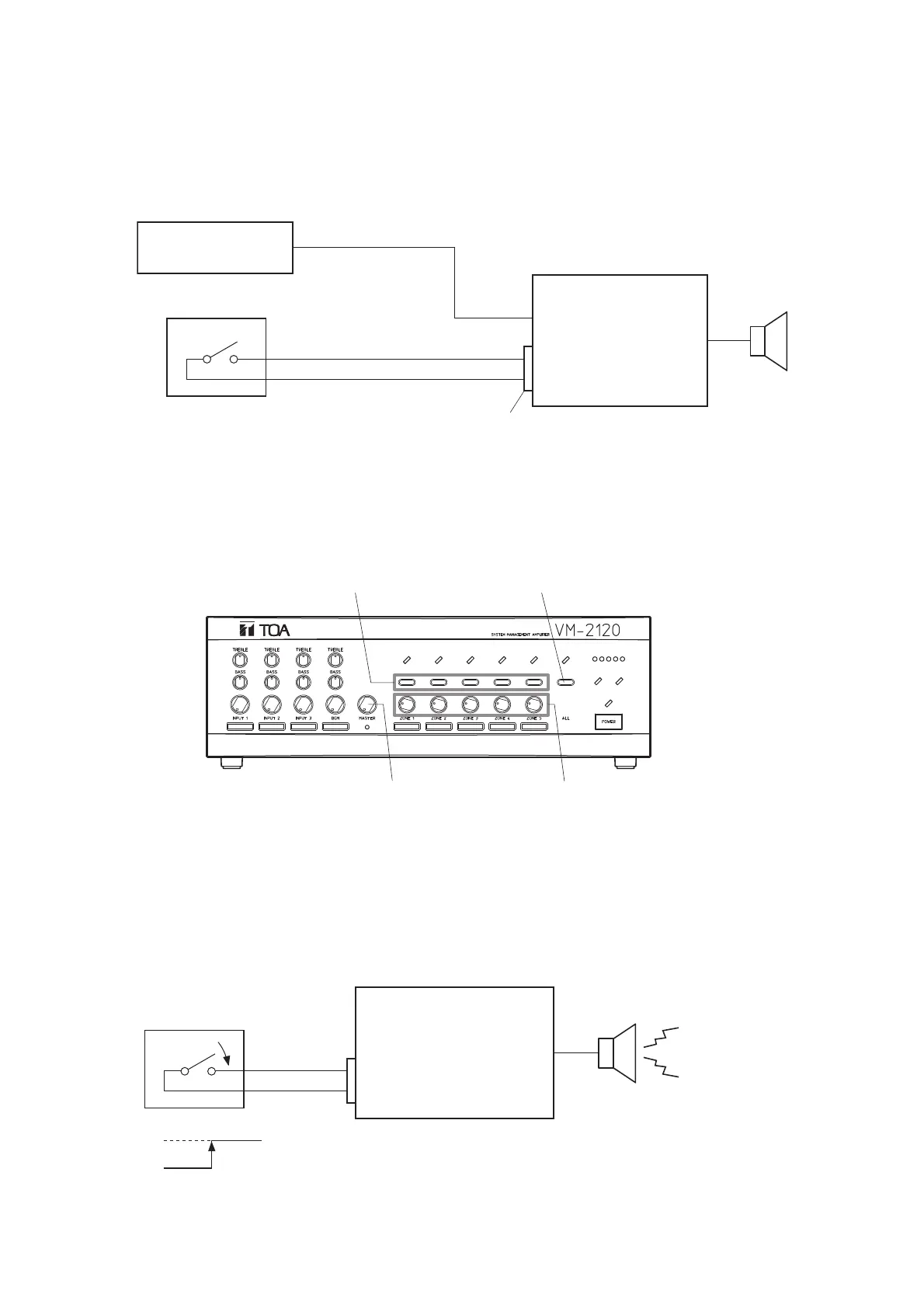
• A chime tone can be sounded when the broadcast of the sound source (Priority 3) connected to Inputs 1 – 3
not activated by remote control (CTRL IN 1,2,3) is started (and completed).
• Have a chime tone remotely transmitted from the unit's rear panel-mounted CONTROL I/O connector pin No.
9 "Chime activation." (See p. 36 "CONTROL I/O CONNECTOR FUNCTIONS.") Make a chime activation
switch and connect it to between the pin and GND terminal.
[Operating procedure]
Step 1. Using the unit's front panel-mounted zone selector key (Zone 1 – 5) or All-zone broadcast key, select
the desired zone(s) to broadcast the sound source connected to Input 1, 2, or 3.
Note: The chime sound volume depends on the broadcast volume level adjusted with the master volume
control and zone volume control.
Step 2. Turn on (make) the Chime switch. A pre-announcement chime tone will be sent out to the zone(s)
selected in Step 1.
Pin No. 9
Pin No. 9



 To Next Page