11
10.3. ConnectionwithBrowser
10.3.1. Connectionpresets
The speaker is factory-preset as follows:
Username: admin
Password: guest
IP address: 192.168.14.1
Subnet mask: 255.255.255.0
Default gateway: 0.0.0.0
Before connecting a PC to the IP ceiling speaker and changing its setting, it will be necessary to
set the PC’s network settings so that it can operate on the same network as the IP ceiling speaker.
Take care that no IP addresses are duplicated in the same network.
For example, if the IP ceiling speaker’s IP address is 192.168.14.1, set the PC’s IP address to
192.168.14.10.
10.3.2. Makingconnection
Notes
• Avoid simultaneously connecting to the IP ceiling speaker from multiple PCs.
• Avoid simultaneously connecting to the IP ceiling speaker from a single PC using multiple
browsers.
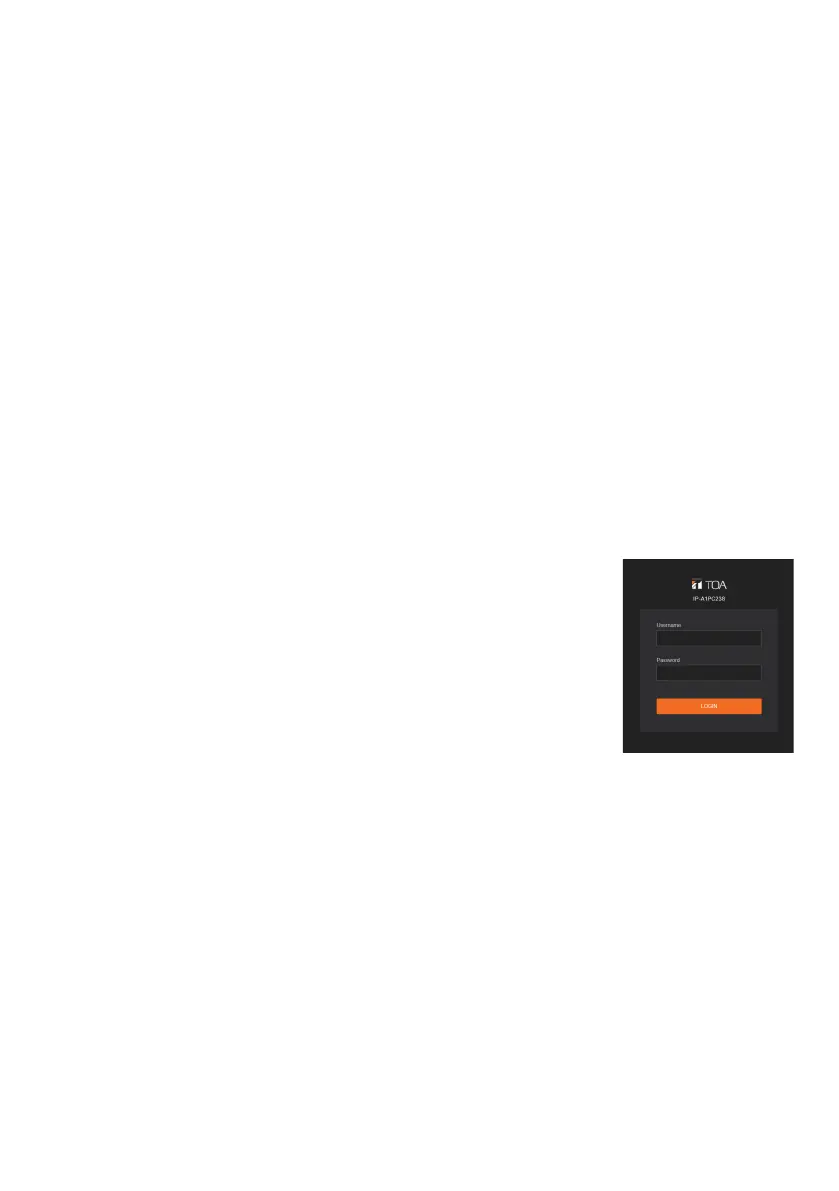
Step 1. Start the browser and enter the speaker’s IP address in the address eld.
The Login screen is displayed.
Step 2. Enter the username and password, and click the LOGIN button.
The Status screen is displayed, enabling a range of settings.
Note
For details regarding the setting method, please refer to the
separate setup manual.
The latest version of the setup manual is available on the TOA
DATA Library (https://www.toa-products.com/international/).


 To Next Page