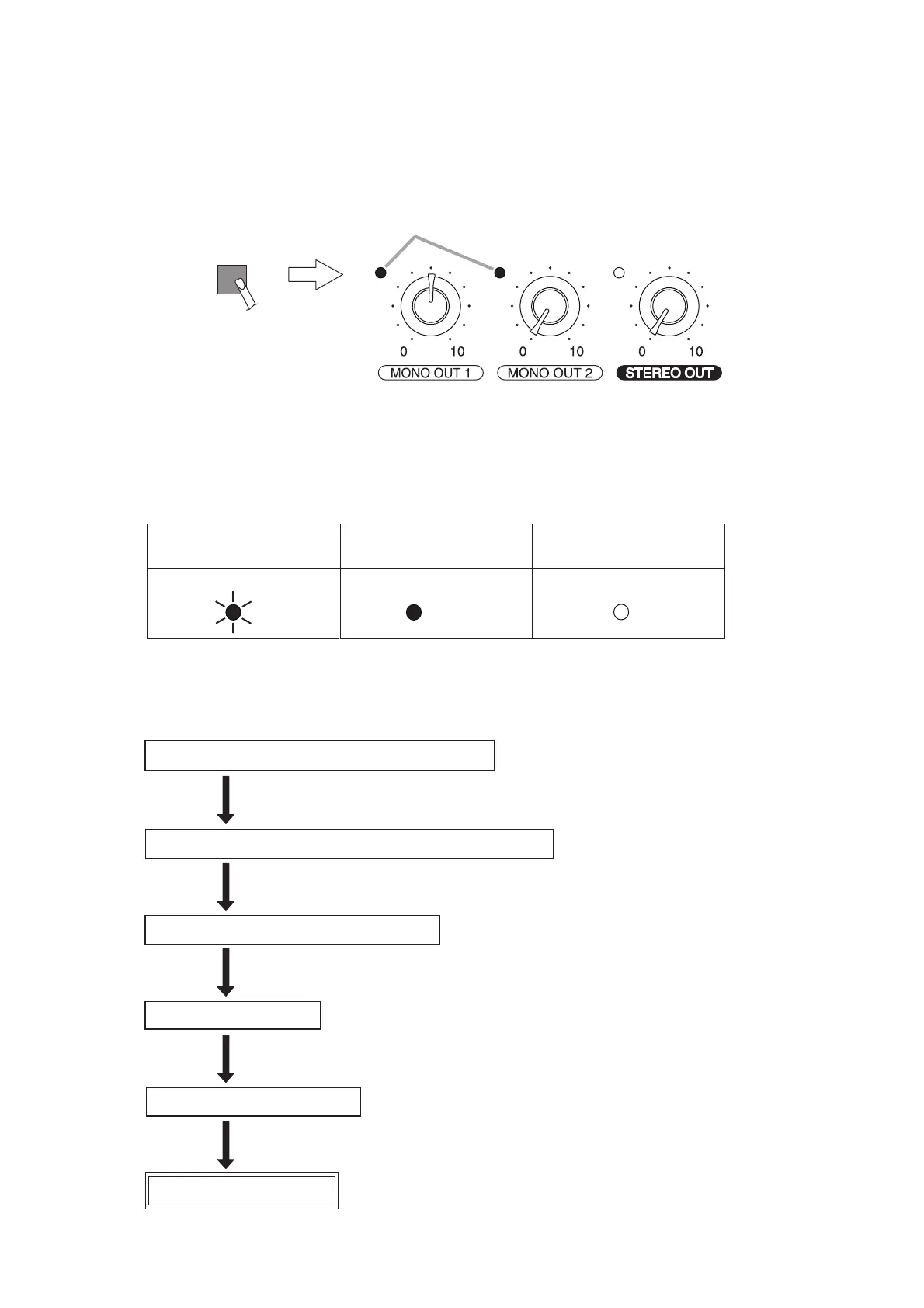
Press briefly,
then release.
Light orange.
An example that the ARC filter is set to
the MONO OUT 1 and MONO OUT 2 channels.
ARC
Unlit
ARC measurement
in progress
ARC filter ON ARC filter OFF
LitFlashing
ARC ARC ARC
Connect a measuring microphone*, then check if it works.
Make an initial setting of input and output levels.
Conduct ARC measurement.
ARC function is enabled.
Install the microphone.
Set the output channel and output level.
(See Step 1 on p. 13.)
(See Steps 2 and 3 on p. 14.)
(See Steps 4 and 5 on p. 15.)
(See Step 6 on p. 16.)
(See Step 7 on p. 17.)
* The microphone for normal use can be used.
9.2.3. How to confirm the ARC enabled channel
The output level indicator of the ARC enabled (ARC filter preset) output channel lights orange when the ARC
switch is pressed.
9.2.5. ARC measurement procedure
9.2.4. ARC operation indicator status



 To Next Page