9.3. Enabling the ARC Function
Notes
• The ARC filter is created on the output channel selected with the Assignment switches at the ARC
measurement.
• The ARC filter previously set on the output channel will be updated by the newly created ARC filter after the
ARC measurement.
• To initialize the ARC filter, disable the ARC function. (See p. 20.)
The ARC filters for all the output channels are initialized. They cannot be initialized individually.
• Use a fine-tipped screwdriver to press in the Assignment and ARC switches.
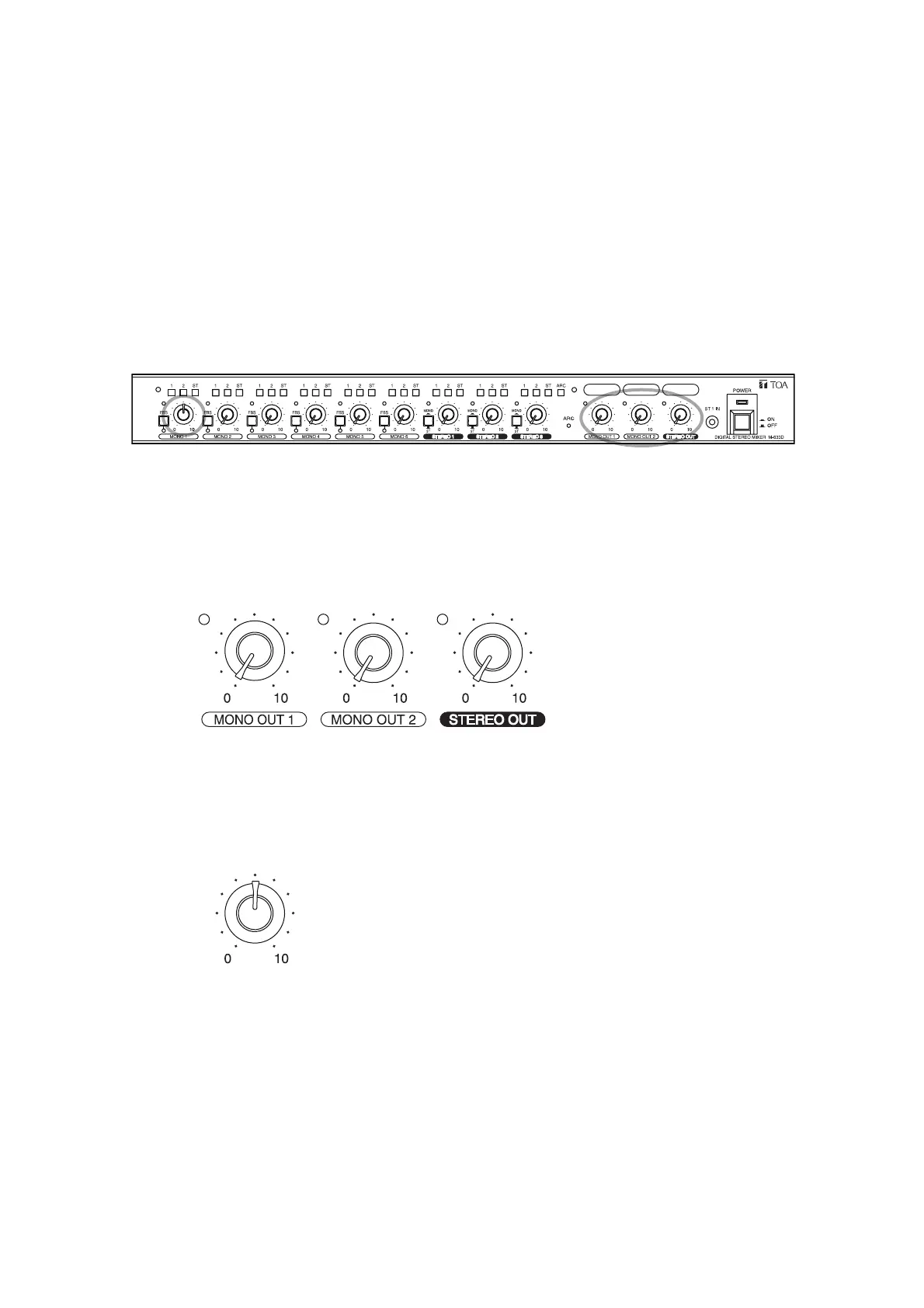
Step 1. Make an initial setting of the input and output levels.
1-1. Turn all the output level control knobs to the "0" position.
1-2. Turn the MONO 1 input level control knob to the 12 o'clock position.
1-3. Fully turn down the output volume of the connected amplifier.



 To Next Page