23/35
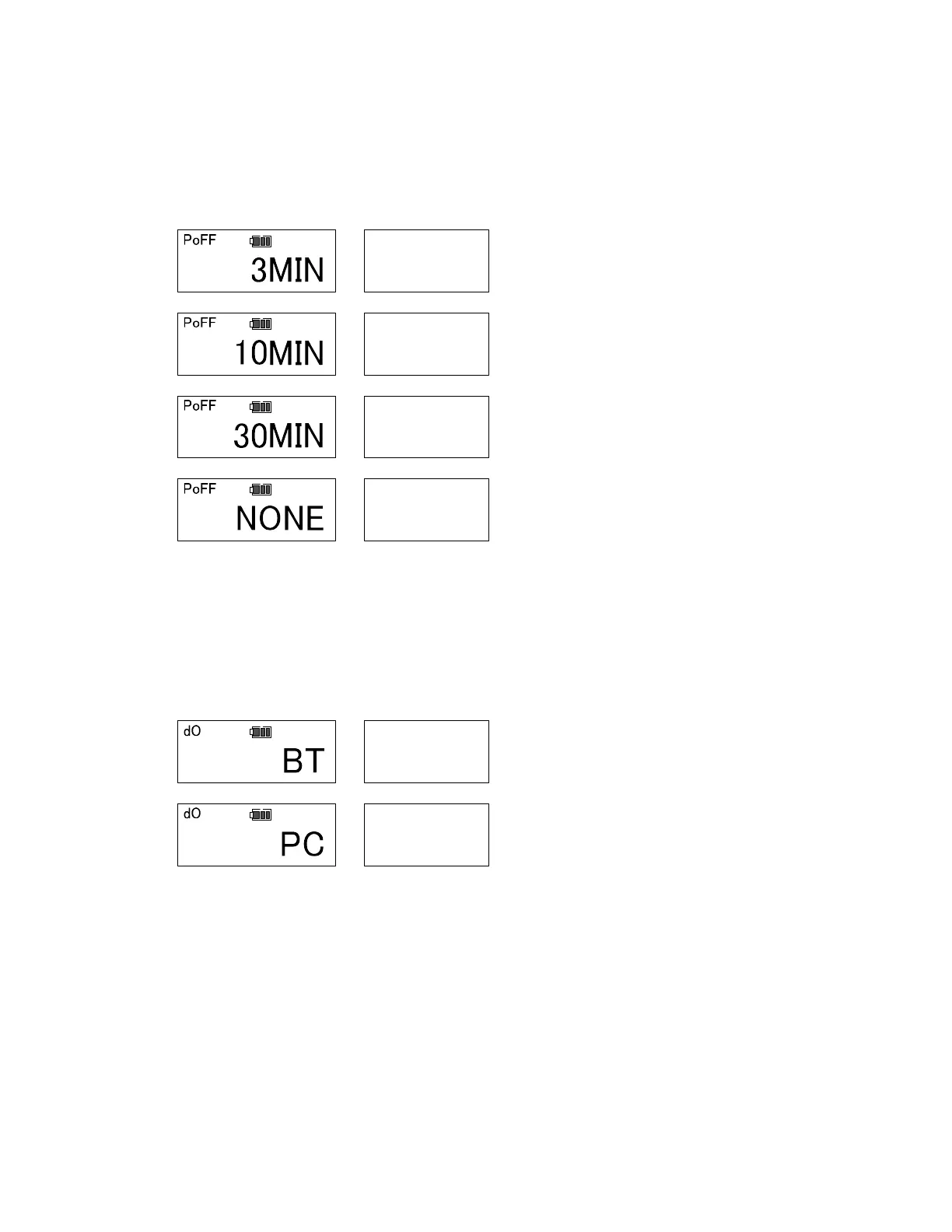
xiv. Auto power off (Default: 3MIN)
Select an auto power off timer from 3 minutes, 10 minutes, 30 minutes or NONE.
The tool turns off after time that is set, however the Bluetooth® is not turned off.
If it is set to NONE, requires the “Power” key is pressed to turn off or the tool will work
until the battery is gone.
Select the timer using upper or down arrow keys. Press “MEM” key to save setting and
go to next. Press “MD” key to skip setting and go to next. Press “C” key to go back to
RUN mode (measurement mode).
xv. Communication mode (Default: BT)
Select the communication mode setting from BT (Bluetooth®) or PC (Cable).
※ If it is set to “BT” skip the Baud rate, Data length and Parity settings
Select the communication mode using upper or down arrow keys. Press “MEM” key to
save setting and go to next. Press “MD” key to skip setting and go to next. Press “C”
key to go back to RUN mode (measurement mode).


 To Next Page
 Loading...