favourite
rename .............................................................(current page)
favourite
delete ...............................................................(current page)
ADD AND MANAGE FAVOURITES (2/2)
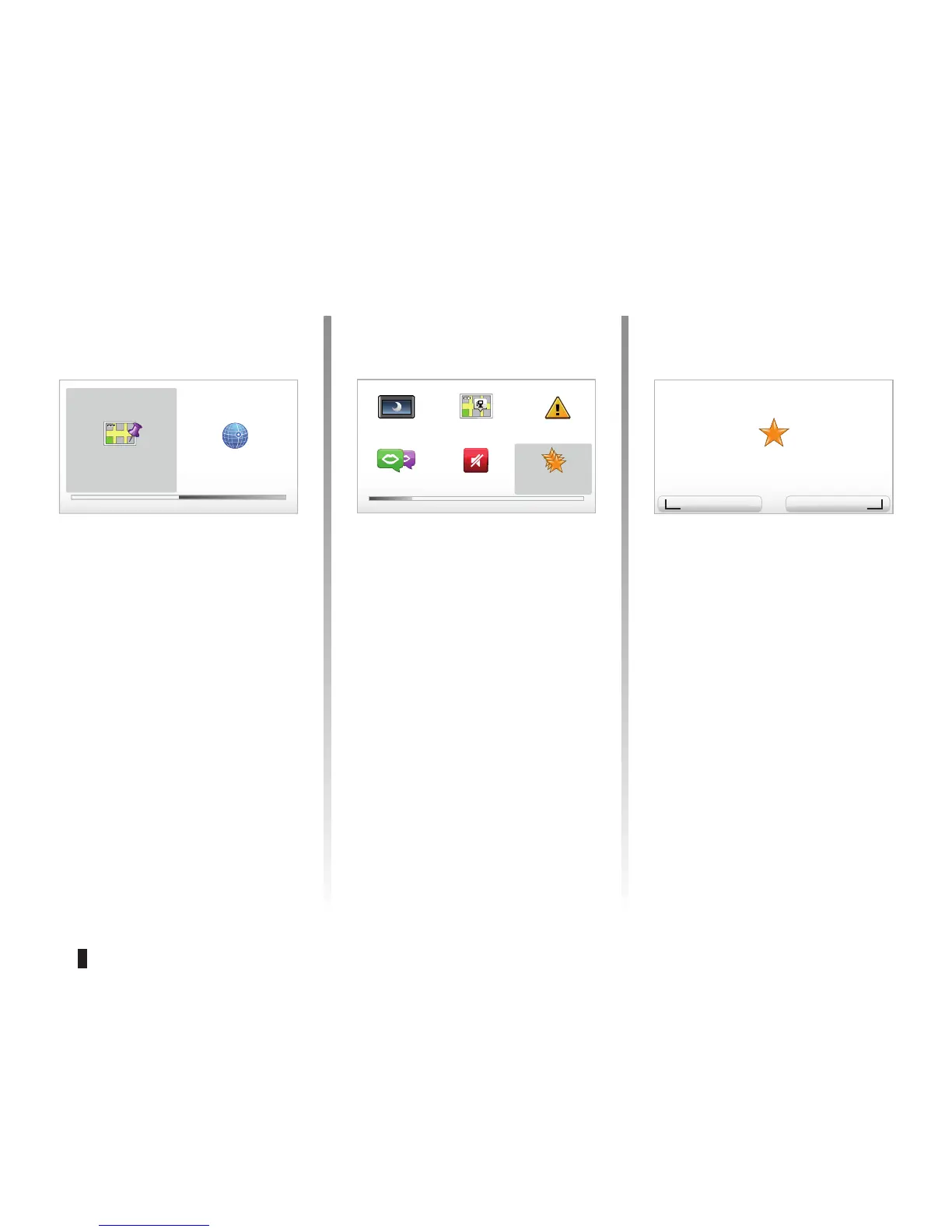
“Point on map”
Select the location of your Favourite
using the cursor, then select “Done”
using the soft button.
“Latitude Longitude”
Select this button to create a Favourite
by entering latitude and longitude
values
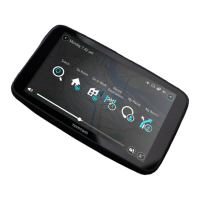
Deleting/renaming a
Favourite
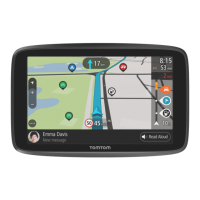
– Select the main menu (“MENU/SET"
button).
– Select “
Change preferences” to dis-
play the Preferences menu.
– Scroll through the pages until you
reach “Manage Favorites”, then
select it.
Add as Favorite 2 of 2
Point on
map
Latitude
Preferences 1 of 5
Use night
colors
Show POI
on map
Safety pref-
erences
Voice prefer-
ences
Turn off
sound
Manage
Favorites
Manage Favorites
You have selected the favorite
Delete item Rename item
“Favourite 3”.
Longitude



 To Next Page