system
update .............................................(up to the end of the DU)
personal data
save ................................................ (up to the end of the DU)
personal data
delete ..............................................(up to the end of the DU)
43
ENG_UD16444_4
NFA Home (XNX - NFA - Renault)ENG_NW_859-3_TTY_Renault_0
Updating the system
UPDATING THE SYSTEM (1/3)
Thanks to the TomTom HOME software,
installed by inserting your SD card into
a computer that is connected to the in-
ternet, you can:
– update your navigation system
(maps, etc.),
– save your navigation system data on
your computer,
– add or delete data,
– customise your system,
– share map corrections with the com
-
munity (Map Share™),
– or even download the user manual.
To do this, you must:
– remove the SD card from your navi
-
gation system,
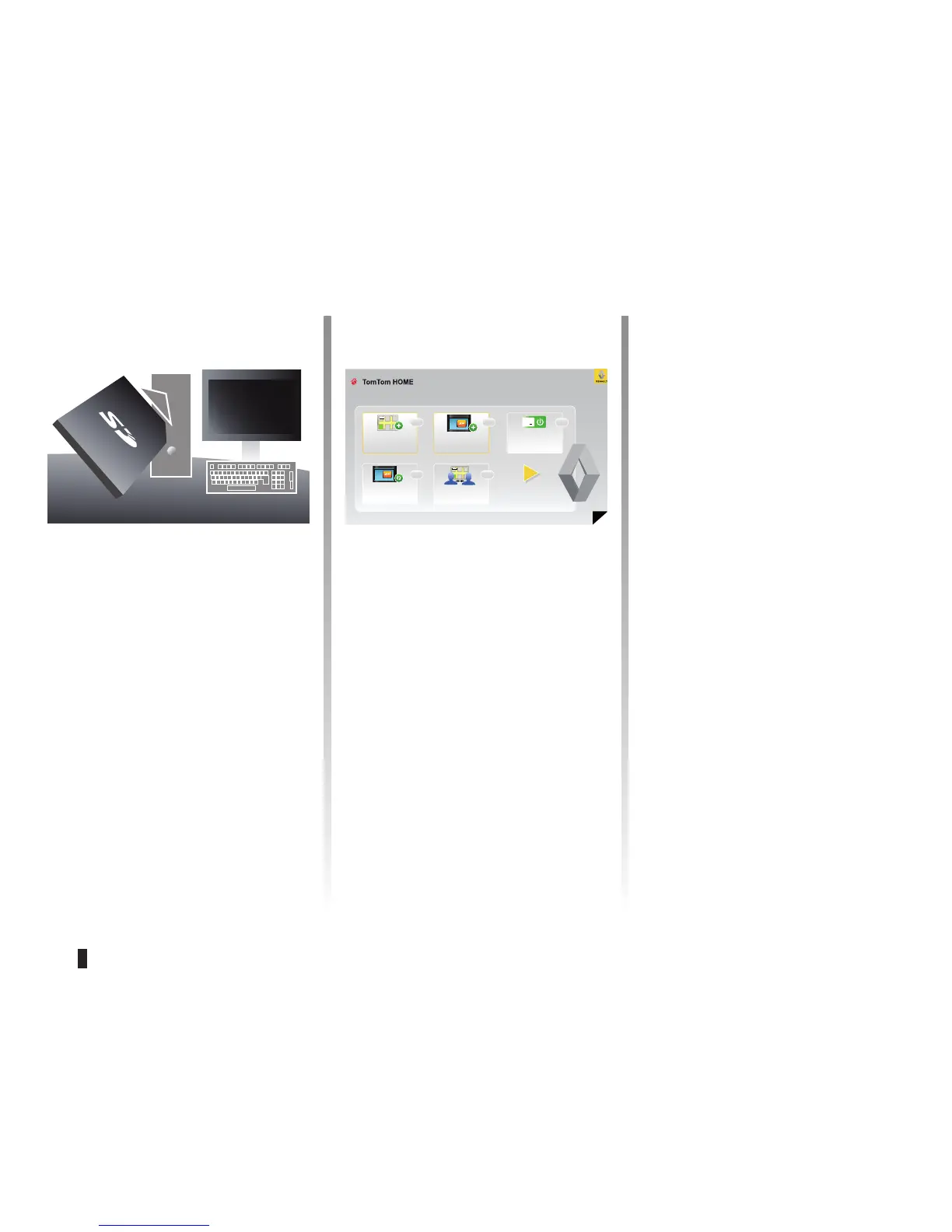
– insert this SD card in your compu
-
ter's card reader (the computer must
already be connected to the internet
and an external SD card reader may
be required),
– install the TomTom HOME software
on your computer following the in-
structions displayed on the screen.
Refer to the information on “Removing
the card” in the “SD card” section.
Installing the software
The TomTom HOME software menus
guide you through these operations.
Insert the SD card in your computer's
card reader or an external card reader,
while connected to the Internet.
The software installation is launched
automatically.
Follow the instructions shown on the
screen.
This is the main menu of TomTom HOME Page 1 of 3
Add Mapps
Help
Add Traffic,
Voices, Safety
Cameras etc.
Use my activation or
promotion code
Update my Carminat
TomTom
Get free map cor-
rections from Map
Share
TM
Help
HelpHelp
Help



 To Next Page