“Name preferences”
This menu allows you to display street
and house numbers on the map.
“Set units”
Units of distance
Select “miles” or “kilometers”, the select
“Done” using the soft buttons.
Clock display
Select from the 3 clock display mode
options, then select “Done” using the
selection buttons to move on to the next
step.
Co-ordinates display
Select from the 3 latitude and longitude
display options, then select “Done”
using the soft buttons to move on to the
next step.
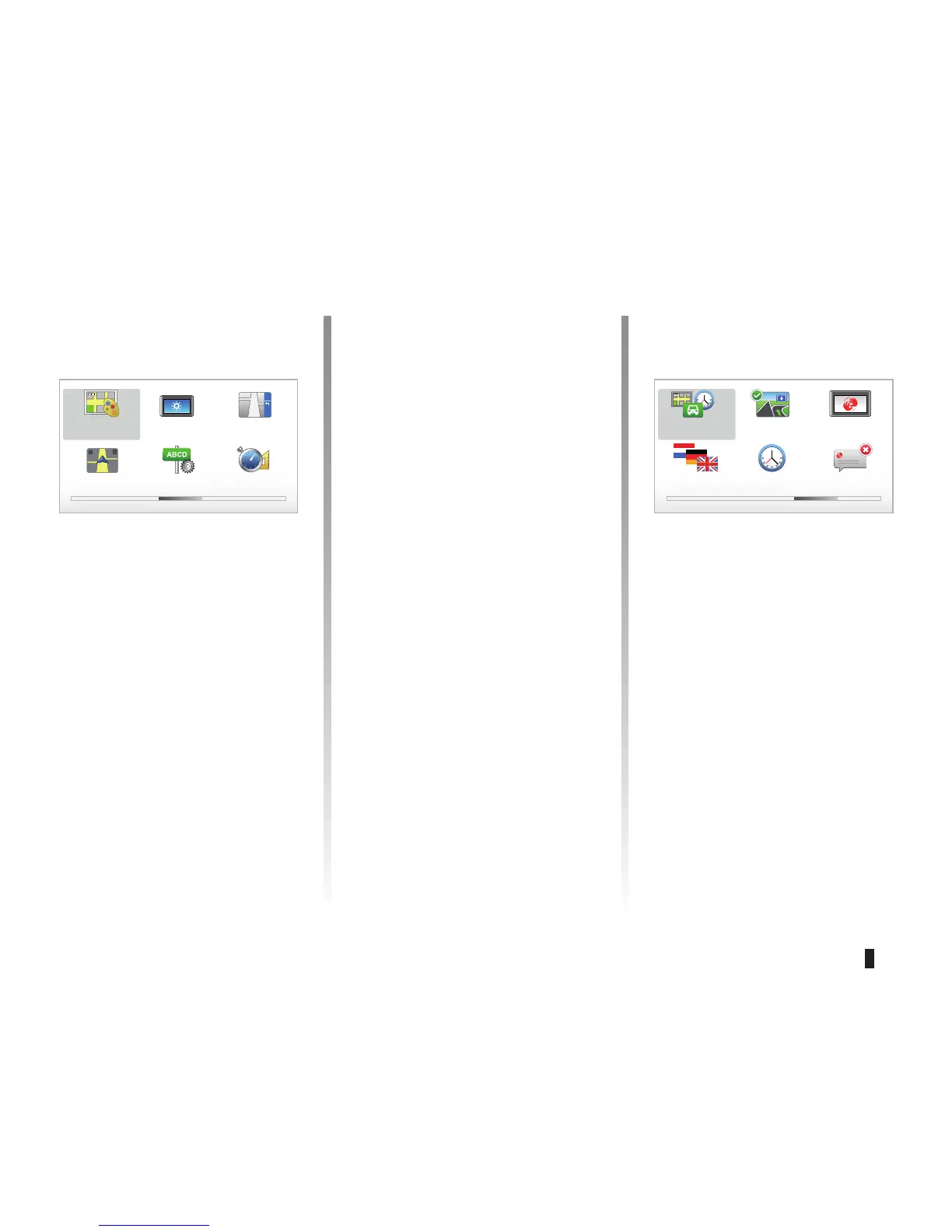
Preferences 3 of 5
Change map
colors
Brightness pref-
erences
Status bar pref-
erences
Automatic zooming Name prefer-
ences
Set units
“Status bar preferences”
Add to the list of options that you wish
to appear on the navigation map status
bar.
“Automatic zooming”
Automatic zooming mode allows a grad-
ual zoom when approaching a change
in direction.
Preferences 4 of 5
Planning prefer-
ences
Show lane
images
Start-up prefer-
ences
Change
language
Set clock Hide tips
“Planning preferences”
This menu allows you to define your
preferences for:
Planning type
Select one of the 5 types of planning
preferences, then finish with the OK
button. The recommended planning
preference is “Fastest route”.
SYSTEM SETTINGS (3/6)



 To Next Page