clock
setting .............................................................. (current page)
system
initialisation ...................................................... (current page)
36
ENG_UD16443_4
NFA/Réglages système (XNX - NFA - Renault)ENG_NW_859-3_TTY_Renault_0
“Set clock”
When the clocks change in summer
or winter, or when you are travelling
abroad, you will need to adjust the time
on your system.
Select “Set clock”; the system offers
you three display modes. Select the
desired mode, then “Done” using the
soft button. Set the clock, then select
“Done”.
Clock synchronisation
The synchronisation option allows you
to set the time directly using GPS in-
formation.
Select this option by pressing the
lefthand “Sync” soft button.
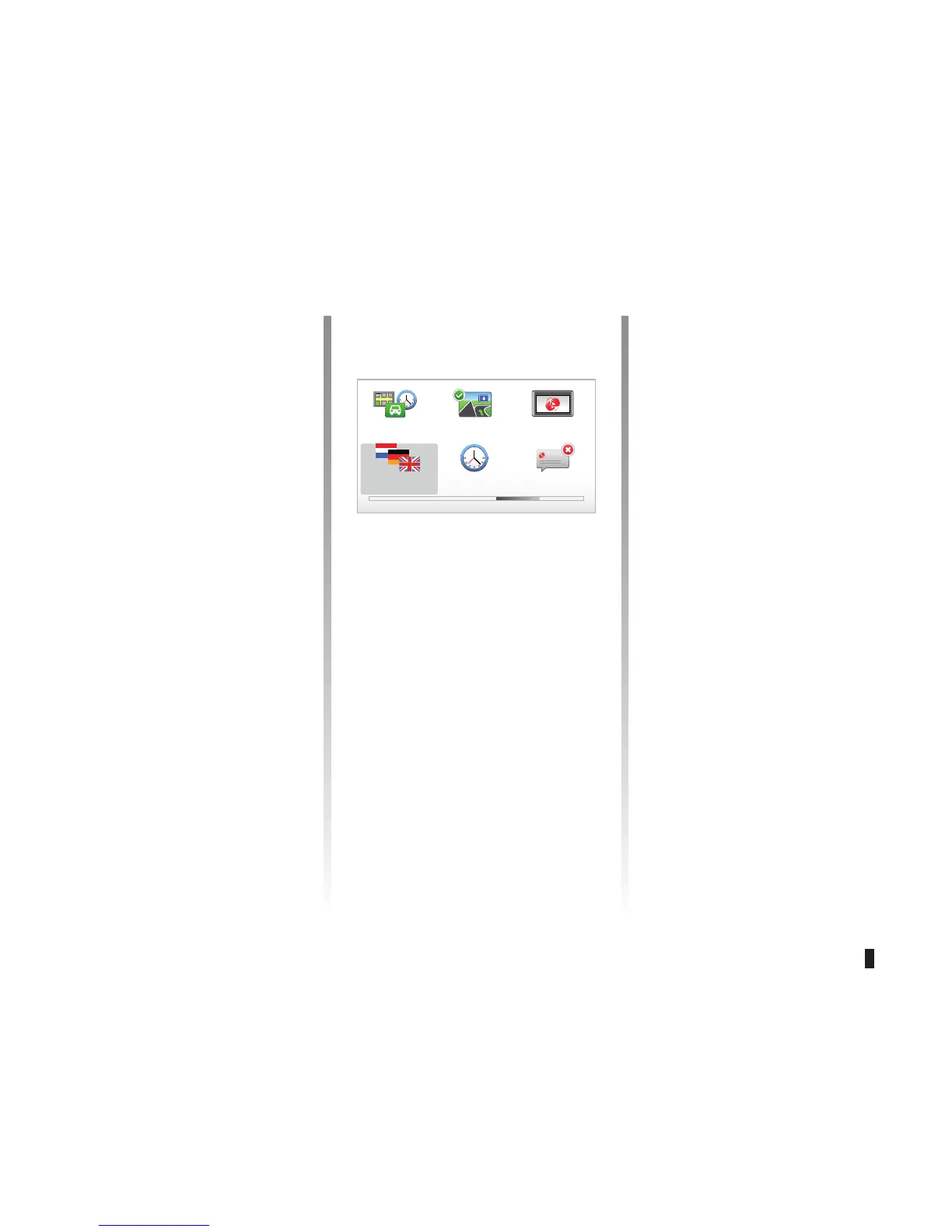
SYSTEM SETTINGS (5/6)
Preferences 4 of 5
Planning prefer-
ences
Start-up prefer-
ences
Change
language
Set clock Hide tips
Show lane
images
“Change language”
To select a language, select “Language”,
then the system will ask you to choose
a voice.
Select the required language from the
following list:
– Afrikaans
– Catalan
– Czech
– Danish
– Dutch
– UK English
– US English
– Estonian
– Finnish
– Flemish
– French
– German
– Hungarian
– Italian
– Latvian
– Lithuanian
– Norwegian
– Polish
– Portuguese (Brazil)
– Portuguese (Portugal)
– Slovakian
– Spanish
– Swiss
– Turkish
To confirm, press the OK button.



 To Next Page